





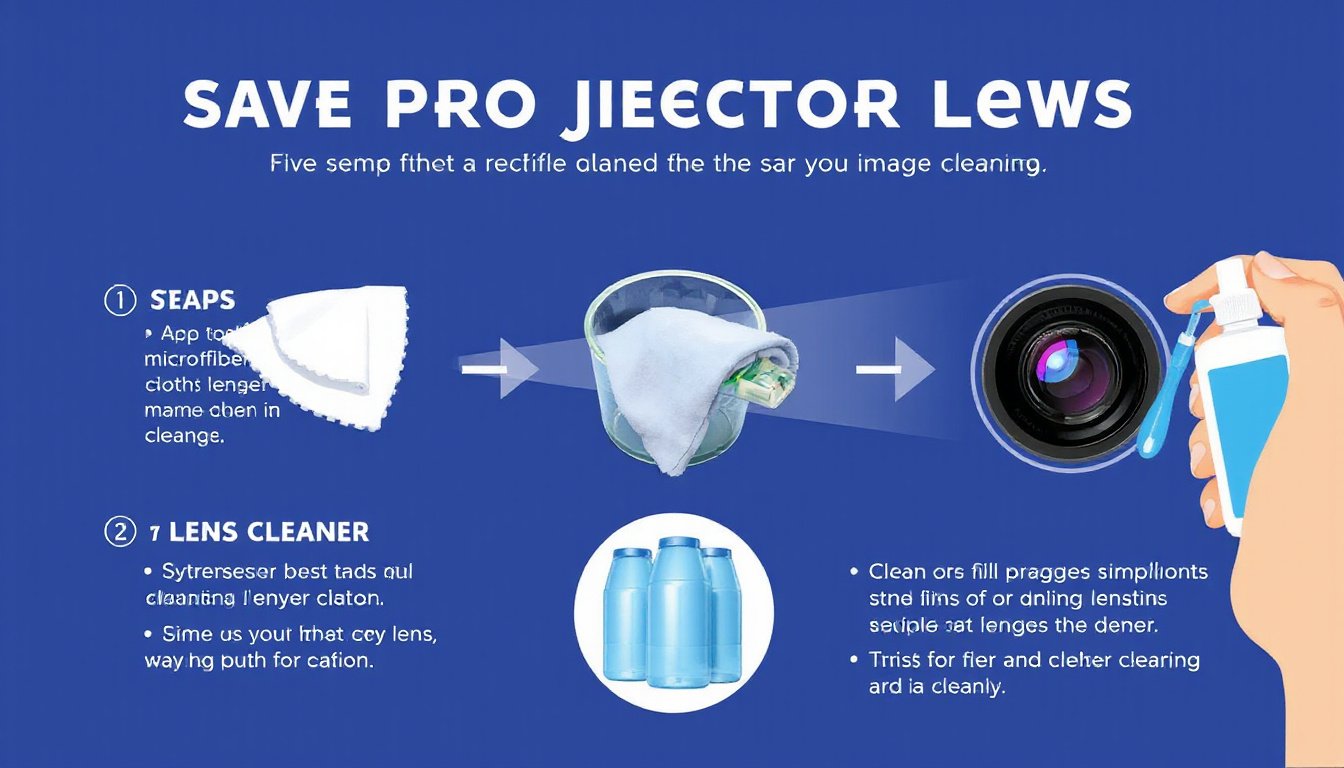
A clean projector lens is essential for delivering sharp, vibrant visuals—whether you’re giving a presentation, enjoying a movie night, or gaming. Dust, fingerprints, and smudges on the lens can degrade image quality, making pictures blurry or dull. However, cleaning projector lenses requires care, the right tools, and proper technique to avoid damaging these delicate optical components.
This comprehensive guide walks you through everything you need to know about how to clean projector lenses safely—covering preparation, tools, step-by-step instructions, common mistakes to avoid, and tips for routine maintenance.
Why Cleaning Your Projector Lens Matters
Over time, projector lenses attract dust, dirt, and oils from fingerprints, which scatter light and reduce image clarity. A dirty lens can make your visuals look hazy or faded and, if left unaddressed, potentially shorten the projector’s lifespan. Routine cleaning preserves image sharpness, preventing the need for costly repairs or replacements.
Essential Tools for Safe Lens Cleaning
Using improper tools is the fastest way to scratch or damage your lens. Here’s what you need for safe and effective cleaning:
- Microfiber Cloth: Soft, lint-free, and non-abrasive cloths designed specifically for optical lenses.
- Lens Cleaning Solution: Optical lens cleaners made for delicate coatings. Avoid alcohol-based, ammonia, or household glass cleaners as they can harm the lens.
- Manual Lens Blower or Compressed Air: Used to gently remove loose dust without touching the lens.
- Lens Brush: Soft-bristled brushes tailored for cleaning lenses, to remove remaining particles.
- Lens Cleaning Paper or Tissues (Optional): Specially designed to be non-scratching and residue-free.
Avoid: Regular paper towels, cotton swabs, t-shirts, or household cleaners, as these can scratch or chemically damage the lens.

Preparation Steps Before Cleaning
- Power Down and Unplug: Always turn off your projector and disconnect it from power to avoid electrical hazards and damage.
- Allow Cooling: The lens and internal components become hot during use; wait 20–30 minutes for the projector to cool completely to prevent damage or burns.
- Work in a Clean, Dust-free Environment: This minimizes the risk of additional dust settling on the lens during cleaning.
- Inspect the Lens: Check for dust, smudges, or fingerprints so you can choose how aggressively you need to clean.
Step-by-Step Guide to Cleaning Your Projector Lens
1. Remove Loose Dust
Hold the projector vertically and use a manual lens blower or compressed air can (held upright) to gently blow off any loose dust particles. Use short bursts to avoid moisture build-up.
2. Brush Away Remaining Dust
With a soft lens brush, carefully sweep the lens surface in gentle, circular motions to remove stubborn dust. Avoid pressing too hard.
3. Wipe with a Microfiber Cloth
Slightly moisten your microfiber cloth with lens cleaning solution (never spray the cleaner directly onto the lens). Wipe the lens gently in circular motions, starting from the center and moving outward. This reduces streaks and evenly distributes pressure.
4. Address Stubborn Smudges
For tougher spots, lightly dampen a clean microfiber cloth or use specially designed lens cleaning tissues to target smudges. Avoid excessive moisture.
5. Let the Lens Air Dry
Leave the lens to dry completely before powering the projector back on. You can remove any streaks with a dry part of your microfiber cloth.
Key Safety Tips and Common Mistakes to Avoid
- Don’t Touch the Lens with Your Fingers: Oils from fingerprints are difficult to remove and can damage coatings.
- Never Use Alcohol or Household Cleaners: These contain chemicals that degrade lens coatings.
- Don’t Spray Cleaner Directly on the Lens: Liquids can infiltrate internal components and cause long-term harm.
- Avoid Rough Materials: Paper towels, tissues, or cotton swabs can scratch the lens surface.
- Don’t Clean a Hot Lens: Cleaning while the lens is warm can warp or damage coatings.
- Be Gentle: Excessive pressure can cause scratches or misalignment.
- Limit Cleaning Frequency: Overcleaning can wear down coatings—clean only when image quality drops noticeably.
- Use a Lens Cap: Keep the lens covered when not in use to minimize dust buildup.
Cleaning Inside the Projector Lens
Cleaning inside the lens or internal components is more complex and generally not recommended for casual users, as access requires opening the projector casing and careful handling. If internal dust accumulates and affects image quality, consult the user manual for instructions or take the projector to a professional service center.
Routine Maintenance Tips
- Regularly Inspect Your Lens: Catch dust or smudges early before they seriously impact image quality.
- Keep the Projector Covered: Always replace the lens cap when the projector is off.
- Clean Air Filters: Dusty filters affect projector airflow and image performance. Use compressed air or mild soap and water if washable.
- Store Cleaning Tools Properly: Keep cloths and brushes in clean, dry environments to avoid contamination.
Conclusion
Maintaining a spotless projector lens is vital for enjoying crisp, vibrant images and prolonging your projector’s lifespan. By using the right tools, following safe cleaning practices, and avoiding common pitfalls, you can effortlessly preserve your projector’s optical clarity. Remember, gentle care and regular checks prevent costly damages and ensure your projector always performs at its best.
With these steps in mind, your projector will continue to deliver immersive, dazzling visuals for years to come.
References
- User discussions and community tips on projector lens care (Reddit r/projectors)
- Manufacturer and expert how-to guides on projector lens cleaning procedures
- Optical maintenance best practices in consumer electronics care