





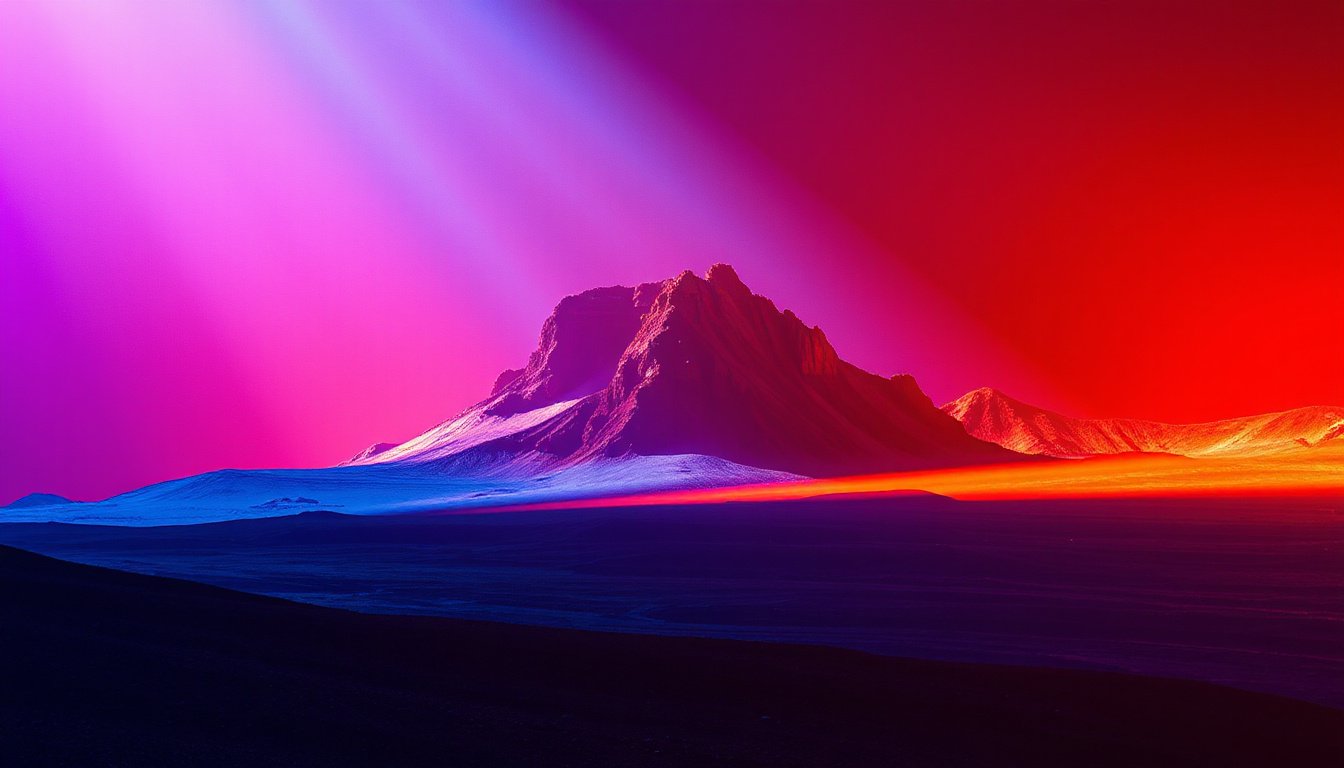
Dynamic contrast is an essential feature in modern display technology that significantly enhances the visual experience by optimizing the interplay between light and dark regions in images and videos. Whether you are a cinephile, gamer, or creative professional, understanding and utilizing dynamic contrast can transform your storytelling by making visuals pop with deeper blacks and more vivid highlights. In this article, we delve into what dynamic contrast is, how it works, its benefits, and practical tips for optimizing it to elevate your visual storytelling.
What is Dynamic Contrast?
At its core, dynamic contrast refers to the ability of a display to adjust its contrast ratio — the difference between the darkest blacks and the brightest whites — dynamically based on the content being viewed. Unlike static contrast, which is fixed, dynamic contrast modifies brightness levels from scene to scene or frame to frame to achieve a richer and more immersive picture. This adaptability is especially prominent in LCD and OLED displays, where the technology can tweak backlighting and pixel brightness to enhance perceived contrast.
Dynamic contrast is sometimes referred to as contrast enhancement and is often implemented through algorithms that analyze the incoming video signal and adjust the luminance accordingly.
How Does Dynamic Contrast Work?
When dynamic contrast is enabled on a display device, the system continuously evaluates the brightness levels of the scene currently being displayed. For example, if a scene is predominantly dark, the display reduces backlight intensity to deepen black levels, minimizing washed-out or grayish blacks. Conversely, in bright scenes, it raises backlight levels to better showcase highlights vividly without losing detail.

This real-time adjustment helps bring out intricate shadow details and makes bright elements stand out more dramatically, resulting in an image that feels more three-dimensional and lifelike. The feature is particularly valuable for HDR (high dynamic range) content, where the range between the darkest and brightest parts of the image can be substantial.
However, it’s important to note that aggressive dynamic contrast settings may sometimes cause artifacts or unnatural shifts in image tone because the display is continually altering brightness and contrast rather than maintaining consistent output.
Benefits of Dynamic Contrast in Visual Storytelling
1. Enhanced Color and Depth
Dynamic contrast enhances the depth of images by creating sharper distinctions between light and shadow. This makes colors appear richer and more saturated, which can amplify the emotional impact of a scene. For instance, the vivid blues of a daytime sky or the warm glow of candlelight in a dark room become more pronounced, adding layers of storytelling through visual cues.
2. Eye Comfort in Varying Lighting Conditions
By adjusting contrast dynamically, displays can reduce eye strain, especially in low-light environments such as watching movies at night. This adaptability helps prevent glaring highlights and overly crushing shadows, leading to a more comfortable and prolonged viewing experience.
3. Improved Detail in Challenging Scenes
Scenes featuring a dominant color tone or high contrast—like sunsets or night scenes—can sometimes appear flat or overly contrasted on fixed settings. Dynamic contrast can mitigate these issues by subtly adjusting brightness to balance the image, revealing details otherwise lost in shadows or washed out highlights.
Practical Usage and Recommendations
Toggling Dynamic Contrast On or Off
Most modern displays, including LCD TVs, OLED panels, and monitors, allow users to toggle dynamic contrast and manually adjust its intensity (e.g., Off, Low, Medium, High).
-
For SDR Content: Many experts recommend keeping dynamic contrast off or on low settings because SDR (standard dynamic range) content is mastered with fixed luminance values (around 100 nits). Using dynamic contrast on SDR might push highlights beyond their intended brightness, causing unnatural visuals.
-
For HDR Content: Setting dynamic contrast to medium or high can enhance HDR’s expansive brightness range and make highlights sparkle without losing shadow detail.
Consider Your Viewing Environment
Dynamic contrast settings should also account for ambient lighting:
- Bright Rooms: Higher dynamic contrast can help maintain picture clarity by compensating for ambient light reflections.
- Dark Rooms: Lower settings or turning off dynamic contrast may offer a more accurate and comfortable viewing experience by preserving shadow details without excessive brightness shifts.
Content Type Matters
Dynamic contrast can be a double-edged sword depending on the content genre:
- Anime and Animation: Users often prefer dynamic contrast enabled at low or medium levels to make colors pop and effects like glowing eyes or magic more vivid.
- Live-action and Filmmaker Modes: Purists may prefer dynamic contrast off to preserve the filmmaker’s original intent in skin tones and subtle color gradations.
Peak Brightness vs. Dynamic Contrast
Dynamic contrast differs from peak brightness, which controls the maximum luminance a display can produce for small highlight areas. Peak brightness is crucial for HDR scenes to make bright spots stand out, while dynamic contrast dynamically adjusts the overall contrast ratio throughout different scenes.
Conclusion
Dynamic contrast is a powerful tool that, when used thoughtfully, can dramatically enhance your visual storytelling by adding bold color, deeper blacks, and impactful highlights. It bridges the gap between a flat image and a captivating one, bringing scenes to life in a way that draws viewers deeper into the narrative.
Remember, the best dynamic contrast settings depend on your specific display, content type, and viewing environment. Experiment with different levels to find the perfect balance between vibrancy and accuracy that elevates your visual experience while respecting the creator’s vision.
By mastering dynamic contrast, you empower your displays to become more than screens—they become portals to immersive, emotive storytelling through light and color.