





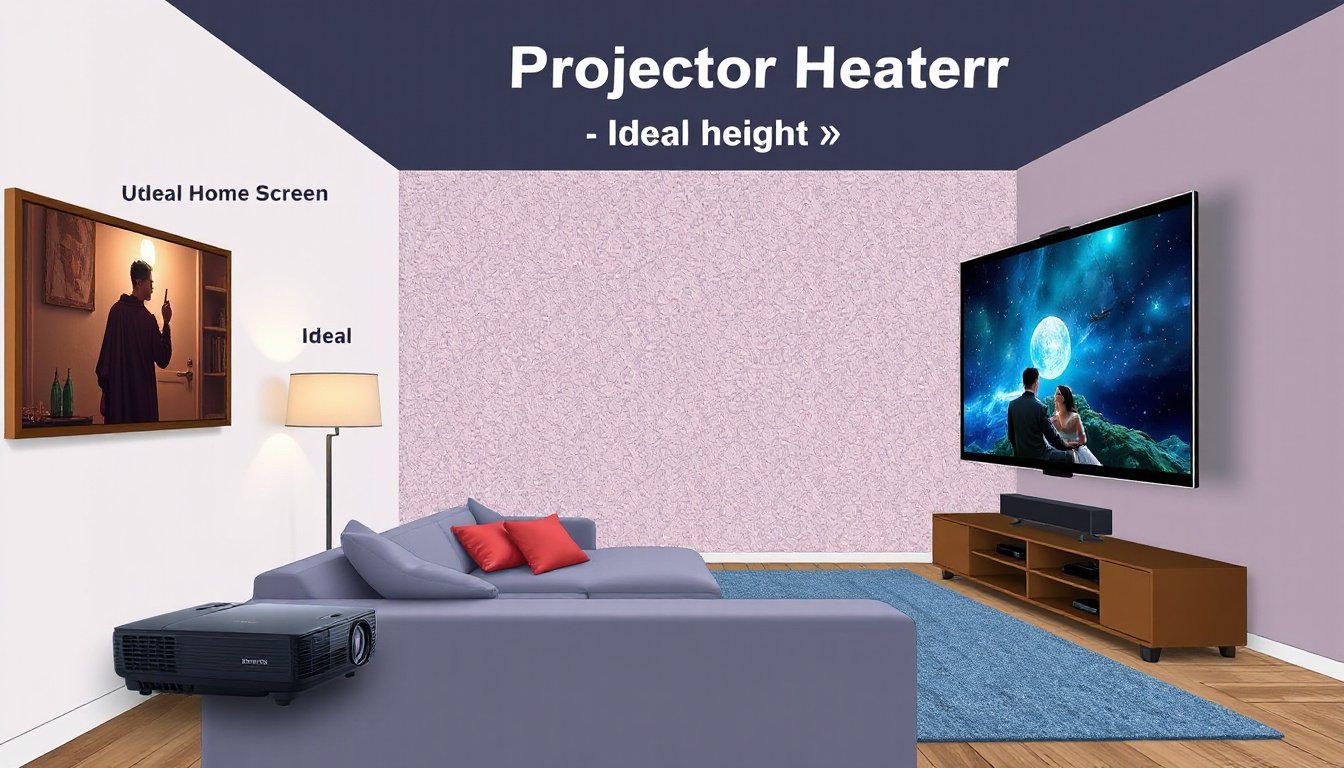
Setting up a projector screen in your home theater or media room is more than just hanging a screen on the wall. The optimal projector screen height is a crucial factor that influences viewing comfort, image quality perception, and the overall immersive experience. Too high, and you strain your neck; too low, and the picture may not fill your natural line of sight. This guide will walk you through the principles of achieving the ideal projector screen height tailored to your room and seating arrangements.
Why Screen Height Matters
When watching a movie or a presentation, your eye and neck comfort are essential for extended viewing sessions. A poorly positioned screen can cause neck strain, eye fatigue, and reduce the sense of immersion, even if you have the best projector and screen quality. Ergonomics plays a significant role, just like in designing a comfortable chair or lighting a room properly.
Basic Principles of Optimal Screen Height
1. Align Your Eye Level With the Screen
A consistent recommendation across professional AV communities and home theater enthusiasts is to position your seated eye level approximately one-third of the way up from the bottom of the screen’s visible surface.
- Average Seated Eye Height: Most adults have eye levels between 42-50 inches (106-127 cm) when seated upright on standard chairs or sofas. A "safe" average is about 48 inches (122 cm).
- One-Third Rule: Your eye line should intersect the screen roughly at the line dividing the bottom third and the top two-thirds of the screen height. This reduces excessive upward neck movement and helps take in the entire image comfortably.
For example, if your screen height is 48 inches, your eyes should be aligned about 16 inches above the screen bottom.
2. Consider Seating Type and Position
Seating height varies greatly depending on furniture:
- Standard Sofa/Chair: Seating eye level is often around 42-48 inches.
- Bean Bags or Floor Seating: Eye height may be substantially lower (e.g., around 41 inches or about 105 cm).
Knowing your actual seated eye height helps fine-tune screen placement. As one AVForum user shared, with a seated eye height of 41 inches using bean bags, they positioned the screen lower to match, resulting in a more comfortable viewing experience.
3. Adjust Based on Screen Size and Room Dimensions
Large screens fill more vertical space, so mounting height must balance between fitting the screen dimensionally in the room and maintaining ergonomic comfort.
- Measure room height and subtract clearance for ceiling fixtures or soffits.
- Ensure the bottom of the screen isn’t so low that viewers have to look down awkwardly, nor so high that viewers crane their necks upward.
- As a reference, mounting the bottom of the screen about 12 to 18 inches (30 to 46 cm) from the floor often works well for typical settings, but this depends heavily on seating height.
Practical Installation Tips
Project Before You Mount
Many enthusiasts recommend projecting the image onto the wall temporarily before installing the screen. This allows you to test the height, screen size, and image placement without committing to mounting hardware, helping:
- Assess viewer comfort in real conditions.
- Fine-tune the screen size and positioning.
- Validate viewing angles and projector throw distance.
Account for Audio Equipment Placement
If you have a center channel speaker, its placement can impact how high or low you mount the screen. For example, mounting the screen slightly higher may be necessary to accommodate a front-mounted speaker.
Avoid Visual Distortion and Fatigue
A well-positioned screen lets your eyes see the image naturally without tilting or moving excessively. This reduces strain and the perception of distortions due to awkward viewing angles.

A Step-By-Step Formula to Calculate Optimal Screen Height
- Measure your seated eye height. Sit where you will watch most often and measure from the floor to your eyes.
- Determine your screen’s height. Confirm the vertical dimension of the visible screen area.
- Calculate one-third of the screen height. For example, for a 150 cm tall screen, one-third is 50 cm.
- Add this one-third measurement to the floor distance where screen bottom will be placed. For example, if you want your eye level to be at 120 cm, place the bottom of the screen at:
(120,cm – 50,cm = 70,cm) from the floor. - Check if this fits in your room and with your viewing distance. Adjust if needed based on screen size and room constraints.
Summary: Optimal Screen Height Best Practices
| Step | Recommendation |
|---|---|
| Average seated eye height | 42-50 inches (106-127 cm), average 48 inches (122 cm) |
| Eye alignment on screen | Approximately 1/3 distance from bottom |
| Bottom of screen | Typically 12-18 inches (30-46 cm) from floor but varies |
| Adjust for seating type | Lower for bean bags or floor seating |
| Confirm via test projection | Project image before mounting screen |
| Account for speakers | Leave room for center channel if wall-mounted |
Conclusion
Getting your projector screen height right is crucial for turning any room into a comfortable and immersive viewing environment. By aligning the screen such that your seated eye height meets the one-third vertical rule on the screen, you minimize neck strain and eye fatigue, enhancing every movie night or presentation. Always remember to consider your seating style, screen size, and room characteristics, and use a projector test run to fine-tune your setup before final installation. With proper positioning, your home theater experience will be both stunning and comfortable.
By balancing room ergonomics with the physics of projection, you ensure your viewing pleasure is maximized without physical discomfort—a simple yet powerful optimization for any home cinema enthusiast.