









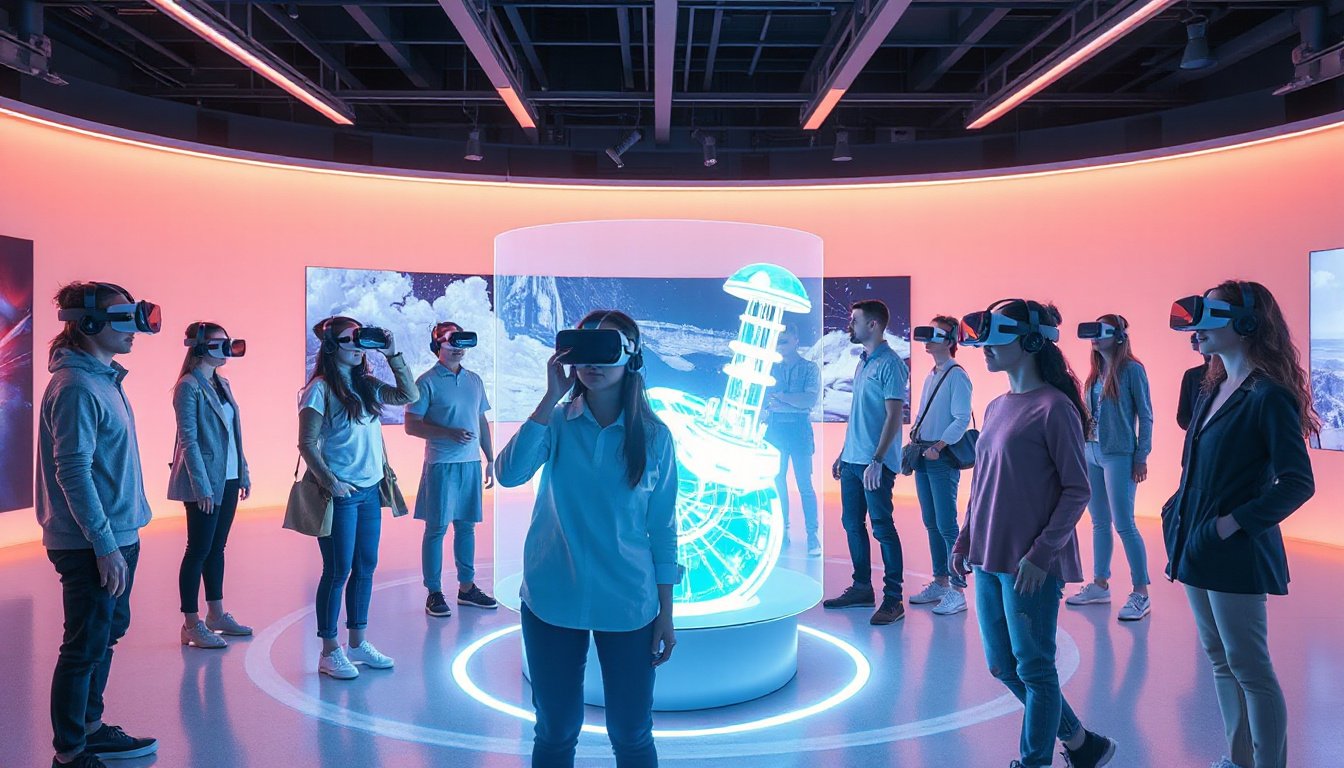
Virtual Reality (VR) technology has rapidly advanced, offering immersive experiences that blend gaming, education, design, and industry applications. However, a critical aspect often overlooked by enthusiasts and newcomers alike is compatibility—whether your hardware and software setup can support the demanding needs of VR. Unlocking the full potential of VR depends heavily on ensuring your system meets the necessary requirements to deliver smooth, immersive, and comfortable experiences. This article dives into the essential considerations for VR compatibility, focusing on PC readiness, headset specifications, and connectivity to help you embark on a successful VR journey.

Understanding VR Compatibility: What Does It Mean?
Compatibility with VR refers to the ability of your computer, console, or device to run VR hardware and software without performance issues. Unlike traditional games played on monitors, VR demands higher rendering resolutions, lower latency, and greater frame rates—typically between 72 to 144 frames per second (FPS)—to avoid motion sickness and ensure fluidity.
Three primary components influence VR compatibility:
- Hardware specifications: CPU, GPU, RAM, and ports.
- Operating system support: Many VR headsets require Windows 10 or higher; macOS generally lacks support for PC VR.
- Connectivity options: USB 3.0/3.1, DisplayPort/HDMI, and sometimes Bluetooth for controllers.
Key Hardware Requirements for PC VR Compatibility
For PC users interested in VR, it’s vital to verify whether your computer meets the minimum and recommended specifications for popular VR headsets. VR is resource-intensive, and insufficient hardware results in choppy visuals, input lag, or headset incompatibility. Below are general insights drawn from leading VR headset system requirements:
1. Graphics Processing Unit (GPU)
The GPU handles the high-resolution, stereoscopic rendering necessary for VR. Popular VR headsets typically require:
- At least a NVIDIA GTX 1060 or AMD Radeon RX 480 for entry-level VR.
- Mid-range to high-end cards such as the GTX 1070/1080 or newer RTX series are recommended for smoother experience and advanced headsets.
2. Central Processing Unit (CPU)
The CPU supports game logic and VR application computations. Typical requirements are:
- A minimum of an Intel i5-4590 or AMD Ryzen 5 1500X processor.
- Higher-end applications may benefit from quad-core or better CPUs for responsiveness.
3. Memory (RAM)
- VR platforms generally require 8GB of RAM as the baseline.
- More demanding headsets and software may recommend 12GB to 16GB for multitasking and performance headroom.
4. Video Output and Connectivity Ports
- A DisplayPort 1.2 (or higher) or HDMI 1.3+ is mandatory to connect many VR headsets.
- USB ports: USB 3.0 or higher is often required for data transfer, camera passthrough, and controller connectivity.
- Bluetooth 4.0 or newer may be necessary for wireless controllers, especially for PSVR 2 and some Windows Mixed Reality headsets.
Popular VR Headsets and Their Compatibility Insights
Oculus / Meta Quest Series
- Oculus Rift S recommends a GTX 1060 GPU and Intel i5-4590 CPU.
- Meta Quest 2 and Quest Pro can connect to PC VR games via Oculus Link with similar hardware requirements.
- Oculus PC VR support is Windows 10+ only; MacOS is unsupported.
Valve Index
- Requires a GTX 1070 or AMD RX 580 GPU, Intel i5-7500 or Ryzen 5 1600 CPU.
- Needs at least 12 GB RAM and DisplayPort 1.2.
- Compatible with Windows 10+, SteamOS, and Linux (unique among VR headsets).
Sony PlayStation VR
- PSVR 2 demands a GTX 1050 GPU and Intel i5-7600 or Ryzen 3 3100 CPU for PC VR usage.
- Requires DisplayPort 1.4 and Bluetooth 4.0.
- PSVR 1 does not support PC VR.
HTC Vive Series
- Vive 1 and Vive Pro generate VR experiences with GPUs starting at GTX 1060 and i5-4590 CPUs.
- Vive Pro 2 demands GTX 2060 or better and DisplayPort 1.4.
- Requires USB 3.0 and Windows 10 or higher.
Windows Mixed Reality (WMR) Headsets & HP Reverb
- Minimum GPU: GTX 1060; recommended higher for better performance.
- HP Reverb demands high specs, often equivalent to GTX 1080 and Intel i7, due to its high-resolution displays.
- Often require HDMI 2.0 or DisplayPort 1.3+ and USB 3.0. —
How to Check Your PC for VR Compatibility
Verifying your PC’s compatibility is straightforward:
-
Identify your PC specs:
- Press the Windows Start button and type “About your PC” for CPU and RAM details.
- Use Device Manager → Display Adapters for GPU model.
- Check available ports (DisplayPort, HDMI, USB) on the back of your PC.
-
Use headset vendor tools:
- Oculus offers a Rift Compatibility Checker.
- Valve provides an “Are You Ready for Valve Index” app via Steam.
- Windows Mixed Reality devices have dedicated compatibility checkers.
-
Assess USB and motherboard compatibility:
- Certain VR headsets require specific USB chipsets; compatibility checkers can test this.
- External USB 3.0 PCI-E cards may be necessary if your motherboard lacks suitable ports.
Beyond PCs: Console and Standalone Device Compatibility
- Standalone headsets like the Meta Quest series largely bypass PC requirements but offer enhanced experiences with PC tethering.
- Consoles such as the PlayStation 5 support PSVR 2, but PC VR is limited and requires adapters.
- Industry-specific devices like the Vision Pro are emerging with their own compatibility ecosystems.
Conclusion: Ensuring a Seamless VR Experience Through Compatibility
Compatibility is the foundation of an unforgettable VR experience. Meeting or exceeding the recommended system specifications ensures high frame rates, low latency, and vivid immersion free from motion sickness or glitches.
Prospective VR users should:
- Carefully check their PC or console specs against headset requirements.
- Use official compatibility tools before purchasing.
- Consider future-proofing hardware for upcoming VR title demands.
- Remember that VR is evolving rapidly, with new devices and requirements emerging.
By focusing on compatibility from the outset, you unlock the door to the vast and thrilling landscape of virtual reality — where immersive discovery awaits.
Embrace the future of technology responsibly by ensuring your hardware and software are ready to bring VR’s magic to life.