





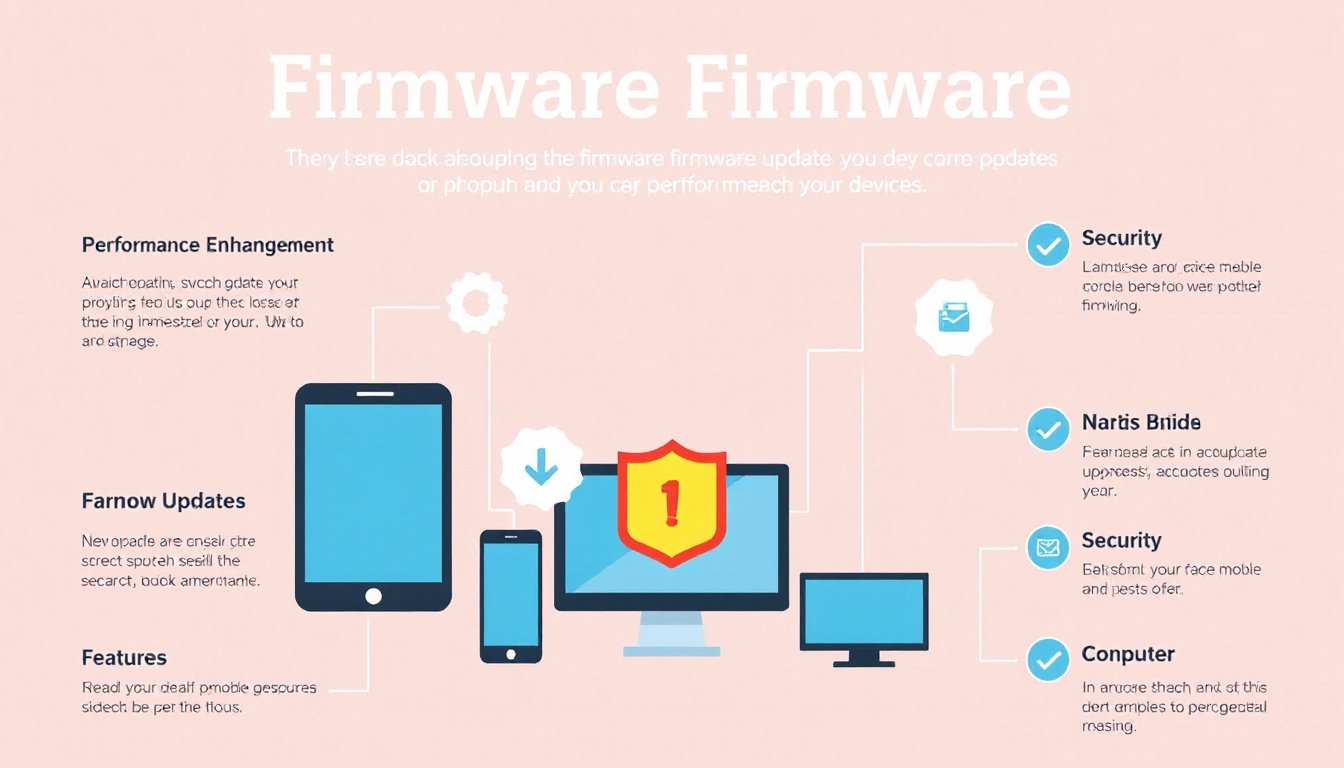
Firmware updates are a critical, though sometimes overlooked, aspect of maintaining and optimizing your technology. They serve as the bridge between hardware and software, ensuring that your devices operate smoothly, securely, and with the latest features. This guide explores what firmware is, why keeping it updated is essential, and how you can manage updates effectively across various devices.

What Is Firmware?
Firmware is specialized software programmed directly into the hardware components of your device. Unlike typical applications or operating systems that run on your device, firmware controls the fundamental operations of hardware such as memory chips, processors, and communication interfaces. It’s typically stored in non-volatile memory types such as Read-Only Memory (ROM), Electrically Erasable Programmable Read-Only Memory (EEPROM), or flash memory.
Firmware acts as a low-level intermediary, translating software instructions into actions executed by the device hardware. It powers a diverse range of electronics — from smartphones, laptops, and routers to home appliances and cars.
What Is a Firmware Update?
A firmware update involves modifying this embedded software to improve or change how the hardware functions. These updates are released by device manufacturers and may fix bugs, enhance security, increase compatibility, improve performance, or add new capabilities.
Depending on the device, firmware updates can be installed through various methods including over-the-air downloads via Wi-Fi, USB connections, or through dedicated software on a computer.
Why Are Firmware Updates Important?
1. Security Enhancements
Firmware updates often patch vulnerabilities that could otherwise be exploited by cybercriminals. Since firmware operates at a low level within the device, any security gaps can be particularly dangerous, potentially allowing attackers deep access to hardware controls or sensitive data.
2. Bug Fixes
Like any software, firmware may have glitches that affect functionality. Updates address these bugs, contributing to smoother device operation and reducing crashes or system errors.
3. Improved Compatibility
Regular updates ensure that devices remain compatible with the latest software, hardware accessories, and communication standards. Without updates, your device may fail to work properly with new applications or peripherals.
4. Optimized Performance
Many firmware updates include optimizations that boost device speed and efficiency, such as faster boot times, better multitasking, or enhanced battery management.
5. Access to New Features
Manufacturers may add new functionalities or extend existing capabilities through firmware updates, helping you get more value out of your hardware over time.
Risks of Not Updating Firmware
Failing to update firmware can result in security vulnerabilities, degraded device performance, compatibility issues, and missing out on new features. In some cases, outdated firmware can cause device instability or even render the device unusable.
How to Check If Your Firmware Needs an Update
- Review Device Settings: Many devices display the current firmware version in their settings or administration panels.
- Monitor Manufacturer Notifications: Stay alert for system alerts, emails, or messages indicating an available update.
- Watch for Performance Issues: Symptoms such as frequent crashes, slowdowns, or connectivity problems may signal outdated firmware.
- Visit Manufacturer Support Pages: Official websites often list the latest firmware versions available for download.
How to Update Firmware: A General Approach
Because update procedures vary among devices and manufacturers, always consult your device’s user manual or official support resources first. Below is a general framework:
-
Identify Your Device Model and Manufacturer
Confirm the exact model number and manufacturer to find the correct firmware update. -
Locate the Firmware Update
Visit the official website or support portal to find and download the firmware update for your specific device. -
Download the Update
Save the firmware file to your computer or device as instructed. -
Install the Firmware
Use the recommended method—such as running a manufacturer-provided update utility, or transferring the update to the device via USB or over-the-air update features. -
Allow the Update to Complete
During installation, avoid interrupting the process. The device may reboot multiple times. -
Verify the Update
Check the device settings to confirm the firmware version has changed to the latest release.
Firmware Updates in Embedded Systems and Devices
In embedded systems — such as IoT devices, microcontrollers, and embedded boards — firmware updates may be a bit more technical. One common approach, especially for over-the-air (OTA) updates, involves:
- Downloading the new firmware image to a separate partition in flash memory, while keeping the existing firmware intact as a backup in case the update process fails.
- Adjusting the bootloader to jump to the new firmware address after an update, commonly by updating pointers in the vector table that guide the startup process.
- Ensuring safe transitions between bootloader and application firmware to avoid bricking the device.
This approach allows safer updates and rollback mechanisms. However, implementation details can be complex and generally require familiarity with low-level system programming and device-specific architectures.
Best Practices for Firmware Updates
- Backup Important Data: Before updating, protect your files and configurations. Firmware updates can occasionally corrupt data or cause devices to reset.
- Follow Manufacturer Instructions Carefully: Incorrect update procedures can permanently damage hardware.
- Use Official Firmware Only: Avoid unofficial or third-party firmware unless you’re experienced and know the risks.
- Keep Devices Charged or Connected to Power: Avoid updates during low battery conditions to prevent interruptions.
- Automate Updates When Possible: In enterprise settings, centralized tools can manage firmware updates across multiple devices efficiently.
Conclusion
Firmware updates are fundamental for maintaining device security, enhancing performance, and unlocking new features. While procedures vary depending on the hardware, staying proactive about firmware management can extend the lifespan and functionality of your devices. Whether you are managing home gadgets or enterprise endpoint devices, understanding and applying firmware updates responsibly will keep your technology running at its best.