





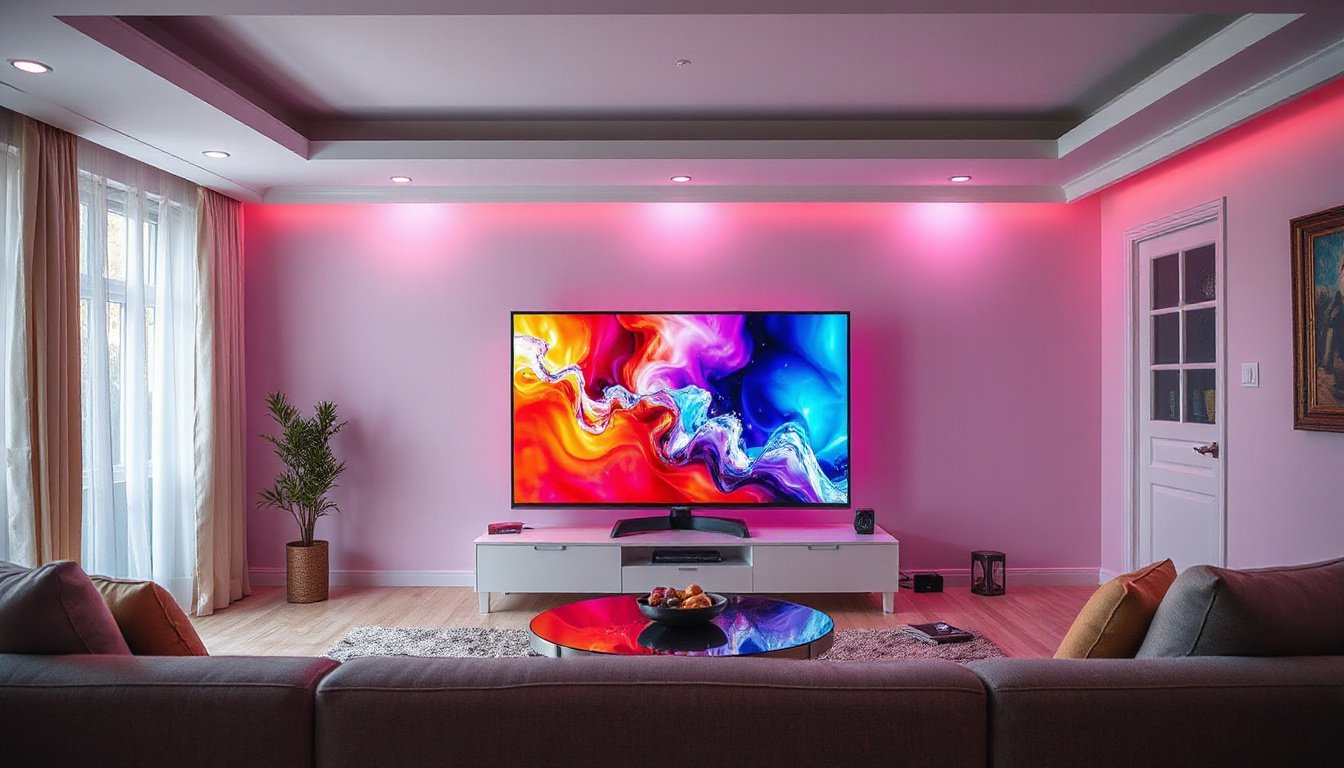
High Dynamic Range (HDR) technology has revolutionized the way we perceive visual content, offering a more lifelike and immersive experience by enhancing brightness, contrast, and color accuracy. Whether streaming movies, gaming, or working on creative projects, understanding HDR support and how it influences your viewing can significantly elevate your entertainment and productivity. This comprehensive guide explores what HDR is, how HDR support works, different HDR formats, and the key factors to consider to maximize your HDR experience.

What is HDR and Why Does It Matter?
HDR stands for High Dynamic Range, a display technology that enhances the luminance and color range of video and images beyond the traditional Standard Dynamic Range (SDR). Unlike SDR, which is limited to a narrow brightness range (about 100 nits), HDR can represent brightness levels up to 1,000 to 10,000 nits, allowing for brighter highlights and deeper shadows simultaneously. This results in images that look more vibrant, realistic, and detailed, capturing nuances in both bright and dark areas that SDR cannot.
Key improvements with HDR include:
- Brighter highlights without blowing out details.
- Deeper, more detailed shadows preserving content in dark scenes.
- A wider range of colors (often paired with Wide Color Gamut technology) for more saturated, true-to-life imagery.
- Better depth perception and texture recognition even in 2D visuals.
How HDR Support Works on Devices
HDR support is a combination of hardware capabilities and software standards that ensure your device can properly display HDR content:
Display Requirements
- Resolution: For HDR, modern displays typically require at least Full HD (1080p) resolution or higher.
- Brightness: A peak brightness capability of at least 300 nits is a baseline, but premium HDR experiences come at 1,000 nits or more.
- Connectivity Standards: External HDR displays or TVs generally use HDR10 compatibility and support interfaces such as DisplayPort 1.4, HDMI 2.0 (or higher), USB-C, or Thunderbolt.
- HDR Certification: Look for certifications like VESA DisplayHDR (with tiers such as 400, 500, 600, and 1000 nit certifications), Dolby Vision, AMD FreeSync Premium Pro, or NVIDIA G-SYNC ULTIMATE for guaranteed HDR performance.
Software and Codec Support
Devices must also have:
- Compatible graphics cards that handle 10-bit color video and support digital rights management for protected HDR content.
- Proper video codecs installed; common examples include:
- HEVC (necessary for HDR streaming on platforms like Netflix)
- VP9 (used for HDR playback on YouTube)
- AV1 (a newer codec with growing support)
- An operating system and media players capable of recognizing and rendering HDR content, such as Windows 10/11 with HDR settings enabled.
Enabling HDR
On Windows, for instance, users can activate HDR by navigating to Settings > System > Display, selecting an HDR-capable display, and toggling on HDR support under the Windows HD Color settings.
Different HDR Formats Explained
HDR comes in multiple formats, each with unique characteristics and industry support:
| Format | Description | Metadata Type | Industry Use |
|---|---|---|---|
| HDR10 | An open, royalty-free standard widely adopted; static metadata only. | Static | Most HDR TVs and content platforms |
| Dolby Vision | A premium standard with dynamic metadata that adjusts scenes individually; peak brightness to 10,000 nits. | Dynamic | High-end TVs, streaming services |
| HDR10+ | Similar to Dolby Vision but royalty-free; uses dynamic metadata for scene-by-scene optimization. | Dynamic | Increasingly supported in smart TVs and streaming |
| HLG | Hybrid Log-Gamma, designed for broadcast HDR; backward compatible with SDR TVs. | Static | Broadcast TV and live content |
Dynamic metadata plays a critical role by allowing the display to optimize picture quality scene by scene, thereby better preserving the creator’s intent on a variety of screens, especially those that may not have the maximum HDR capabilities.
Benefits of HDR Support on Your Viewing Experience
- Enhanced realism: Scenes look closer to real life by accurately representing both subtle shadows and bright highlights.
- Richer colors: Wide color gamut and HDR create more immersive images with vivid hues.
- Improved detail in challenging areas: More visible texture in dark or bright parts of the picture.
- Better gaming and creative work: Enables more precise color grading and lifelike game visuals.
- Adaptive viewing: Some formats like Dolby Vision IQ and HDR10+ Adaptive adjust brightness in response to ambient lighting for optimal viewing comfort.
What to Look for When Choosing an HDR-capable Device or Display
-
HDR Certification
Check the display’s certification level (e.g., VESA DisplayHDR 500 or above) for reliable HDR performance. -
Brightness Capability
A peak brightness of 1,000 nits or more offers a vibrant HDR experience, though some HDR TVs operate well at 600 nits combined with local dimming. -
Local Dimming Technology
This feature enhances black levels by selectively dimming parts of the screen, crucial for deep shadows and contrast. -
Color Volume and Wide Color Gamut
Look for displays with high color volume (ability to render a wide range of colors at various brightness levels) and support for wide color spaces like Rec. 2100. 5. HDR Format Support
Choose a device supporting the HDR formats relevant to your content sources—most commonly HDR10, with growing support for Dolby Vision and HDR10+.
Conclusion: Experiencing the Full Potential of HDR
HDR support transforms your visual experience by delivering vivid, true-to-life images that standard displays simply cannot match. To unlock these vibrant visuals, ensure your devices—from laptops and gaming consoles to TVs and monitors—meet the necessary HDR display and codec standards. As content production increasingly embraces HDR technologies, being HDR-ready means future-proofing your setup for richer entertainment and more precise creative work. Whether watching a movie, playing games, or editing photos, HDR support will bring your visuals to life with spectacular clarity and color.
Embrace HDR support and enhance your viewing experience with sharper brightness, deeper shadows, and richer colors—bringing every scene to life in stunning detail.