






When setting up a projector for home theater, office presentations, or large venue displays, one critical yet often overlooked component is the projector zoom lens. This element plays a pivotal role in how your projected image appears in terms of size, clarity, and flexibility. Understanding how zoom lenses affect projection can help you optimize your viewing experience, balance quality with convenience, and select the right equipment for your setup.
What Is a Projector Zoom Lens?
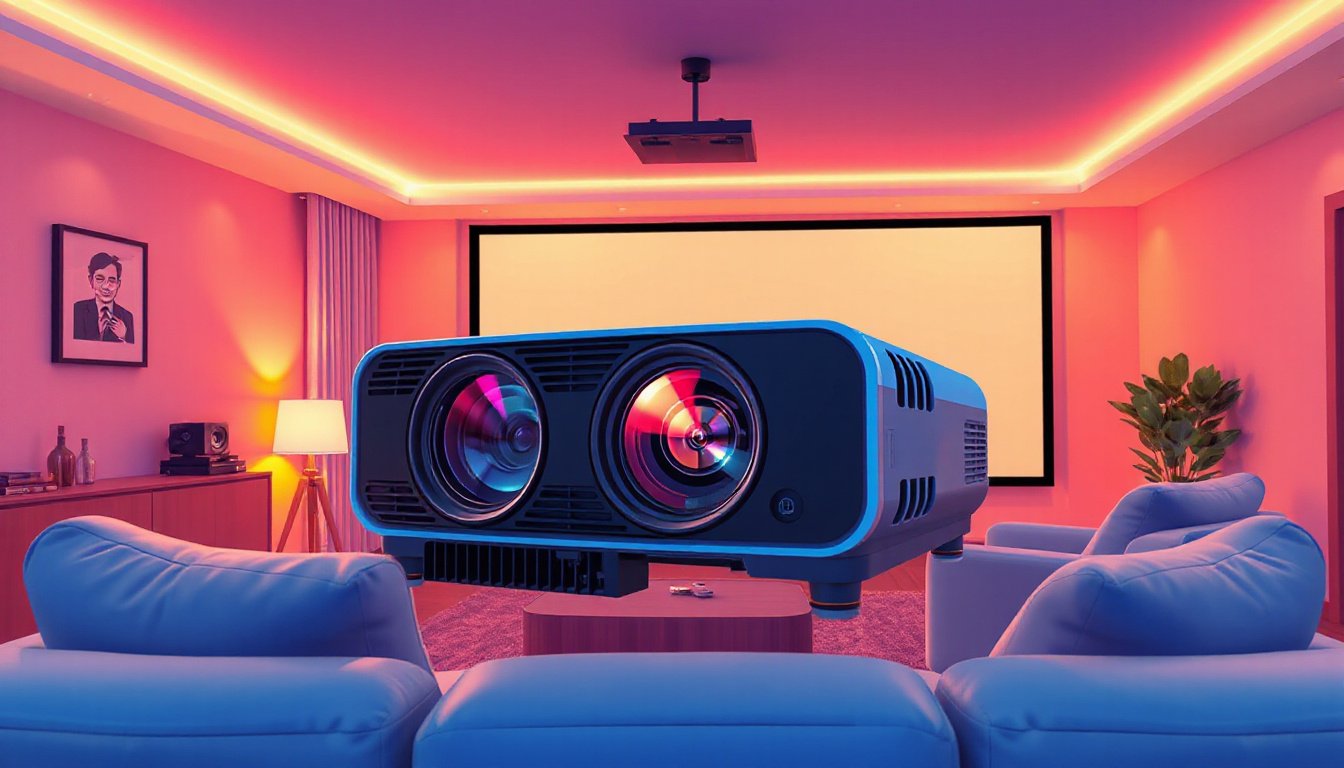
A projector zoom lens is a variable focal length lens that allows users to adjust the size of the projected image without moving the projector. Unlike fixed lenses, which have a set focal length and require precise placement to achieve the desired image size, zoom lenses enable easy scaling of images by physically moving lens components inside the projector.
Zoom lenses affect the throw ratio—the ratio of the throw distance (distance from the projector to the screen) to the image width. By changing the focal length through zooming, you can create either a larger image from farther away or a smaller image from closer up without relocating the projector itself.

The Impact of Zoom Lens on Image Quality
Optical Zoom vs. Digital Zoom
Projector zoom can operate through two main mechanisms: optical zoom and digital zoom. The difference between these has significant implications for image quality:
-
Optical Zoom uses physical lens adjustments. When you zoom in or out, the actual glass elements inside the lens move to change focal length, preserving the original image resolution and sharpness. This method produces lossless image quality with vibrant colors, sharp detail, and high contrast ratios because the light path is adjusted without interpolation.
-
Digital Zoom, on the other hand, is software-based. It enlarges the image by cropping and digitally scaling the original input, which reduces resolution and often results in pixelation, softness, and a less sharp picture. While it’s a convenient and cost-effective solution, digital zoom degrades the perceived quality.
Effect on Brightness and Lumens
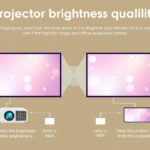
One key aspect users often encounter is that zooming in optically can affect brightness. When zooming to enlarge an image, the amount of light spread over a larger area can make the image appear dimmer. Some manufacturers note that maximizing zoom may reduce effective lumens—the measure of visible brightness. Fixed lenses typically allow more light to pass through unobstructed, potentially resulting in brighter images compared to zoom lenses.
Fixed Lens vs. Zoom Lens: Pros and Cons
Fixed Lenses
-
Advantages:
- Superior optical performance and contrast due to simpler design.
- Often brighter with more consistent image quality.
- Ideal for permanent installations with fixed projector placement.
-
Disadvantages:
- Less flexible—requires precise projector placement.
- No ability to resize image without physically moving the projector.
Zoom Lenses
-
Advantages:
- Flexibility in projector placement with variable image sizes.
- Ideal for venues or events with differing screen sizes (e.g., conferences, exhibitions).
- Remote adjustment features (powered zoom, lens shift, and focus) enhance operational convenience.
-
Disadvantages:
- Slightly more complex optics can reduce peak image sharpness compared to fixed lenses.
- Potential reduction in brightness when zoomed to maximum.
- Increased cost and size in some models due to complexity.
Additional Features That Influence Zoom Lens Performance
Modern zoom lenses offer advanced technologies that optimize both functionality and image quality:
- Ultra Extra-Low Dispersion Glass: Minimizes color fringing and ghosting for sharper, more vibrant images.
- Anti-Reflection Coatings: Enhance color uniformity while reducing flare.
- Powered Lens Shift and Focus: Enable vertical and horizontal positioning of the image to perfectly fit the screen without moving the projector, including remote fine-tuning.
- Lens Memory Functions: Save zoom and focus settings for different venues or screen sizes, streamlining setup.
- Enhanced Stability: Heat-resistant materials and robust mounting maintain focus during long use and in variable environments.
Practical Considerations for Choosing the Right Lens
When deciding on your projector’s zoom capability, consider the following:
- Installation Environment: Permanent setups with fixed distances benefit from fixed lenses’ superior optical quality. Flexible or temporary setups require zoom lenses for adaptability.
- Image Quality Priorities: If high resolution and image fidelity are critical (e.g., home theaters, detailed presentations), optical zoom lenses are preferred over digital zoom.
- Budget Constraints: Fixed lenses and zoom lenses with optical zoom tend to be pricier due to their hardware complexity, while digital zoom is common in budget projectors.
- Space Constraints: Zoom lenses reduce the need to reposition projectors, important in tight spaces or multi-use venues.
Conclusion
Understanding the impact of projector zoom lenses is crucial for maximizing your viewing experience. While fixed lenses offer unmatched optical clarity in controlled setups, zoom lenses deliver versatility and convenience essential for varied environments and screen sizes. Among zoom options, optical zoom lenses preserve image quality by physically adjusting focal length, whereas digital zoom trades clarity for ease of use.
Selecting the right zoom lens balances your priorities between image fidelity, flexibility, and cost. By choosing carefully and leveraging modern lens technologies, you can achieve sharper, brighter, and perfectly sized projections that elevate your visual experience, whether at home, in the office, or on the big stage.