





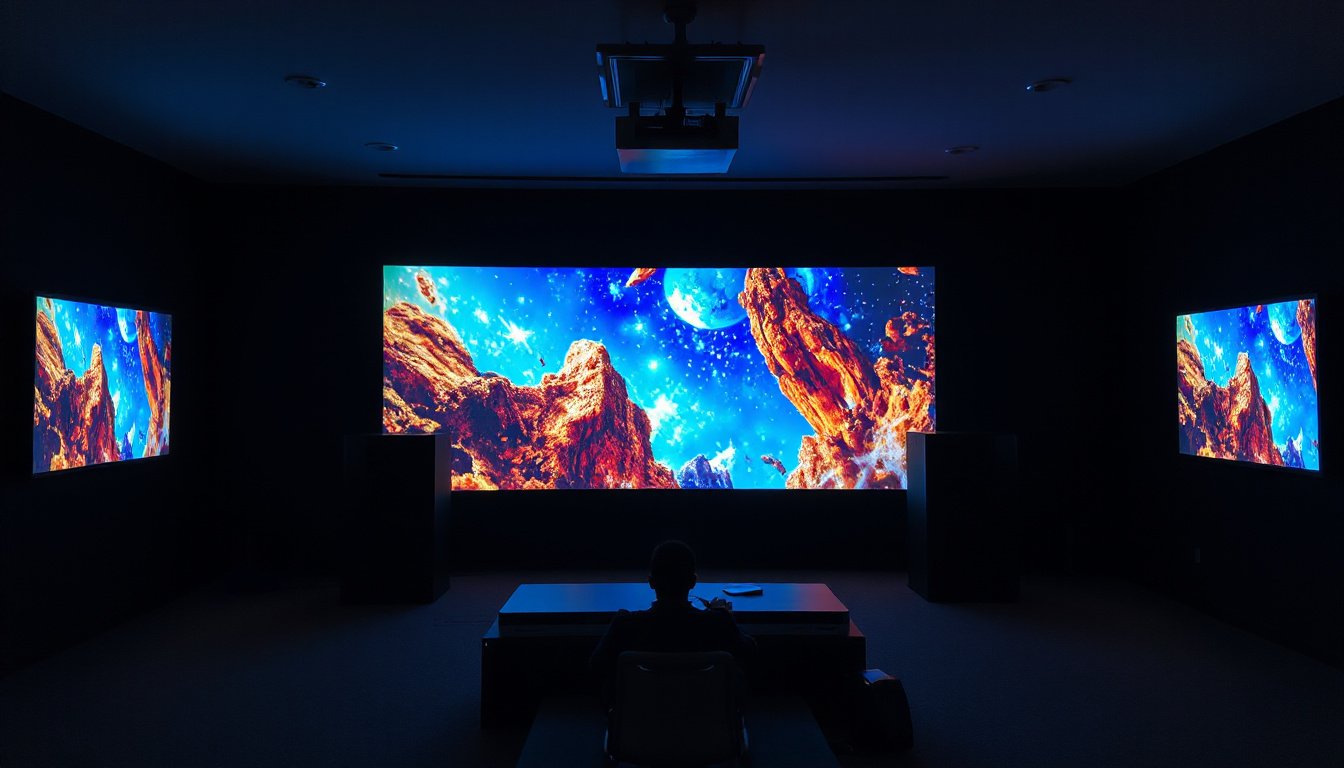
Multi-projector setups have revolutionized the way large-scale and high-resolution visual content is displayed, offering unparalleled brightness, scale, and immersion. Whether used in digital art projections, professional events, immersive environments, or complex multimedia installations, leveraging multiple projectors in a coordinated fashion unlocks capabilities far beyond the limits of single-projector systems. This article explores critical insights into hardware requirements, synchronization techniques, calibration challenges, and practical deployment considerations, empowering users to maximize the impact of their multi-projector installations.
Understanding Multi-Projector Setups
At its core, a multi-projector setup involves using two or more projectors to display a single, seamless image or multiple complementary visuals on large or uniquely shaped surfaces. These configurations enhance brightness, resolution, or even enable 3D stereoscopic displays. However, the complexity of coordinating multiple projectors introduces several technical challenges including output synchronization, geometric alignment, and photometric matching.
Hardware Essentials: Choosing the Right Processing Power
A crucial consideration in multi-projector setups is the capability of the controlling computer system to handle multiple outputs effectively. Since each projector requires its own video output stream, the computer must have either a graphics card with multiple outputs or a system configuration allowing multiple graphics cards.
CPU vs GPU for Multi-Projector Output
-
CPU (Central Processing Unit): The general-purpose processor that handles sequential processes and runs the operating system and applications. While critical for overall system operation, it is not optimized for rendering multiple graphics-intensive outputs simultaneously.
-
GPU (Graphics Processing Unit): Specialized for parallel processing and rendering of visual data, GPUs dramatically accelerate the ability to handle multiple visual streams needed for projection mapping and multi-projector configurations.
In practical terms, the GPU should be the primary consideration for multi-projector setups, especially when high-resolution and smooth real-time rendering of complex visuals are required.
Graphics Card Recommendations
Modern GPUs such as NVIDIA’s RTX and GTX series, AMD Radeon RX and professional-grade Quadro or Radeon Pro series, provide multiple outputs and sufficient video memory (ideally 4GB GDDR5 or higher) to handle multi-projector workflows smoothly.
For instance, a GTX 1660 Ti or RTX 2060 can support several Full HD outputs. When output needs exceed basic card capabilities (typically up to 4 or 6 outputs), solutions such as MST (Multi-Stream Transport) hubs or specialized hardware modules (e.g., Matrox DualHead or Datapath x4) are employed for splitting signals across projectors.

Synchronization and Output Management
Achieving perfectly synchronized outputs is critical for seamless image blending, particularly when projecting across overlapping surfaces to produce a unified visual field.
Approaches to Synchronization
-
Single Graphics Card with Multiple Outputs: Ideal when the number of projectors is within the limits of the card’s outputs. Provides the best synchronization performance.
-
Multiple Graphics Cards: Can increase the number of outputs but may introduce slight latency unless synchronized carefully; technologies like SLI or Crossfire must often be disabled.
-
Networked Multiple Computers: Running software instances per machine and synchronized remotely (e.g., via OSC control) for large-scale setup. This requires robust network infrastructure to minimize latency.
-
Professional GPU Solutions: High-end NVIDIA Quadro or RTX A series cards support extensive multi-display synchronization and are suited for very large setups requiring dozens of outputs.
Calibration: The Key to Cohesive Visuals
A significant challenge in multi-projector systems is calibration — aligning images geometrically, correcting for brightness fall-off, and matching color tones to create a homogeneous and natural projection.
Calibration Challenges
-
Geometric Alignment: Adjusting the projectors so that their outputs fit accurately on surfaces, especially complex or curved shapes.
-
Brightness and Vignetting Correction: Ensuring consistent brightness across overlapping regions where images blend.
-
Color Correction: Compensating for projector variances due to aging lamps or different models to maintain uniformity.
Calibration Methods
Manual calibration is time-intensive and prone to inaccuracies. To address this, automatic or semi-automatic calibration systems utilize cameras and software algorithms to streamline calibration:
-
Camera-Based Calibration: Cameras capture the projection surface and software calculates geometric distortions and photometric inconsistencies.
-
Software-Assisted Geometry Correction and Edge Blending: Many professional projectors (e.g., Epson’s Pro Display series) include onboard tools for geometry correction, basic color matching, and edge blending, reducing reliance on external equipment.
-
Automatic Calibration Systems: Recent advances integrate structured-light projections and advanced image processing algorithms, significantly simplifying the process for users without extensive technical expertise.
Multi-Projector Setup Configurations
Common Setup Types
-
Stacked Projection: Multiple projectors overlap the same area to increase brightness or achieve stereoscopic effects.
-
Tiled (Mosaicked) Projection: Projectors aligned side-by-side expand the overall resolution and image size, sometimes with overlapping edges for blending.
-
Cluster Systems: Use a network of rendering machines connected to projectors, distributing content rendering to manage high-resolution demands across many outputs.
Practical Deployment Recommendations
-
Hardware Preparation:
- Invest in a high-performance GPU with multiple outputs.
- Use MST hubs or external video output devices if exceeding native GPU output limits.
- For very large setups, consider cluster systems or professional-grade GPUs.
-
Projector Selection:
- Prefer projectors with stable brightness, reliable color reproduction, and good contrast ratios.
- Use models with built-in edge blending and geometry correction when possible.
-
Synchronize Outputs:
- Prioritize single-GPU solutions for best output sync.
- When multiple GPUs or computers are involved, carefully manage synchronization protocols and network stability.
-
Perform Regular Calibration:
- Utilize automatic calibration tools for best results and ease-of-use.
- When unavailable, perform manual adjustments focusing on physical positioning before digital correction.
-
Test and Pre-Adjust:
- Allow projectors to warm up before fine-tuning focus and geometry.
- Use test patterns to precisely align images and verify blending zones.
Conclusion
Multi-projector setups offer transformative opportunities for immersive and large-scale visual experiences. Success lies in carefully selecting the right hardware, employing robust synchronization methods, and performing precise calibration to ensure seamless integration of images. Advances in automatic calibration technologies and integrated projector features have lowered the entry barrier, enabling even non-expert users to deploy effective multi-projector systems. By understanding and applying these expert insights, users can unlock the full potential of multi-projector setups to create spectacular, impactful visual presentations.
References and further reading: insights compiled and synthesized from industry articles and technical analyses including HeavyM Blog on multi-projector use, Epson Europe’s guide on multi-projection configuration, and Fraunhofer research on automatic multi-projector calibration.