





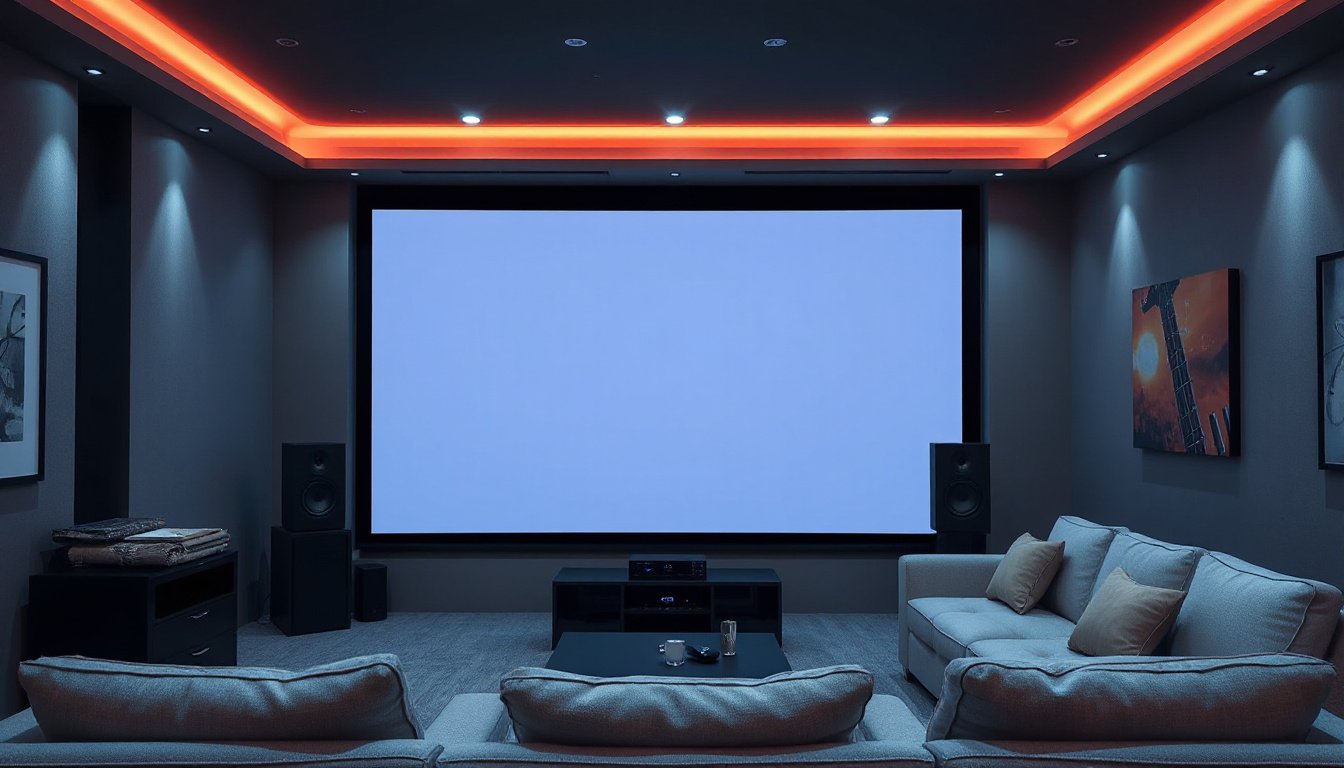
When creating an immersive home theater or a professional projection setup, understanding screen gain is essential. Screen gain significantly affects image brightness, clarity, and viewing experience. This article breaks down what screen gain is, how it influences your projected image, and how to choose the right gain for your environment to ensure optimal visual performance.
What is Screen Gain?
Screen gain is a measurement that describes the reflectivity of a projector screen surface. It indicates how much light the screen reflects back towards the audience compared to a standard whiteboard or reference surface, which has a gain value of 1.0. – A gain of 1.0 means the screen reflects light evenly without amplifying or diminishing brightness.
- A gain above 1.0 means the screen reflects more light than the reference, making the image appear brighter.
- A gain below 1.0 means the screen reflects less light, resulting in a dimmer image but often offering wider viewing angles.
Technically, gain is a ratio of the luminance (brightness) reflected from the screen surface at the center (0° viewing angle) compared to a perfectly diffusing surface like a piece of magnesium carbonate. The peak brightness is typically measured directly in front of the screen where the projector’s light hits most intensely.
How Screen Gain Affects Image Quality
Screen gain profoundly impacts perceived brightness and viewing angle, influencing image quality:
-
High Gain Screens (Above 1.5):
- Pros: Produce a brighter image, excellent for environments with ambient light or where projector luminance is low.
- Cons: Narrow viewing angle and potential hotspots—bright spots where the light focuses intensely—can cause uneven brightness and color shifts for off-axis viewers.
-
Medium Gain Screens (1.3–1.5):
- Pros: Balanced brightness with a moderately wide viewing angle; less prone to hotspots.
- Cons: Slight reduction in viewing cone compared to low gain, but still generally good for most environments.
-
Low Gain Screens (Below 1.3):
- Pros: Wide viewing angles with uniform brightness and accurate color reproduction, ideal for dark rooms or home theaters.
- Cons: May appear dimmer in brightly lit spaces and thus less suitable where there is ambient light.
Viewing Angle and Brightness
The viewing angle, often called the "half-gain viewing angle," is the range at which the screen maintains at least 50% of its peak brightness. High gain screens sacrifice a wide viewing angle for brighter images, so only viewers seated within this cone enjoy the full brightness benefit.
Factors Determining Screen Gain Requirements
Choosing the right screen gain depends on several key factors unique to your setup:
1. Ambient Light in the Room
- Low or Controlled Lighting: Choose a low-gain screen (0.6 to 1.3) to maintain image uniformity and avoid hotspots in dim home theaters.
- Moderate to High Ambient Light: Use a medium to high gain screen (1.3 to 3.0) to amplify projector brightness and maintain image visibility.
2. Projector Brightness (Lumens)
- High-Lumen Projectors (2500+ lumens): Can pair effectively with low to moderate gain screens since their brightness compensates for less reflective surfaces.
- Low-Lumen Projectors: Benefit from high-gain screens to boost image brightness for clear visibility.
3. Seating Arrangement and Viewing Angles
- Wide Seating Arrangements: Low gain screens with wide viewing angles ensure consistent brightness and color for all viewers.
- Focused Seating (Few Viewers in Front): High gain screens with narrower viewing cones maximize brightness for those directly facing the screen.
4. Room Dimension and Surroundings
Surfaces and objects around the screen, especially in light colors, can reflect ambient light and alter perceived image quality. Screen gain should be chosen considering these reflections to maintain contrast and image integrity.
Types of Screens and Gain Considerations
Certain specialized screens, such as Ambient Light Rejecting (ALR) screens, combine appropriate gain levels with technologies that block ambient light, enhancing contrast and color vibrancy in bright rooms.
- Gray Screens: Often have moderate gains and improve black level visibility, making them favorable in environments with moderate ambient light.
- Rear Projection Screens: Usually have lower gain values and diffuse light evenly to avoid hotspots.

Best Practices for Selecting Screen Gain
| Environment | Recommended Screen Gain | Reason |
|---|---|---|
| Dedicated Home Theater (Dark) | 0.6 – 1.3 | Wide viewing angle, uniform brightness, color fidelity |
| Classroom / Office | 1.3 – 2.0 | Balances ambient light and reasonable viewing angle |
| Large Venues / High Ambient Light | 2.0 – 3.0 | Amplifies projector brightness for clear visibility |
Maintaining Your Screen Gain
To preserve your screen’s gain:
- Clean with a soft, lint-free cloth and mild solutions.
- Avoid abrasive materials or harsh chemicals.
- Cover or retract screens when not in use to protect from dust and damage.
- Handle screens carefully to prevent fingerprints or oils that can diminish reflectivity.
Conclusion
Understanding and applying the correct screen gain is crucial for optimizing your home theater or projection setup. Selecting the right gain enhances image brightness, color accuracy, and ensures a consistent viewing experience tailored to your space’s lighting and audience layout. By considering ambient lighting, projector brightness, seating arrangement, and room characteristics, you can pinpoint the ideal screen gain to bring your visual content to life with brilliance and clarity.
Embrace the power of screen gain to transform your home theater into a captivating cinematic experience.