





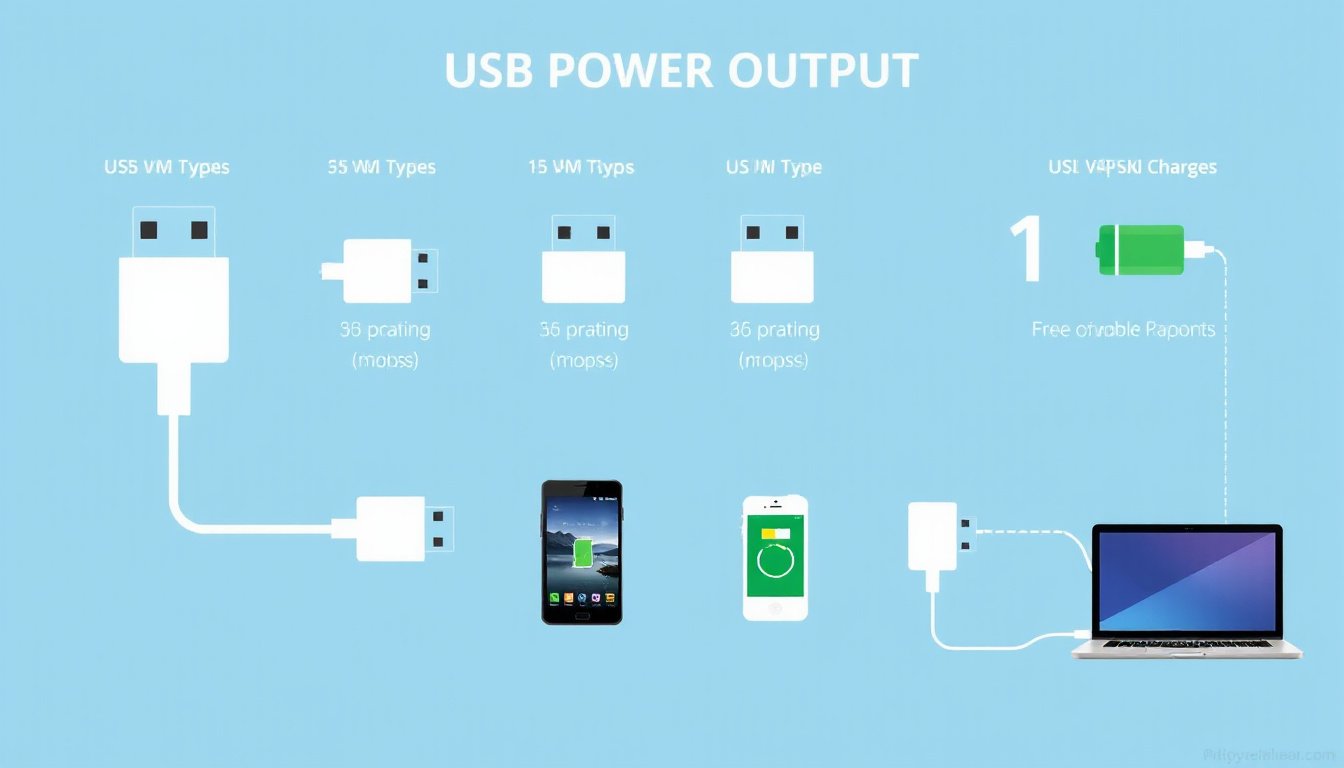
In today’s tech-driven world, USB ports have become ubiquitous interfaces not just for data transfer but also for powering and charging an ever-growing array of devices. However, not all USB ports are created equal when it comes to their power output capabilities. Understanding USB power output is key to maximizing charging speeds, ensuring device safety, and optimizing gadget performance.
What Determines USB Power Output?
USB power output is governed primarily by the USB standard version, port type, and supported charging protocols. USB ports supply a regulated voltage, generally 5 volts, but the available current (measured in amperes or mA) — and thus the power (watts) — varies widely.
Legacy USB Standards and Basic Power Output
-
USB 1.0 and 2.0: These early USB versions supply a voltage of 5V with a maximum current of 500 mA (0.5A). This yields a maximum power output of around 2.5 watts (W). Devices connected to such ports, such as keyboards or mice, draw limited power accordingly.
-
USB 3.0 and 3.1: These introduced higher current limits of up to 900 mA (0.9A) at 5V, permitting roughly 4.5 W of power output. These ports support faster data transfer and slightly faster charging capabilities.
Enhanced Charging Ports
USB ports have evolved with new port classifications to support faster charging:
-
Charging Downstream Port (CDP): Allows devices to draw more than 500 mA (up to 1.5A or 7.5 W) without detailed negotiation.
-
Dedicated Charging Port (DCP): Typically found on wall chargers, these supply up to 1.5 A or more, allowing rapid device charging.
USB Power Delivery (USB-PD) and USB Type-C
The introduction of the USB Type-C connector, coupled with the USB Power Delivery (USB-PD) protocol, has dramatically increased potential power output:

-
USB-PD supports voltages from 5V up to 20V and currents up to 5A, enabling power delivery of up to 100 watts (and recent updates extend this to 240W).
-
This significant power boost allows USB-C to charge laptops, monitors, and other power-hungry devices, beyond the capabilities of earlier USB standards.
-
USB-PD also enables dynamic power negotiation between host and device, ensuring devices draw only the current they require, enhancing safety and compatibility.
How Power Output Relates to Device Charging
Devices only draw as much current as they require, up to the maximum available from the USB port. For example:
-
A USB port may supply up to 2A, but a device needing only 0.5A will not draw more than that.
-
Proper communication via charging protocols ensures devices negotiate optimal current levels.
-
Using a USB port with higher power output capacities can reduce charging times but only if both the device and cable support the relevant standards.
Identifying USB Port Power Capabilities
Determining the power output capability of a USB port can be done by:
-
Checking device documentation or manufacturer specifications.
-
Observing port markings; for instance, ports with a lightning bolt or “battery” icon generally denote higher charging currents.
-
Using dedicated USB power meters or testers to measure voltage and current delivery in real-time.
-
Considering the type of port (USB 2.0, 3.0, Type-C) and any supported fast-charge protocols such as Quick Charge, USB-PD, or proprietary solutions (VOOC, DASH, AFC).
Practical Implications for Consumers
-
Faster Charging: Devices connected to high-power USB ports or USB-PD enabled chargers will charge faster, improving user convenience.
-
Compatibility: Matching cables and devices that support the same USB charging protocols ensures safe and effective charging.
-
Multiple Devices: Chargers with higher amperage outputs can power multiple devices simultaneously without compromising charging speeds.
-
Safety: Devices incorporate internal circuitry to prevent damage from excessive current. However, using compatible power sources is crucial to device longevity.
Summary of USB Power Output by USB Standard
| USB Standard | Voltage (V) | Max Current (A) | Max Power Output (W) | Notes |
|---|---|---|---|---|
| USB 1.0/2.0 | 5 | 0.5 | 2.5 | Standard downstream ports |
| USB 3.0/3.1 | 5 | 0.9 | 4.5 | Faster data + power |
| Charging Ports | 5 | 1.5 | 7.5 | Dedicated & CDP ports |
| USB-PD (USB-C) | 5–20 | up to 5 | up to 100+ | Negotiated variable power |
Conclusion
Understanding USB power output is essential for anyone looking to maximize device charging efficiency and safety. While legacy USB ports provide limited power, modern USB Type-C and USB Power Delivery technologies enable significantly higher power transfer, accommodating everything from smartphones to laptops. By matching devices with the proper USB ports, cables, and chargers—and ensuring compatibility with charging protocols—users can optimize charging times and protect their valuable electronics.
References:
- USB specifications and power standards as detailed on Super User and Wikipedia’s USB hardware articles.
- Modern USB power output trends emphasizing USB Power Delivery capabilities.
- Practical considerations from recent USB power output and data rate analyses by electronic design experts.