

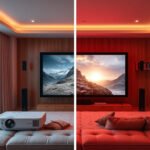

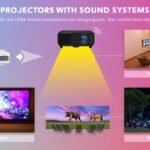




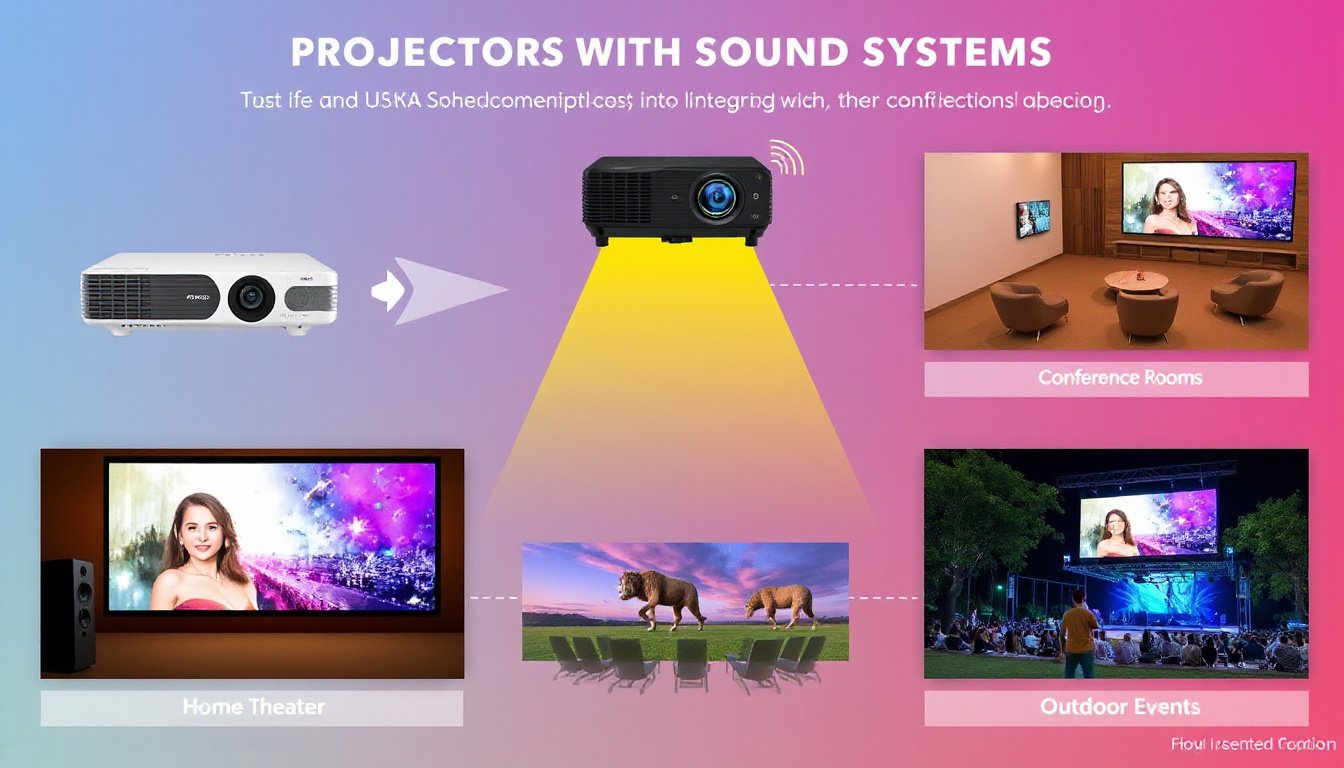
Projectors offer stunning visuals, but without quality audio, the immersive experience can fall flat. Many built-in projector speakers produce tinny, underwhelming sound that fails to do justice to the vibrant images displayed. Integrating a dedicated sound system can transform any space—from home theaters and classrooms to conference rooms and gaming setups—into an audiovisual delight. This guide explores the essentials of using projectors with sound systems, helping you maximize both sight and sound for a truly engaging multimedia experience.
Why Pairing Projectors with Sound Systems Matters
While projectors excel at delivering crisp, large-scale images, their built-in speakers are often basic and insufficient for rich sound experiences. Studies reveal that over 70% of home theater enthusiasts upgrade to external audio components because enhanced sound quality vastly improves viewers’ engagement, comprehension, and emotional connection to the content. Good audio helps create immersive atmospheres, provides context via clear dialogue and sound effects, and reduces cognitive strain by synchronizing auditory and visual cues seamlessly.
Components of a Projector Sound System
A well-rounded projector sound system may consist of a variety of audio components designed to complement different environments and needs:
- Built-in Speakers: Typically provide minimal audio output; suitable only for basic sound reproduction.
- External Soundbars: Compact, all-in-one speakers often paired with wireless subwoofers, ideal for small to medium spaces wanting improved clarity and bass without much installation hassle.
- Surround Sound Systems: Multiple speakers (front, center, rear) plus a subwoofer to create a dynamic and enveloping soundstage, perfect for dedicated home theaters or large rooms.
- Audio Receivers: Devices that process, amplify, and route audio signals to speakers; crucial for managing multi-channel surround sound setups.
Key Considerations Before Setting Up
Define Your Usage
Establishing the primary purpose of your setup—whether for movies, gaming, presentations, or mixed use—will influence the type of sound system you require. For instance:
- Home Cinema: Prioritize surround sound for immersive audio richness.
- Gaming: Look for low audio latency to keep sounds in sync with on-screen action.
- Business Presentations: Favor clarity and speech intelligibility.
- Multi-use Spaces: Emphasize versatility with easily adjustable audio settings.
Evaluate Your Space
Room size, acoustics, seating arrangements, and projector placement affect audio performance. Larger rooms benefit from distributed speaker setups, while smaller spaces may do well with soundbars. Additionally, projector placement (ceiling-mounted versus tabletop) can influence cable management and ease of connectivity.
Connecting Your Projector to a Sound System
Common Audio Connection Methods
- HDMI ARC (Audio Return Channel): The most advantageous option allowing a single cable to carry video to the projector and audio back to the sound system. It offers high-quality, low-latency, lossless audio, simplifying setups.
- Optical Audio (TOSLINK): Provides pure digital audio transmission with minimal interference, suitable for many soundbars and receivers.
- 3.5mm Audio Jack: A universal analog option capable of basic audio output but prone to interference and limited in quality.
- Bluetooth: Wireless and convenient, although prone to slight audio lag unsuitable for gaming or precise lip sync.
- USB-C: Emerging as a flexible modern connection, capable of carrying both audio and video if supported by devices.

Step-by-Step HDMI ARC Connection
- Power off your projector and sound system.
- Connect an HDMI cable to the HDMI ARC port on both devices (commonly labeled “ARC”).
- Power on devices and select HDMI ARC as the audio output source on your projector.
- Adjust audio settings as necessary.
This method reduces cable clutter and ensures seamless audio/video synchronization.
Wireless Setup with Bluetooth
If cable runs are inconvenient:
- Place your sound system into pairing mode.
- On your projector, navigate to Bluetooth settings and select your sound system.
- Test for latency issues and adjust placement to minimize interference.
Bluetooth offers flexibility but may not be ideal for latency-sensitive applications like gaming or cinematic viewing.
Calibration and Fine-Tuning
Syncing Audio with Video
Audio lag, or lip-sync issues, can ruin an immersive experience. Most modern projectors and receivers include audio delay or lip-sync adjustments. Fine-tune the delay in small increments (milliseconds scale) to match sound perfectly with the picture.
Balancing Volume
Ensure dialogue is distinctly audible without sudden jumps in overall volume during action scenes. Receivers often include automatic volume leveling or dynamic range control features to mitigate sudden loud noises.
Acoustic Adjustments
Consider room acoustics and seating when positioning speakers. Calibrate your system using microphones or receiver auto-setup tools, adjusting speaker levels, distances, and crossover settings for optimal sound distribution.
Final Tips for Optimized Multimedia Enjoyment
- Prioritize cable management for a neat and safe setup, especially in ceiling-mounted projectors.
- Regularly update firmware on projectors and sound systems to access improved features and bug fixes.
- Utilize portable monitors during setup to adjust projector and audio settings efficiently.
- Remember that audio quality dramatically influences the perceived quality of visuals; invest accordingly based on your usage and environment.
Conclusion
Combining projectors with dedicated sound systems elevates the viewing experience from ordinary to extraordinary. Understanding your space, choosing appropriate audio gear, and carefully connecting and calibrating devices ensures crisp visuals are paired with powerful soundscapes. Whether hosting movie nights, delivering presentations, or gaming, mastering the art of integrating projectors with sound systems unlocks immersive multimedia enjoyment tailored precisely to your needs.