





Maximize Your Setup: Why Throw Distance and Lens Type Are Crucial for Your Projector Performance
Projectors are versatile devices that can transform any room into a home theater, a dynamic classroom, or a professional presentation space. However, achieving the best visual experience depends on several key factors, with throw distance and lens type playing crucial roles. Understanding these elements ensures you select the right projector for your space, avoid common setup issues, and enjoy crisp, immersive images every time. This article explores why throw distance and lens type matter so much and offers guidance on maximizing your projector setup.
Understanding Throw Distance and Throw Ratio
What Is Throw Distance?
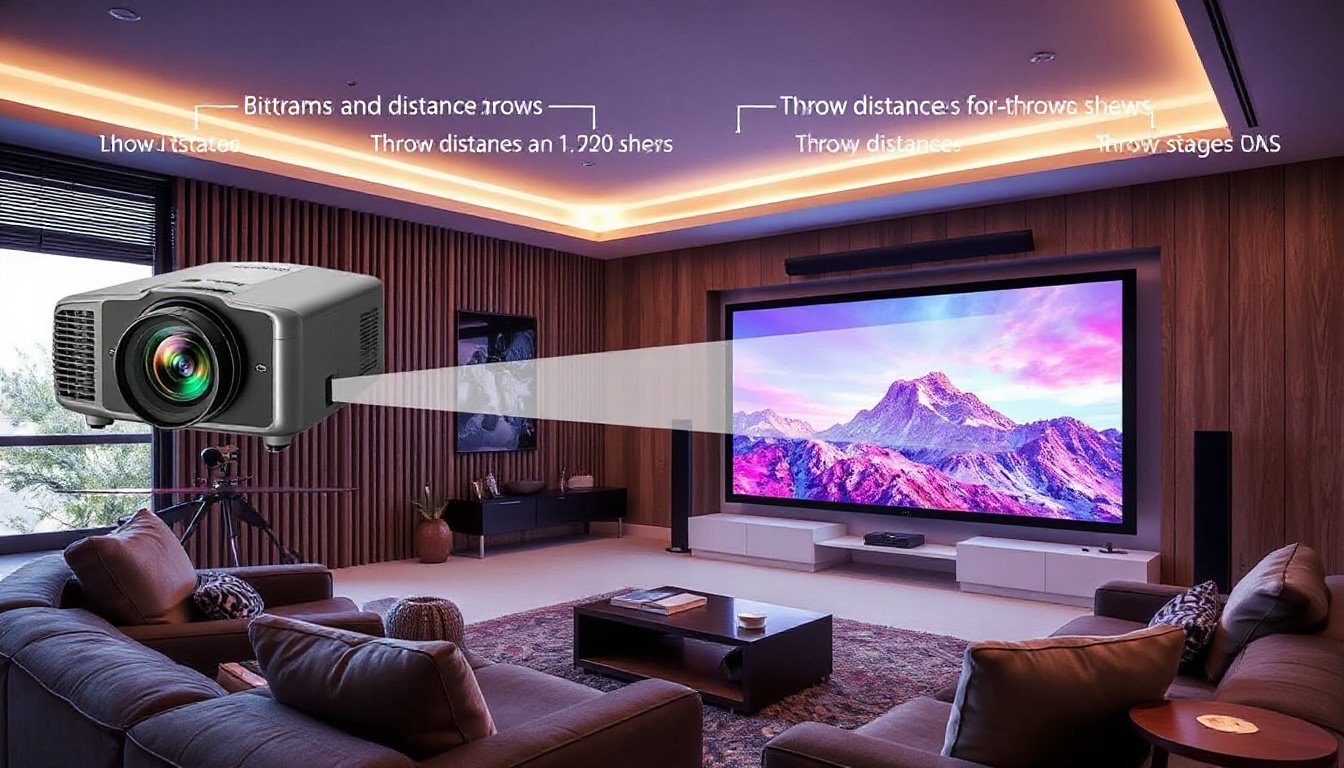
Throw distance refers to the physical space between the projector’s lens and the projection surface (usually a screen or wall). It directly affects the size of the projected image—the farther away the projector, the larger the image on the screen.
The Role of Throw Ratio
The throw ratio is a specification that relates throw distance to the width of the image produced:
Throw Ratio = Throw Distance ÷ Image Width
For example, a projector with a throw ratio of 1.2 placed 12 feet from the screen will produce an image 10 feet wide (12 ÷ 1.2 = 10 feet).
Knowing this ratio can help you understand whether a projector suits your room size and screen selection, ensuring that the image fits your intended display area without distortion or loss of clarity.
Types of Throw Ratios
- Short Throw: Usually between 0.4 and 1.0; these projectors can create large images from a short distance (a few feet away), making them ideal for small rooms or limited spaces.
- Ultra-Short Throw: Ratios below 0.4, allowing installation just inches from the screen.
- Long Throw: Ratios above 1.5; suitable for large rooms or auditoriums where the projector is placed far from the screen.
How Throw Distance Impacts Performance
Throw distance influences several aspects of projector performance:
- Image Size: Longer throw distances create larger images but may require more space than available.
- Image Clarity: If the image is projected at an inappropriate distance for the lens, it might lose sharpness, appear stretched, or have blurry edges.
- Setup Flexibility: Some rooms restrict how far your projector can be placed, requiring short or ultra-short throw projectors.
- Installation Constraints: Ceiling mounts, shelves, or table placements will determine the feasible throw distance.
Using a projector distance calculator can help you find the optimal projector-to-screen distance based on your projector’s throw ratio and screen size.
Importance of Lens Type in Projection Setup
While throw distance defines where your projector should be placed, lens type determines how the image is focused and displayed.
Fixed Lens
Basic projectors often come with fixed lenses that operate best at specific throw ratios. They offer less flexibility in terms of placement and zoom capabilities, requiring precise installation.
Zoom Lens
Zoom lenses allow you to adjust the image size without moving the projector physically by changing the focal length. This flexibility aids in fine-tuning the image to fit your screen size perfectly, which is especially useful in varied room setups.
Lens Shift and Keystone Correction
- Lens Shift: Mechanically moves the lens vertically or horizontally without distorting the image, allowing for easier projector positioning.
- Keystone Correction: Digital adjustment that corrects image distortion when the projector is not perpendicular to the screen but can reduce image quality if overused.
Matching Screen Size, Room Dimensions, and Projector Specs
Choosing the right screen size and projector requires balancing room dimensions, viewing distance, and projector throw capabilities.
Viewing Distance Recommendations
Experts suggest viewers should sit:
- Between 1.5 to 5 times the screen’s width for comfortable viewing.
- For detailed content (charts, presentations): closer distances (~4× screen height).
- For movies or videos: longer distances (~6× to 8× screen height).
Example Calculation
For a room where viewers sit 12 feet (144 inches) away, and using the recommended formula for a 16:9 screen:
Ideal Screen Diagonal ≈ Viewing Distance × 0.6149
144 × 0.6149 ≈ 88.5 inches diagonal
Then, using your projector’s throw ratio, you can calculate the required throw distance or screen width accordingly.
Practical Tips for an Optimal Projector Setup

- Measure Your Room Accurately: Know the distance between your projector location and screen area.
- Select the Right Throw Ratio Projector: Match your room space with projector throw ratio (use online calculators if needed).
- Consider Lens Features: Zoom lenses and lens shift options increase installation flexibility.
- Choose the Ideal Screen Size and Aspect Ratio: Consider standard formats like 16:9 for home entertainment or 16:10 for business use.
- Account for Ambient Light and Screen Gain: High ambient light rooms benefit from specialized ALR (ambient light rejecting) screens.
- Use Multiple Tools for Precision: Cross-check throw distance with calculators and manufacturer specifications.
- Plan for Installation Type: Ceiling mount, table placement, or shelf setup each affect projector distance and angle.
Conclusion
Maximizing your projector’s performance hinges on carefully balancing throw distance and lens type to suit your room’s specific needs. The throw ratio guides you in positioning your projector to achieve the desired image size without sacrificing clarity. Meanwhile, lens types and zoom capabilities offer essential flexibility in installation and image adjustment.
By understanding and applying these concepts, you ensure vivid, immersive projections that fit your space perfectly—whether for entertainment, education, or business. Always consider room dimensions, screen size, and projector specs holistically to create the ultimate viewing environment.
Additional Resources: Utilize manufacturer throw distance calculators and consult projector manuals for precise installation guidelines tailored to your particular model.