





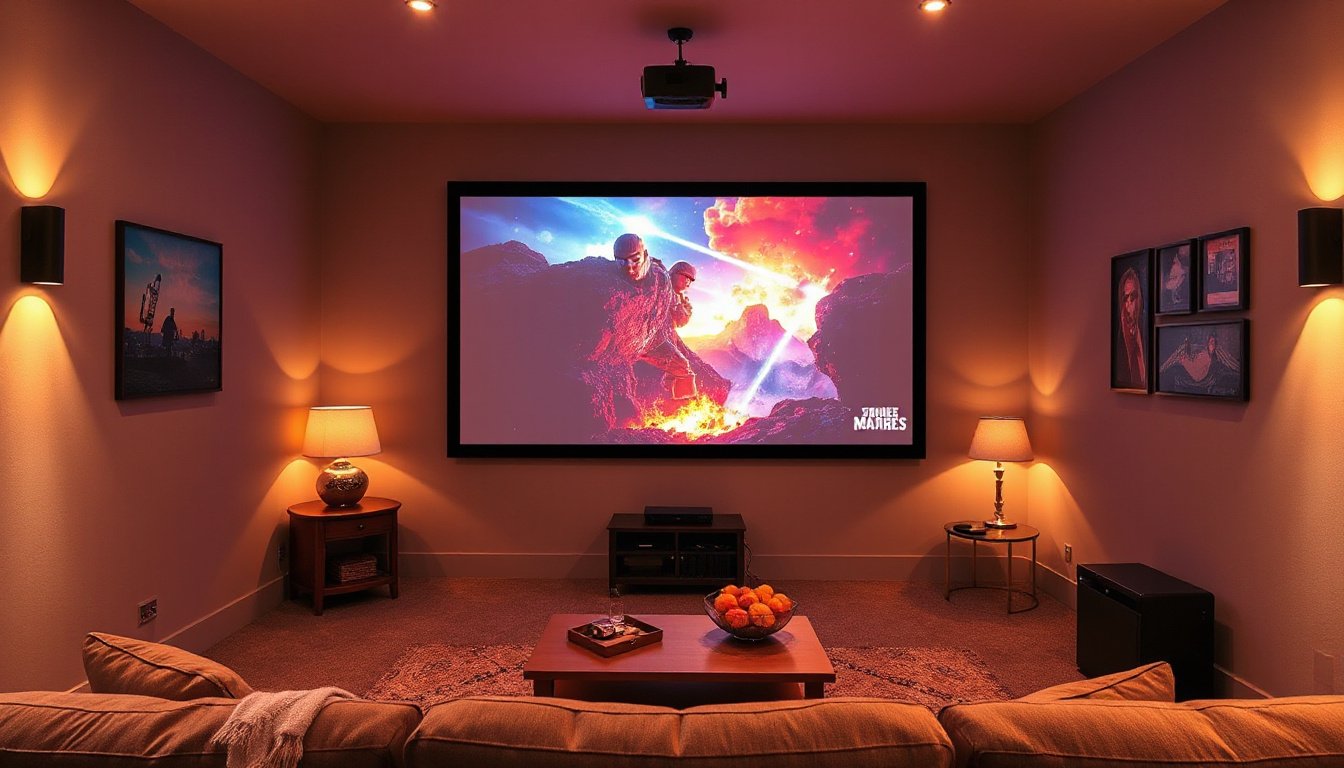
In today’s world of home entertainment and professional presentations, the quality of your projected image is crucial for an immersive and enjoyable viewing experience. However, one persistent challenge is ambient light — the indirect light from windows, room lighting, and other sources that can wash out and diminish image clarity. This is where Ambient Light Rejecting (ALR) screens come into play, significantly enhancing the performance of your projector setup even in well-lit environments. This comprehensive guide explores what ALR screens are, how they work, and how to effectively use them to elevate your viewing experience.

What is an Ambient Light Rejecting Screen?
An Ambient Light Rejecting screen is a specially designed projection screen that improves image visibility and contrast by reducing the impact of ambient light in the viewing environment. Unlike traditional white or matte screens that scatter light uniformly in all directions, ALR screens use optical features to either absorb or deflect ambient light away from the viewer’s line of sight, enhancing image brightness and color saturation.
While the term “rejecting” implies that ambient light is blocked entirely, technically ALR screens absorb or divert unwanted light rather than reject it outright. This subtle but important distinction highlights the sophisticated engineering behind ALR technology, which manipulates light in ways that standard screens cannot.
Understanding Ambient Light and Its Impact
Ambient light is any indirect lighting in an environment originating from natural or artificial sources other than the projector itself. This includes sunlight streaming through windows, overhead room lights, lamps, and even reflective surfaces such as light-colored walls, ceilings, or floors.
When ambient light hits a standard projection screen, it scatters along with the projected light, which washes out the image, reduces contrast, and causes colors to look washed-out or faded. This problem becomes more noticeable with larger screen sizes and brighter room conditions, making it difficult to maintain high-quality visuals without controlling the environment.
Most people cannot create a fully light-controlled home theater, so having a projection screen that mitigates the negative effects of ambient light is key to more versatile and enjoyable setups.
How Do Ambient Light Rejecting Screens Work?
There are two main categories of ALR screen technologies used to counteract ambient light:
1. Angular Reflective ALR Screens
These screens reflect the projector’s light back towards the audience at specific angles, in line with the laws of reflection: the angle of incidence equals the angle of reflection. This focused reflectivity boosts the brightness of the projected image directly towards the viewers while diverting off-angle ambient light away from their eyes.
Angular reflective screens achieve this by using microstructures or multi-layered optical filters that control how light is scattered. They reduce washout by restricting the screen’s reflection angle, resulting in higher contrast, richer black levels, and vibrant colors.
This type of screen is popular for both commercial and residential use because it allows flexible projector placement and generally offers excellent performance in rooms with moderate ambient light.
2. Retro-Reflective ALR Screens
Retro-reflective screens reflect light back to the source, i.e., the projector, using a microstructured surface often likened to a series of small "saw-tooth" shapes on a microscopic level. This unique design funnels the projected light narrowly back toward the projector lens, which means off-axis ambient light is either absorbed by the screen’s dark structures or diffused to reduce its washing effect.
Though offering exceptional contrast and color performance, retro-reflective screens require precise projector alignment, with minimal deviation from the center axis (usually within 5 degrees). They are typically favored by home theater enthusiasts who prioritize image quality in controlled lighting environments.
Benefits of Using Ambient Light Rejecting Screens
- Improved Visibility in Bright Rooms: ALR screens allow you to use projectors effectively even in rooms with windows or overhead lights, reducing the need for complete darkness.
- Enhanced Contrast and Color Accuracy: By suppressing ambient light, these screens maintain deep blacks and vibrant colors for a more cinematic experience.
- Greater Flexibility With Room Setup: You can place projectors in living rooms, dens, or multi-purpose spaces without worrying about perfect light control.
- Eye Comfort: ALR screens can reduce overall screen brightness to comfortable levels without sacrificing picture quality, avoiding eye strain from overly bright images.
- Cost-Effectiveness: Instead of investing in ultra-bright projectors or expensive room modifications, ALR screens provide a practical alternative for better image quality.
Using Ambient Light Rejecting Screens: Practical Tips
- Projector Placement Matters: For angular reflective screens, place the projector so that the projected light hits the screen within its specified viewing angle. Retro-reflective screens require even more precise alignment.
- Manage Surrounding Surfaces: While ALR screens reduce ambient washout, it helps to keep the surrounding walls and ceilings in darker tones or use curtains/blinds over windows to limit reflected light.
- Choose the Right Screen Size: Match your screen size to your room dimensions and seating distance for optimal viewing angles. For instance, a 100-inch screen is ideal for seating distances between 2 to 5 meters.
- Consider Projector Brightness: ALR screens enhance contrast but do not replace the need for adequate projector brightness to achieve clear images.
- Room Lighting Control: Use blackout curtains or blinds with white or light-colored fabric strategically, as these can further soften ambient light without fully darkening the room.
Are Ambient Light Rejecting Screens Suitable for Your Projector?
A common question among projector users is whether ALR screens work with standard throw projectors or only ultra-short throw models. The answer is yes, ALR screens are effective for both setups but with some distinctions:
- Ultra Short Throw (UST) Projectors: ALR screens are often optimized for UST projectors placed close to the screen, due to their projection angle and light intensity.
- Standard Throw Projectors: ALR screens designed for angular reflection or retro-reflective technology can work well at typical throw distances (e.g., around 3 meters), provided projector alignment follows the screen’s requirements.
For example, an Epson EH-TW610 projector throwing about 3 meters can benefit from an ALR screen if ambient light is a concern, especially in a room with large windows and white walls. Even if the room gets fairly dark when blinds are closed, the ALR screen improves image saturation and contrast during daytime use.
Final Thoughts
Ambient Light Rejecting screens represent a smart, practical solution to one of projector viewing’s biggest challenges: combating ambient light washout. By intelligently absorbing or redirecting unwanted light, ALR screens enable vivid, high-contrast images in environments previously considered unsuitable for projectors.
Whether you’re upgrading a home theater, transforming your living room into a media hub, or enhancing conference presentations, understanding and leveraging ALR screen technology will elevate your viewing experience to the next level.
Summary
- Ambient light reduces image quality by washing out contrast and colors on traditional projection screens.
- ALR screens absorb or divert ambient light to maintain image clarity and contrast.
- Two main types: angular reflective (widely versatile) and retro-reflective (highly precise).
- ALR screens allow use in brighter rooms without rigid light control.
- Proper projector placement and room considerations maximize ALR screen effectiveness.
- Suitable for both ultra-short and standard throw projectors.
Explore ALR screens to bring vibrant, high-contrast visuals to your projection setup and enjoy the ultimate viewing experience — no matter the lighting conditions.