





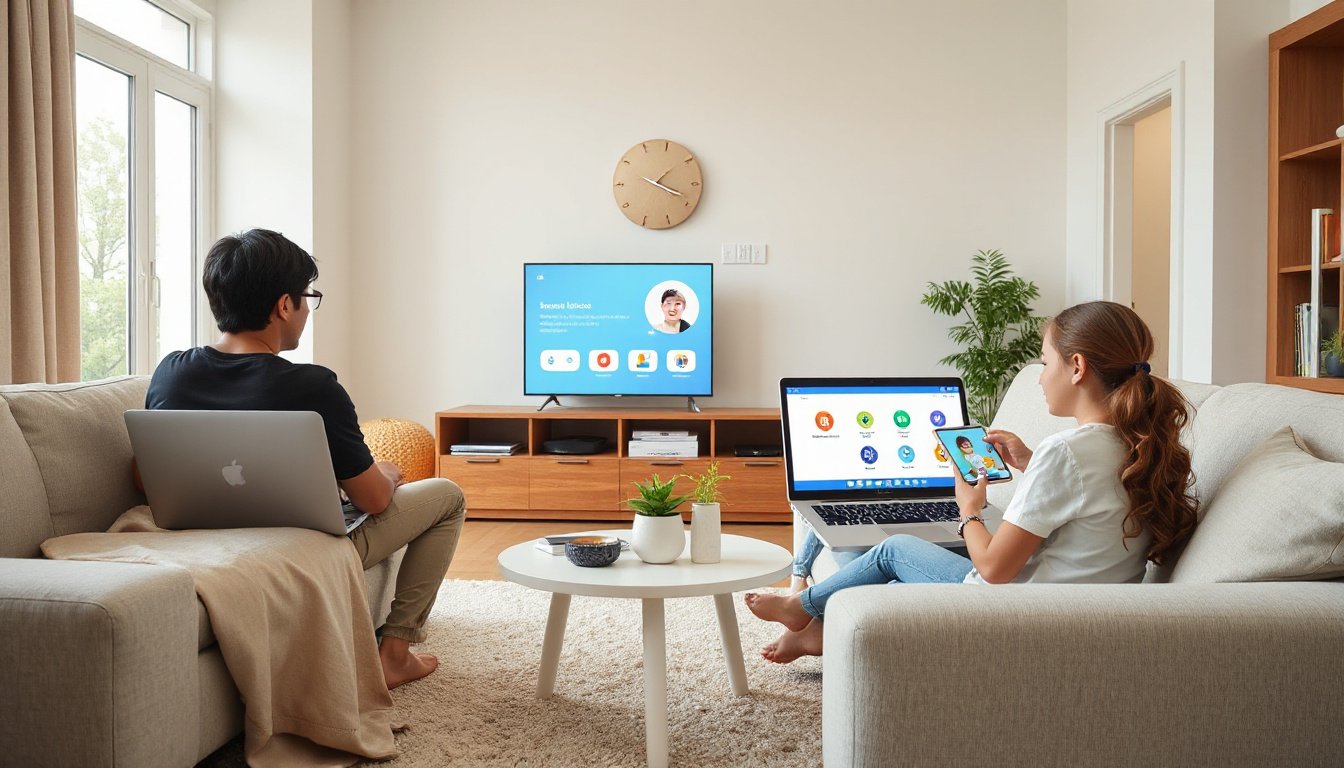
In today’s digital world, children have unprecedented access to information, entertainment, and social connections through the internet and connected devices. While these opportunities can foster learning and creativity, they also expose young users to risks such as inappropriate content, excessive screen time, and online privacy challenges. Parental controls offer essential tools for parents to guide and protect their children’s digital experiences effectively. This article explores how parents can master parental controls to ensure a safe, balanced, and positive online environment for their families.
Understanding Parental Controls and Their Importance
Parental controls are software features or settings designed to help parents manage and monitor their children’s use of digital devices and online services. These controls enable parents to:
- Set screen time limits to prevent excessive use of devices.
- Filter and block inappropriate content such as explicit websites, videos, or apps.
- Monitor app activity, reviewing what apps children use and for how long.
- Manage online purchases and app downloads by requiring parental approval.
- Control privacy settings to protect children’s personal information.
- Create supervised user profiles tailored for children’s age group.
These tools do not just restrict access but also empower families to establish healthy digital habits and foster open communication about internet safety.
Choosing the Right Parental Controls for Your Family
Every family is unique, and choosing the right parental control solutions should reflect the family’s values, the child’s age, and their maturity level. Experts emphasize that effective parental controls combine technological tools with education and ongoing dialogue.
Popular parental control tools are often integrated into devices and platforms, including operating systems like Android and ChromeOS, browsers, streaming services, and apps. For instance, Google offers comprehensive family-focused tools such as Family Link, which provides a flexible and user-friendly way for parents to set digital ground rules on their children’s devices.
Key Features of Effective Parental Controls

1. Screen Time Management
It is crucial to balance children’s screen time between constructive activity and rest. Parental controls allow parents to set daily screen limits, establish schedules for school hours or bedtime, and even remotely lock devices. This helps promote healthier routines and reduce the risks associated with overuse of screens.
2. Content Filters and Safe Browsing
Parents can prevent children from accessing harmful or age-inappropriate content by enabling built-in filters. Features like SafeSearch block explicit search results, while browser controls restrict access to specific websites. On platforms like YouTube, supervised experiences can limit video recommendations to more family-friendly content.
3. Managing Apps and Purchases
Many parental controls let parents approve or decline app downloads and in-app purchases directly through their accounts. This safeguards children from inadvertently accessing unsuitable apps or spending money without permission.
4. Privacy and Account Security
Protecting kids’ personal information is paramount. Parents can use parental controls to oversee settings such as location sharing, data permissions, and account credentials. In cases of lost passwords or compromised accounts, parents may reset information or remove access when necessary.
5. Family-Oriented Experiences
Some digital assistants and smart devices now offer tailored options for children, including educational games, activities, and voice interactions designed for young users. Parents can regulate these features to ensure safe, age-appropriate engagement.
Building Healthy Digital Habits Beyond Controls
Technology is only part of the solution; fostering digital literacy, setting clear expectations, and discussing online privacy and safety with children are equally important. Resources from organizations like Common Sense Media and ConnectSafely provide valuable guidance for parents to become effective digital mentors.
Encouraging children to take breaks, engage in offline activities, and understand the consequences of their online actions helps build lifelong healthy habits.
Conclusion
Mastering parental controls equips parents with the tools to protect and guide their children in an increasingly connected world. By combining technology with education and communication, parents can create a safer, balanced, and enriching online environment. Utilizing solutions like Google Family Link along with setting clear family rules and encouraging open conversations gives children the confidence to explore the digital world responsibly and safely.
Resources to Explore:
- Google Family Link: Manage your child’s device and account settings.
- SafeSearch and content filters on popular platforms.
- Parental control features in browsers, Android, ChromeOS, and streaming services.
- Educational resources on digital literacy and online safety.
Empower your family today and embrace technology as a positive force with thoughtful parental controls.