





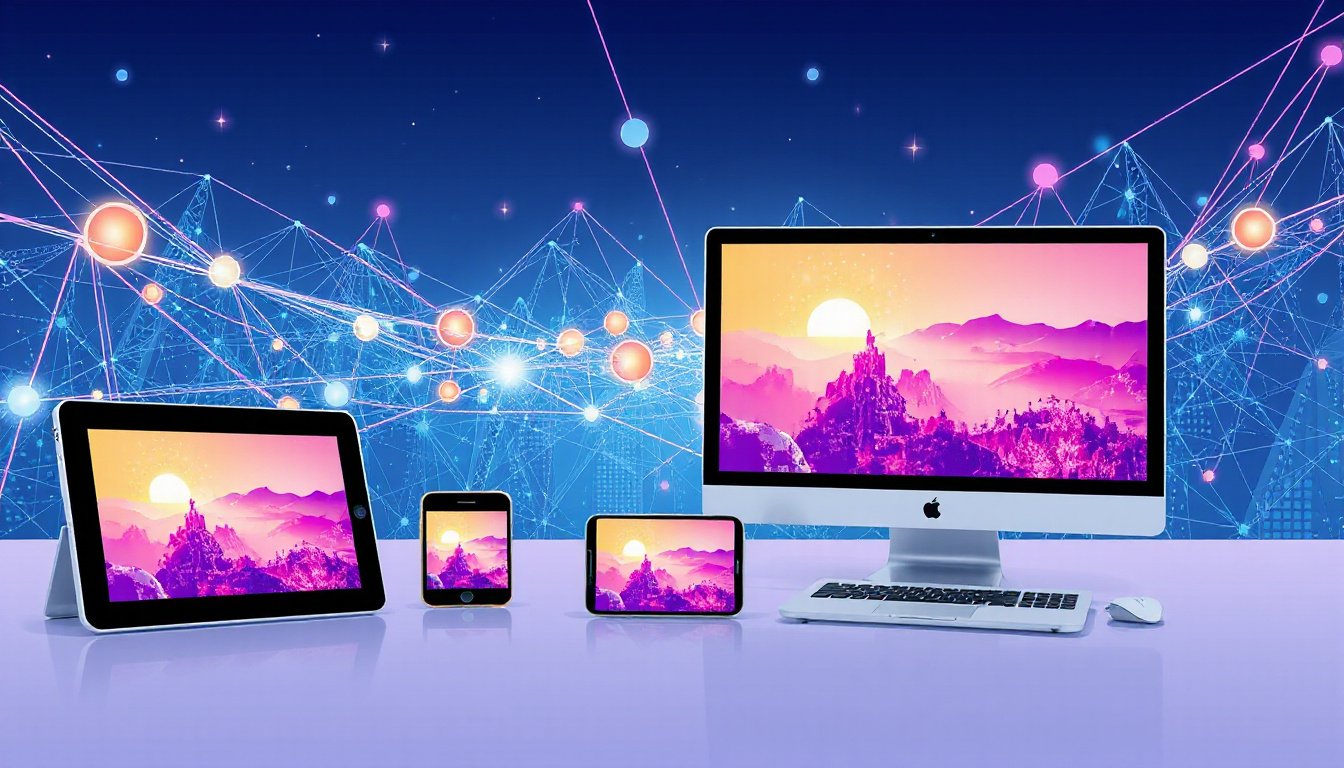
In today’s digitally connected world, wireless mirroring technologies have become pivotal tools for enhancing communication, productivity, and engagement. These technologies allow users to share their device screens—be it a smartphone, tablet, or computer—wirelessly onto larger displays such as monitors, projectors, or TVs. This article offers a comprehensive exploration of wireless mirroring, its core technologies, practical applications, and the benefits it brings to modern devices across various environments.
Understanding Wireless Mirroring: What It Is and How It Works
Wireless mirroring, often referred to as screen mirroring or screen casting, enables the real-time display of one device’s screen on another without the need for physical connections such as HDMI or VGA cables. This wireless communication leverages standards such as Miracast, AirPlay, and Google Cast to transmit video and audio data over Wi-Fi or peer-to-peer wireless networks.
At its core, wireless mirroring duplicates the source display onto a receiving device, facilitating the sharing of content like presentations, videos, images, or applications. The technology employs either device-to-device direct connections or operates over an existing Wi-Fi network to establish seamless and instantaneous communication between the sender and receiver.
Key Wireless Mirroring Technologies
1. Miracast
Miracast is a widely adopted wireless mirroring standard designed to mirror content from Windows PCs, Android devices, and others onto compatible displays without requiring an internet connection or an existing Wi-Fi network. It creates a peer-to-peer connection, simplifying setup and reducing dependency on infrastructure. Miracast supports high-definition video and multi-channel audio streaming.
Use Case: Windows 10 and 11 natively support Miracast, enabling users to project their screens to TVs, projectors, or even other PCs with wireless display capabilities.
2. Apple AirPlay
AirPlay is Apple’s proprietary wireless streaming protocol that enables screen mirroring from iPhones, iPads, and Macs to Apple TV or AirPlay-compatible smart TVs. It is known for its smooth integration within the Apple ecosystem, supporting high-quality video and audio transmission.
Use Case: Presenting content from an iPhone or MacBook wirelessly onto an Apple TV during meetings or entertainment setups.
3. Google Cast (Chromecast)
Google Cast allows users to wirelessly stream or mirror content from Android devices, Chrome browsers, or Chrome OS directly to Chromecast-enabled displays or smart TVs. It emphasizes portability and cross-platform compatibility, though some applications may have limited native support.
Use Case: Casting a Chrome browser tab or Android screen to a Google Chromecast dongle connected to a TV for shared viewing.
Benefits of Wireless Mirroring Technologies
Wireless mirroring technology offers an array of advantages that cater to both corporate and personal use:
-
Complete Wireless Convenience: Eliminates clutter and complexity from cables. Users simply connect their devices to compatible displays over Wi-Fi networks or direct wireless links.
-
Fast, DIY-Friendly Setup: Reduces the need for IT support, allowing users to quickly initiate screen sharing with minimal configuration, enhancing meeting efficiency.
-
Multi-Device Compatibility: Options like Miracast and Google Cast support a range of operating systems including Windows, MacOS, iOS, and Android, ensuring flexibility for diverse device environments.
-
Enhanced Collaboration: Features such as unlimited simultaneous sharing (in select systems) foster smoother teamwork, allowing multiple participants to share content fluidly within a session.
-
Mobile Device Integration: Enables presentations and content sharing directly from smartphones or tablets without extra adapters, expanding the convenience of mobility.
-
Control and Security: Many mirroring solutions provide granular control over what content is shared and when, increasing privacy and session management capabilities.
-
Hybrid Work Enablement: Integration with video conferencing tools and hybrid meeting setups allows remote participants to view shared screens in real time, improving inclusivity.
Popular Wireless Mirroring Devices and Solutions

Businesses and consumers have a rich selection of hardware and software options to enable wireless mirroring:
Apple TV: Utilizes AirPlay for seamless casting from Apple devices. It offers a user-friendly interface but is limited to Apple ecosystems.
Google Chromecast: Compact and portable, Chromecast supports cross-platform casting but may have compatibility issues with certain applications and struggles with VPN environments.
Miracast-Enabled Displays: Common in many modern Windows PCs and smart TVs, Miracast provides flexible, no-network-needed wireless mirroring.
Reflector and AirParrot (Squirrels LLC): Software solutions for Mac and Windows that extend mirroring capabilities, allowing users to send screens to multiple receivers (including Apple TVs and Chromecasts) and receive mirrored content from phones or tablets onto computers.
Using Wireless Mirroring on Windows PCs
Windows 10 and Windows 11 offer native methods to project screens via Miracast:
-
Connect to Wireless Displays: Press
Windows + Kto open the Connect sidebar, selecting the target display or PC. -
Project to Another PC: By installing the Optional "Wireless Display" feature on a target PC, one can project screens from one Windows device to another.
-
WiGig Support: Certain Windows PCs support WiGig dock technology for high-speed wireless display connectivity over short distances.
Users can choose display modes such as duplicate, extend, or second screen only to tailor their mirroring experience.
The Expanding Impact of Wireless Mirroring Technologies
Wireless mirroring has become a cornerstone in multiple sectors:
-
Corporate Meetings and Hybrid Workspaces: Enables flexible, cable-free presentations and collaboration regardless of where team members are located.
-
Education: Facilitates sharing of instructional content from teacher devices to classroom displays, enhancing interactive learning.
-
Digital Signage and Advertising: Allows dynamic content updates across various screens without manual connection.
-
Mobile Gaming and Development: Helps developers and gamers project mobile content onto larger screens for better visibility and testing.
With the growth of wireless infrastructures and device interoperability, wireless mirroring is increasingly integral to modern workflows and entertainment experiences.
Conclusion
Wireless mirroring technologies have revolutionized how devices communicate and share content, paving the way for seamless connectivity in professional, educational, and personal environments. By understanding and leveraging protocols like Miracast, AirPlay, and Google Cast, users can enjoy effortless screen sharing without the constraints of physical cables. As technology advances, wireless mirroring solutions continue to expand in capability, providing more inclusive, agile, and productive experiences to meet the dynamic needs of modern device users.