









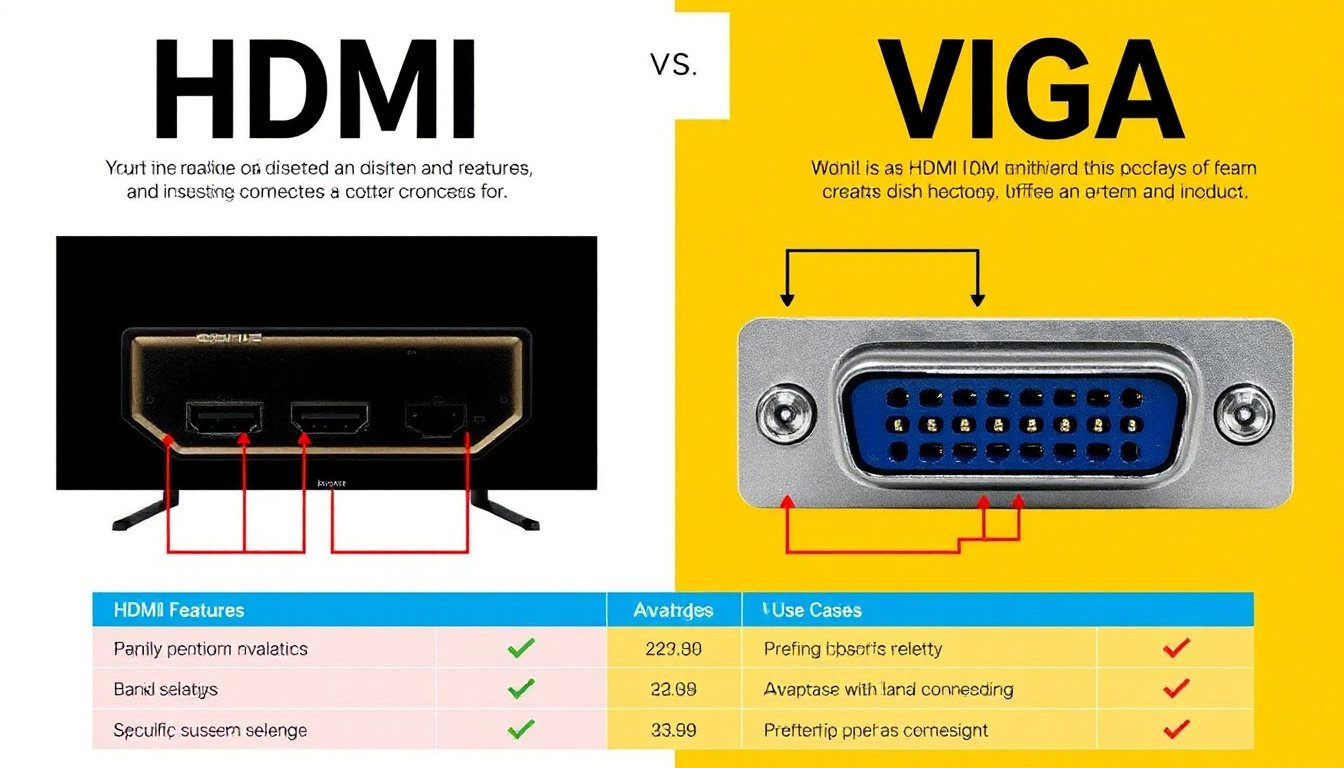
When setting up your display devices, whether for gaming, presentations, or home entertainment, choosing the right video input can significantly impact your experience. Among the many options available, HDMI and VGA remain the most commonly discussed and used connections. Understanding their differences, strengths, limitations, and best use cases will help you make an informed decision tailored to your needs.

What Are HDMI and VGA?
VGA (Video Graphics Array)
VGA is one of the oldest display connection standards, introduced by IBM in 1987. It uses an analog signal to transmit video data and typically features a 15-pin D-sub connector. Originally designed for personal computers, VGA connects the source device (such as a PC) to displays like monitors or projectors.
- Signal Type: Analog
- Connector: 15-pin D-sub, trapezoidal shape
- Max Resolution: Up to 2048×1536 pixels in later implementations (typically supports 640×480 to 1080p in practice)
- Audio Support: No native support; requires a separate audio cable
- Typical Use: Older computers, legacy projectors, and some TVs
- Advantages: Widely compatible with older hardware
HDMI (High-Definition Multimedia Interface)
HDMI, launched in 2002, is a modern digital standard that transmits both high-definition video and audio signals over a single cable. It has undergone multiple updates (from HDMI 1.0 to HDMI 2.1) to support higher resolutions, refresh rates, and additional features like Ethernet and content protection.
- Signal Type: Digital
- Connector: Typically a 19-pin trapezoidal connector (Type A most common)
- Max Resolution: Supports up to 4K, 8K, and beyond depending on HDMI version
- Audio Support: Supports multi-channel digital audio
- Typical Use: Modern TVs, monitors, gaming consoles, Blu-ray players, streaming devices
- Advantages: Single cable for audio/video, HDCP content protection, superior quality, better compatibility with new devices
Key Differences Between HDMI and VGA
| Feature | VGA | HDMI |
|---|---|---|
| Signal Type | Analog | Digital |
| Video Quality | Prone to interference and noise | Clear, high-quality video |
| Resolution Support | Up to 1080p (practically) | Up to 8K (depending on version) |
| Audio Transmission | No (requires separate cable) | Yes (audio & video in one cable) |
| Connector Type | D-sub 15-pin | 19-pin HDMI (Type A) |
| HDCP Support | No | Yes |
| Device Compatibility | Older devices and displays | Modern TVs, projectors, and devices |
| Cable Length Limit | Prone to signal degradation over long runs | Better signal integrity over longer runs |
When to Choose VGA
Despite being an older technology, VGA still finds relevance in several scenarios:
- Legacy Hardware: If you use older projectors, monitors, or PCs that do not have HDMI ports, VGA remains useful.
- Low-Cost Applications: VGA cables and connectors tend to be inexpensive and durable.
- Basic Video Needs: For presentations or setups where high resolution and audio transmission are not critical, VGA will suffice.
- Existing Setups: Many classrooms and meeting rooms still have VGA connections for projectors.
Limitations: VGA cannot transmit audio, is susceptible to signal degradation over longer cables, and offers lower video quality compared to HDMI.
When to Choose HDMI
HDMI has become the universal standard for most modern digital devices because of its numerous advantages:
- High-Quality Video and Audio: Supports high resolutions (4K & 8K), multiple audio channels, and encrypted content.
- Simplified Cabling: Combines video and audio transmission in one cable, reducing clutter.
- Compatibility: Supported by nearly all contemporary TVs, monitors, gaming consoles, laptops, and AV equipment.
- Advanced Features: Supports HDCP (content protection), Ethernet data connection, and audio return channel (ARC).
- Ideal for High-Definition Entertainment: Perfect for Blu-ray players, streaming devices, gaming, and VR applications.
Limitations: Older devices without HDMI ports require adapters, and cheaper cables may be prone to damage or signal loss, though functionality typically remains consistent with proper quality cables.
VGA to HDMI and HDMI to VGA: Bridging Old and New
If you have a device with only HDMI output but a display that supports only VGA (or vice versa), various adapters are available:
- HDMI to VGA Adapter: Converts digital HDMI signals to analog VGA. Useful for connecting modern PCs to older projectors.
- VGA to HDMI Converter: Generally requires power and additional hardware to convert analog VGA signals to digital HDMI, sometimes including an audio input to transmit sound.
Note: Using adapters can introduce signal loss and may require separate audio cables because VGA does not carry audio natively.
Other Common Display Connections
Understanding HDMI and VGA also invites knowledge of other interfaces commonly seen today:
- DVI (Digital Visual Interface): Supports digital video signals and can be compatible with VGA via adapters, but audio is not transmitted.
- DisplayPort: A digital display interface that supports higher resolutions and multi-monitor setups, commonly found in PCs.
- USB-C: Supports video, audio, data, and power over a single reversible connector; commonly used on modern laptops and smartphones.
- Thunderbolt: Similar in form factor to USB-C but offers faster data transfer speeds and enhanced video capabilities.
Summary: Which Input Should You Use?
| Use Case | Recommended Input |
|---|---|
| Modern devices, high-quality A/V | HDMI |
| Older monitors/projectors, no audio needed | VGA |
| Mixed hardware environments | HDMI with appropriate adapters |
| Presentations in legacy spaces | VGA |
| Gaming, home theaters, VR | HDMI |
Conclusion
HDMI and VGA serve distinct purposes in the display connectivity world. VGA, as an analog technology, is becoming obsolete but remains relevant for connecting to older devices. HDMI’s digital technology provides superior image and sound quality and is more future-proof for modern applications. When possible, prefer HDMI for its convenience, quality, and compatibility. However, if you’re working with legacy equipment or specific setups requiring VGA, it still has a place.
Understanding these differences ensures you choose the right connection for your display needs, maximizing performance and convenience.
This guide consolidates technical details and user insights to help you navigate the HDMI versus VGA choice effectively.