





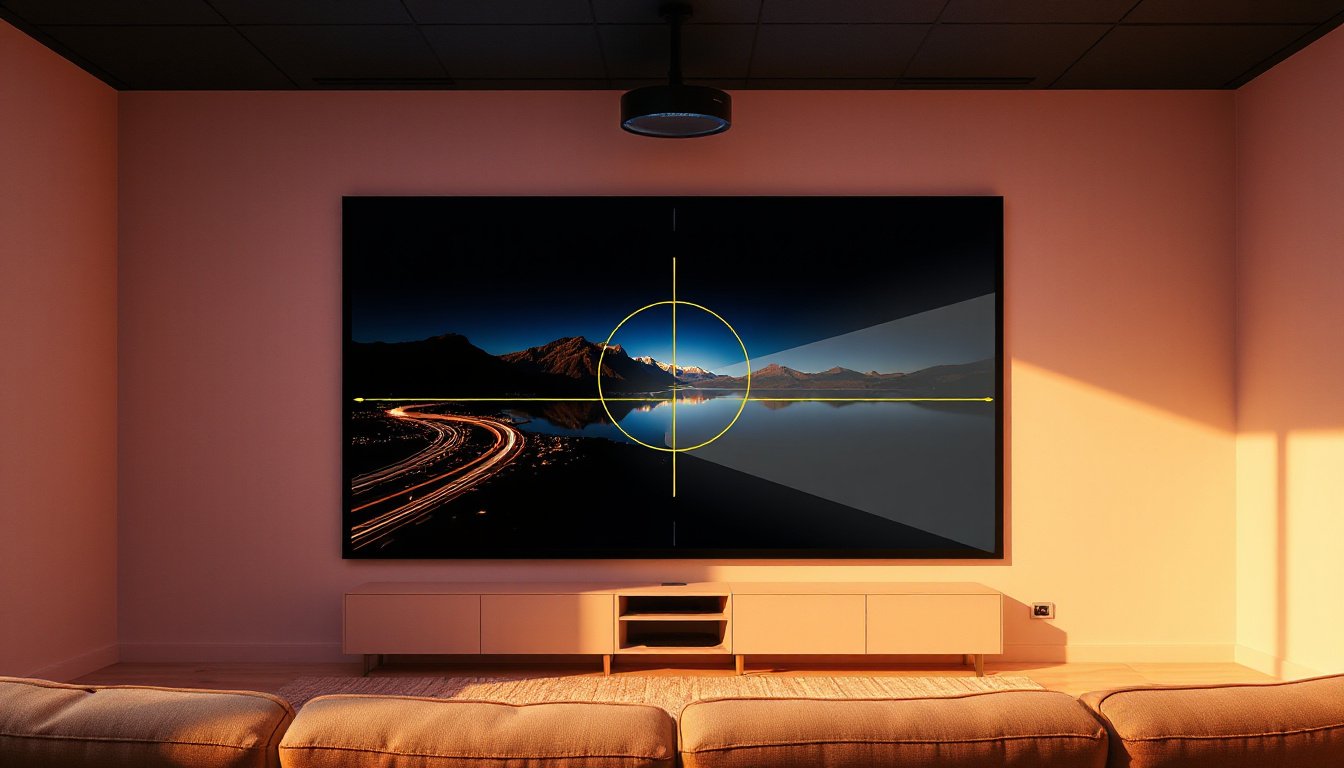
Projectors have become an essential tool for presentations, home theaters, and entertainment setups. However, achieving a perfectly aligned image on the screen can sometimes be challenging due to the projector’s placement. This is where keystone correction comes into play — a crucial feature that allows you to correct distortions and enjoy crisp, rectangular visuals no matter where your projector is positioned. This article delves into the concept of keystone correction, its causes, how it works, and tips to optimize your viewing experience.

What Is Keystone Correction?
The keystone effect refers to the image distortion that occurs when a projector is angled relative to the projection surface. The typical symptom is the image appearing trapezoidal instead of rectangular, often described as looking wider at the top or bottom, resembling the shape of an architectural keystone — hence the name.
This effect usually arises when the projector is placed either above or below the centerline of the screen and projects the image at an angle instead of perpendicularly. For example, if a projector sits on a low table projecting upwards, the top of the image can stretch out wider than the bottom. This distortion not only affects aesthetics but can also reduce image clarity and focus due to varying projection distances across the screen.
Keystone correction is a technology integrated into many modern projectors designed to counteract this effect by digitally adjusting the image, effectively “skewing” it so that the output appears rectangular again, even if the projector itself is off-center.
Why Does Keystone Distortion Occur?
The keystone effect happens because the projected image hits the screen at an angle. When a projector is aligned straight on, the light beams project uniformly, producing a perfect rectangle. However, tilting the projector causes uneven distances from the lens to the screen from top to bottom or side-to-side. This unevenness causes some parts of the image to stretch more than others, resulting in a trapezoidal appearance.
In photography, a similar distortion is observed when shooting tall buildings from ground level, where vertical lines appear to lean inward or outward due to perspective effects.
How Does Keystone Correction Work?
Keystone correction works by digitally manipulating the projection image so that its shape compensates for the angle of projection. This adjustment can be either vertical (correcting top-bottom distortion) or horizontal (correcting side-to-side distortion).
-
Digital Keystone Correction: Most consumer projectors use digital keystone correction, altering the image by recalculating pixel placement within the internal LCD or DLP modules. However, this comes at the cost of reducing the image resolution slightly because some pixels are compressed or stretched to achieve the effect.
-
Optical Keystone Correction: Higher-end or professional projectors sometimes employ optical lens shifting to achieve similar correction without degrading resolution. This physical adjustment moves the lens elements to realign the image projection.
Downsides of Keystone Correction
While keystone correction is useful, it is not without drawbacks:
- Loss of Image Quality: Digital correction reduces effective resolution and image sharpness since the pixels are redistributed.
- Focus Issues: Tilting a projector can cause certain parts of the screen to be out of the optimal focus range, as lenses are focused at an average distance.
- Black Bars or Empty Space: When correcting, the projector may produce black edges or bars around the image, indicating unused pixels or stretched areas.
Due to these factors, many home theater enthusiasts recommend mounting the projector as close to perpendicular to the screen as possible and using optical lens shift when available, thus minimizing reliance on digital keystone correction.
Tips to Optimize Keystone Correction
- Projector Placement: Aim to position your projector directly in front of the center of the screen and at the same height. This simple step minimizes keystone distortion from the start.
- Use Lens Shift If Available: If your projector supports lens shift, use it to physically move the image up, down, left, or right without distortion.
- Limit Correction Levels: Use keystone correction sparingly. Minor adjustments can correct skew with less impact on image quality.
- Adjust Screen Tilt: Slightly tilting the screen can help reduce the keystone angle when projector placement options are limited.
- Manual Focus: After correcting, fine-tune focus manually to get the sharpest image possible.
- Avoid Extreme Angles: Try not to tilt your projector excessively; correction is less effective and more damaging to image quality at steep angles.
Conclusion
Keystone correction is a valuable feature that enables flexible projector placement without sacrificing the rectangular integrity of your projected image. By understanding the origins of the keystone effect, how correction works, and the trade-offs involved, you can make smarter decisions on projector setup and utilize keystone correction effectively—transforming your viewing experience to one with perfectly aligned, high-quality images.
Whether you’re setting up for a professional presentation or enjoying a home theater movie night, mastering keystone correction ensures your visuals always make an impact.
References
- “Keystone correction,” Wikipedia, https://en.wikipedia.org/wiki/Keystone_effect
- “What Is Keystone Correction for Projectors? And Why You Should Avoid It,” CNET
- Discussions from projector user communities such as Reddit’s r/projectors
By combining ideal projector placement strategies with judicious use of keystone correction, you can enjoy immersive, distortion-free viewing anytime, anywhere.