





When setting up a projector, whether for a home theater, business presentation, or creative display, achieving the perfect image alignment can be a challenge. One of the key technologies that help optimize projector placement and image positioning without compromising picture quality is lens shift. This guide will explore what lens shift is, why it matters, how it differs from similar features, and practical tips for using it effectively.
What Is Lens Shift?
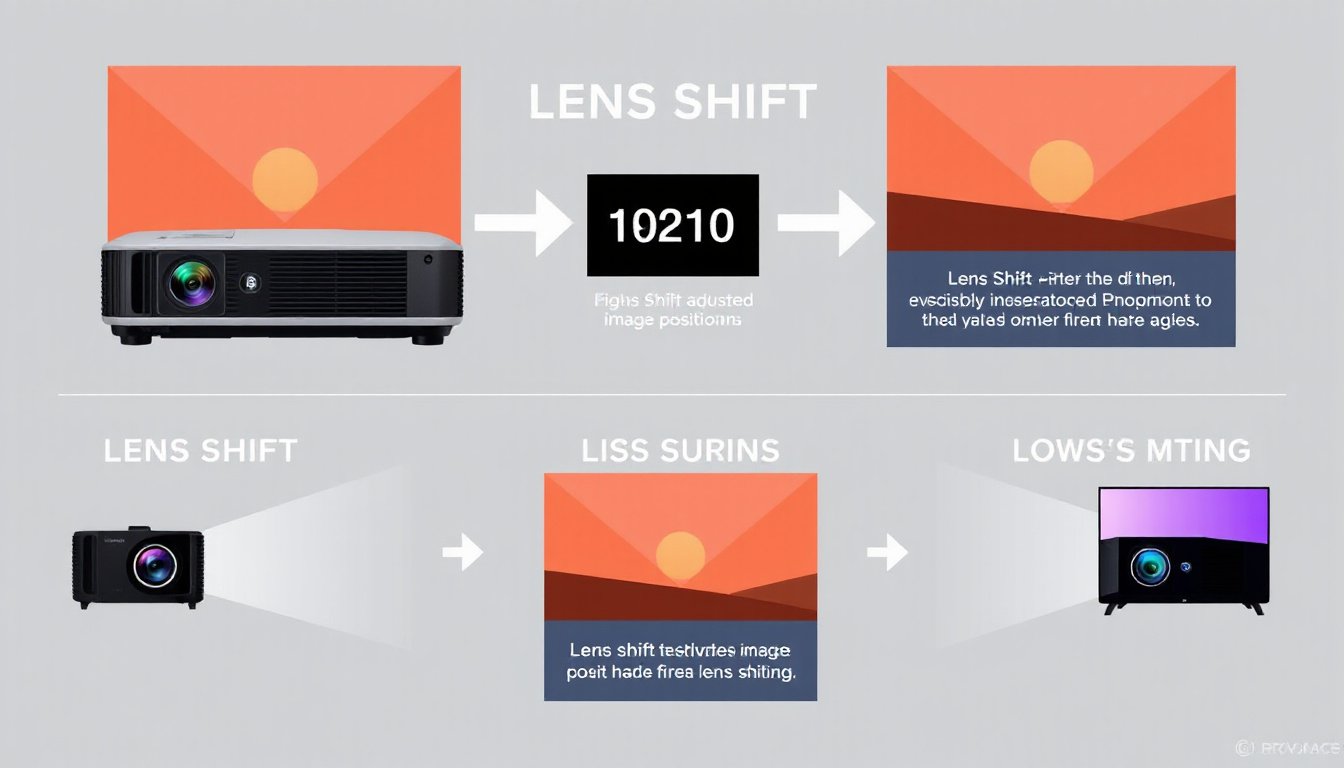
Lens shift is a mechanical feature in some projectors that allows users to adjust the position of the projected image up, down, left, or right without moving the projector itself. Unlike zoom, which changes the size of the image, lens shift moves the image’s location on the screen, maintaining the image’s size and sharpness.
Types of Lens Shift
- Vertical Lens Shift: Moves the projected image up or down.
- Horizontal Lens Shift: Moves the image left or right.
Some projectors offer vertical shift only, while many modern models provide both vertical and horizontal adjustments, giving users superior flexibility in positioning.
Lens Shift vs. Keystone Correction vs. Lens Offset
Understanding how lens shift interacts with other projector alignment tools is essential.
Lens Offset
Every projector has lens offset, which is a fixed vertical displacement of the lens relative to the image. This is usually expressed as a percentage of image height and indicates where the projector’s lens is positioned relative to the screen centerline. For example, a 10% vertical offset means the bottom of the image is shifted 10% of the image height higher than the lens centerline. However, manufacturers may define “0%” differently, so lens offset specs can be confusing without context.
Lens Shift
Lens shift effectively modifies the lens offset by physically moving the lens inside a specific range, allowing fine-tuned adjustment of the projected image’s location without tilting the projector.
Keystone Correction
Keystone correction digitally adjusts the image to fix distortion caused when a projector is tilted. However, it works by digitally remapping pixels, which often leads to brightness loss and image artifacts such as moiré patterns or blurring, since the image no longer maps one-to-one with the projector’s native resolution.
Key takeaway: Lens shift is superior to keystone correction because it preserves image brightness and quality by physically shifting the lens rather than digitally manipulating the image.
Why Lens Shift Matters
-
Installation Flexibility: Lens shift allows you to mount or place your projector in unconventional locations (e.g., on a shelf, ceiling-mounted off-center) while still getting a perfectly aligned image.
-
Preservation of Image Quality: By avoiding keystone correction, lens shift helps maintain optimal brightness and sharpness.
-
Ease of Setup: Adjusting lens shift is often easier and more precise than repositioning the entire projector or furniture in a room.
-
Versatility: Whether you’re in a home theater, classroom, conference room, or art installation, lens shift gives you the freedom to adapt your environment to the projector, not the other way around.
How to Use Lens Shift Effectively

Manual vs. Electronic Lens Shift
- Manual Lens Shift: Adjusted via external dials or knobs on the projector.
- Electronic Lens Shift: Controlled through the projector’s on-screen menu using a remote.
Step-by-Step Usage
- Turn On the Projector and project onto the screen.
- Access the Lens Shift Controls—either the manual dials or electronic settings.
- Adjust Vertically and Horizontally to center the image on your screen.
- Use an Alignment Grid if available to make precise adjustments.
- Test with Various Content to ensure consistent image quality.
- Secure the Settings if your projector allows saving electronic adjustments.
Tips for Optimal Use
- Always place the projector in a stable location before adjusting lens shift.
- Use lens shift primarily to fine-tune image alignment; consider repositioning the projector if adjustments go beyond the lens shift range.
- Be mindful that maximum lens shift capabilities vary by projector model (e.g., ±50% vertical, ±10% horizontal), so plan your installation accordingly.
Lens Shift in Context: The Bigger Picture
Unlike tilt and shift movements in photography lenses (used to control perspective and focus), projector lens shift serves a practical purpose of physically relocating the projected image to compensate for physical mounting constraints. While both involve moving elements within the lens assembly, projector lens shift is focused on image positioning without distortion.
Summary
Lens shift technology plays a crucial role in delivering an impeccable viewing experience:
- It enables flexible projector placement without needing physical movement or distortion correction.
- Maintains full image brightness and resolution by avoiding keystone correction.
- Enhances setup convenience, especially in challenging room layouts.
- Is available in varying degrees (vertical and horizontal) depending on projector models.
For anyone seeking to harness the full potential of their projector, understanding and leveraging lens shift can transform both the installation process and the viewing experience.
Frequently Asked Questions (FAQ)
Does lens shift affect picture quality?
Generally, lens shift does not degrade image quality as it involves physical lens adjustments that preserve resolution and brightness, unlike digital keystone correction.
How do I calculate horizontal lens shift?
Multiply the image width by the horizontal shift percentage. For example, with a 100-inch wide image and 30% horizontal shift, you get a 30-inch horizontal adjustment range.
Is lens shift the same as keystone correction?
No. Lens shift physically moves the lens to reposition the image, while keystone correction digitally warps the image to correct distortion caused by projector tilt.
By mastering lens shift, you unlock greater installation versatility and image perfection, enhancing your projector’s performance wherever it’s installed.