





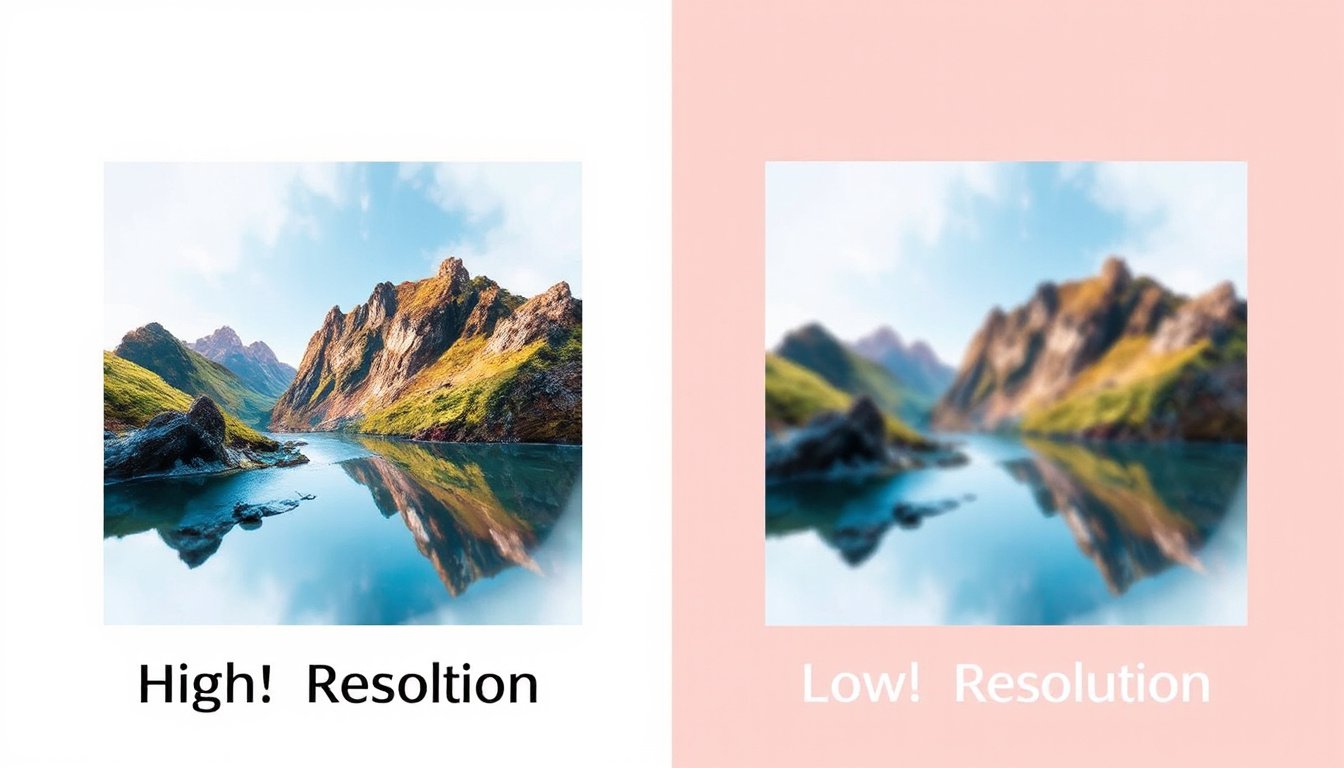
In the world of digital imaging and photography, resolution stands as a fundamental concept that directly influences image clarity and overall visual impact. Whether you’re capturing a breathtaking landscape, designing graphics for web or print, or developing specialized imaging systems in scientific or medical fields, understanding resolution is key to achieving the desired image quality. This article unpacks how resolution affects clarity, explores related factors, and offers practical insights to help you make informed decisions for high-quality imaging.
What Is Resolution in Imaging?
At its core, resolution refers to the amount of detail an image holds, typically measured by the number of pixels in a digital image. Pixels are the tiny dots of color composing an image—think of them as the building blocks of digital pictures. The more pixels packed into an image, the higher the resolution, and theoretically, the more detailed and sharper the image appears.
In digital photography, resolution is often expressed in megapixels (millions of pixels). For instance, a 12-megapixel camera sensor captures 12 million individual pixels, enabling it to render fine details and textures with greater precision. Higher megapixel counts benefit scenarios requiring large prints or significant cropping, where maintaining detail integrity is critical.
Beyond digital photography, resolution can also refer to spatial resolution—the ability of an imaging system to distinguish two adjacent features as separate. This concept is critical in fields like biomedical imaging, where distinguishing fine structures matters immensely.
How Resolution Affects Image Clarity

Image clarity is how sharply a system can reproduce the details and features of its subject. High resolution improves clarity by capturing more information, making images appear crisp and well-defined. For example, a high-resolution photo of a landscape can reveal intricate details like individual leaves or water ripples, enhancing visual storytelling.
However, resolution alone doesn’t guarantee superior image quality. The lens optics, sensor size, lighting conditions, and even post-processing play significant roles—a lens with poor focus will blur fine details, regardless of how many pixels the sensor captures. Similarly, a smaller sensor struggles to gather enough light, which can result in noisy or grainy images, impairing clarity.
Spatial resolution also relates to how closely two separate features can be distinguished. This limit is governed by physical constraints in optics and the imaging medium, often characterized by the Rayleigh Criterion—a benchmark defining when two points are resolvable as distinct.
Other Factors Influencing Image Clarity
Sensor Size: Larger sensors, such as full-frame or APS-C formats, collect more light and deliver better dynamic range. This translates to richer details and less noise, especially in low-light scenarios.
Lens Quality: The precision of lens optics determines how well light is focused onto the sensor. High-quality lenses enhance sharpness, contrast, and color rendition, directly affecting image clarity.
Lighting Conditions: Adequate and well-managed lighting brings out textures, reduces shadows, and boosts color vibrancy, contributing substantially to perceived image quality.
Digital and Optical Limits: While increasing digital resolution (pixel count) helps detect finer brightness variations, the optical system sets the true limits of detail clarity. Poor optics or scattering media (like fog or biological tissues) can blur details that more pixels cannot resolve.
Post-Processing: Editing tools can adjust exposure, contrast, and sharpness to enhance clarity, but excessive manipulation risks introducing artifacts or degrading image realism.
Common Misconceptions About Resolution
-
Higher Megapixels Always Mean Better Images: More megapixels capture finer details, but without quality lenses or proper lighting, extra pixels won’t improve clarity.
-
Digital Zoom Maintains Quality: Unlike optical zoom that magnifies via lens adjustments, digital zoom enlarges pixels, often leading to pixelation and reduced sharpness.
-
Professionals Only Use High-Resolution Cameras: Experts select cameras based on a balance of sensor size, lens quality, and other features, not just megapixel count.
Practical Considerations for Choosing Resolution
-
Purpose and Use Case: Determine if you need high resolution for large prints or professional work, or lower resolution for web use where smaller file sizes suffice.
-
Balance with Other Features: Prioritize sensor size and quality optics alongside resolution. A moderately high resolution with a large sensor and good lens often yields better results than simply the highest pixel count.
-
File Size and Storage: Higher resolution images have larger file sizes that require more storage and processing power, influencing workflow efficiency.
-
Output Medium: For prints, resolutions around 300 DPI (dots per inch) are standard for crisp quality; digital displays often require much lower resolution (e.g., 72 PPI) due to screen constraints.
Measuring and Improving Resolution
Resolution can be quantitatively assessed through test patterns like resolution targets—arrays of lines or features that incrementally narrow. An imaging system’s ability to distinguish these lines determines its practical resolution limit.
In photography and digital imaging software (e.g., Adobe Photoshop), resolution is managed in pixels per inch (PPI) or dots per inch (DPI) for print. Adjusting image size and resolution carefully, with attention to resampling settings, ensures clarity is maintained during resizing.
In specialized applications such as fluorescence imaging, resolution is influenced by tissue scattering, optical system design, and image contrast, necessitating careful system characterization and calibration based on specific clinical or scientific needs.
Conclusion
Resolution is a cornerstone of image clarity, affecting how details emerge visually in photos and digital images. While boosting pixel count enhances potential detail capture, it must be harmonized with sensor size, lens quality, lighting, and processing factors to unlock true image quality. By understanding the science and practical implications of resolution, photographers, designers, and imaging professionals can better tailor their tools and workflows to create powerful, clear, and impactful visual content.
References & Further Reading:
- Glide Gear: The science of camera resolution and image quality (October 2024)
- QUEL Imaging: Resolution and spatial clarity in fluorescence imaging (February 2025)
- Adobe: Understanding image resolution and how it affects clarity in photography and digital design
Understanding resolution’s role empowers you to make informed decisions and create images that not only capture moments but also express detail, depth, and emotion vividly.