





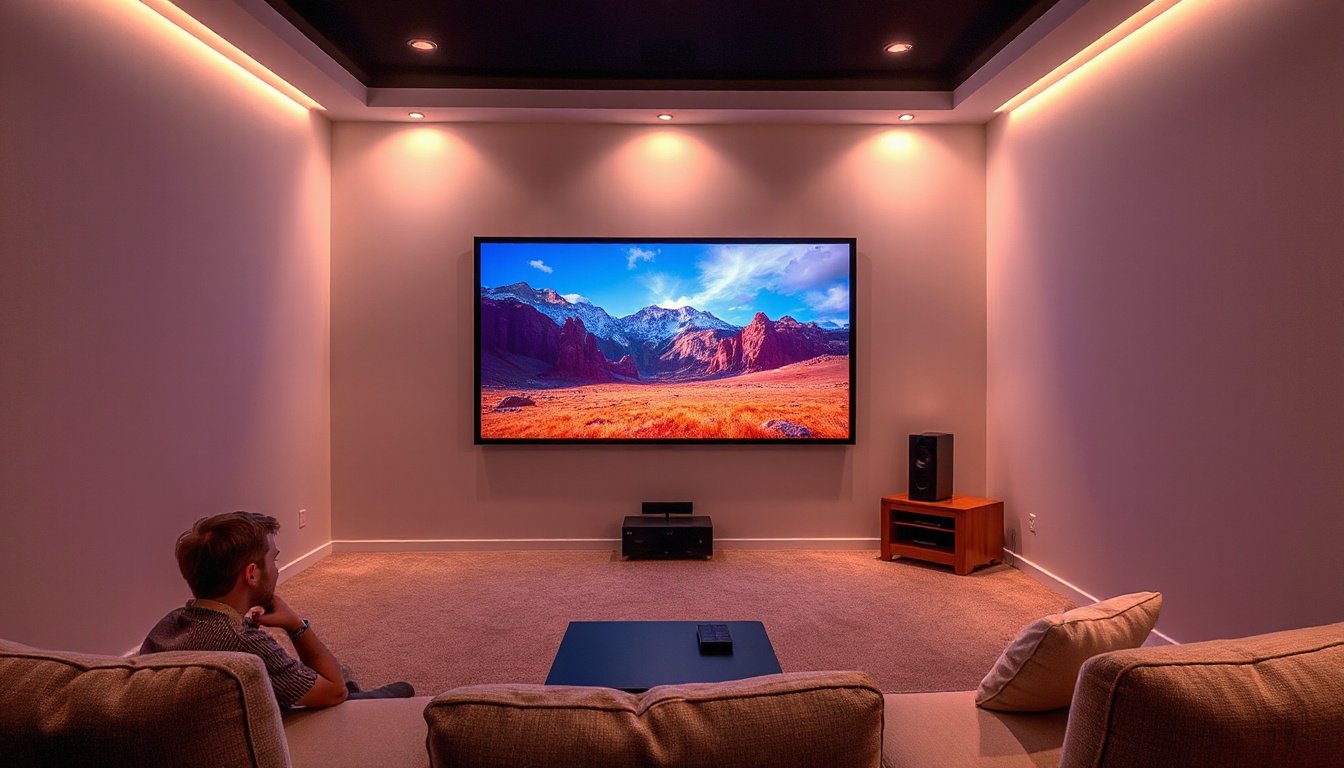
A home theater setup offers an immersive viewing experience, blending stunning visuals with rich audio. Projectors can deliver large, vivid images ideal for that cinematic feel at home. However, integrating audio properly is crucial for truly maximizing enjoyment. One promising technology for simplifying audio connections is HDMI ARC (Audio Return Channel). This guide will walk you through the essentials of using projectors with HDMI ARC, helping you optimize both video and sound effortlessly.

What is HDMI ARC?
HDMI ARC is a feature of HDMI standards designed to reduce the number of cables needed between your TV or display and your audio equipment. It allows audio signals to travel both ways along a single HDMI cable. Traditionally, HDMI cables send video and audio signals from a source (like a Blu-ray player) to a display (like a TV). ARC adds the ability for the TV or projector to send audio signals back to a receiver or soundbar over the same cable, eliminating separate audio connections.
How Does HDMI ARC Work with Projectors?
Although ARC is commonly associated with TVs, some modern projectors come equipped with an HDMI ARC-compatible port (often labeled HDMI ARC or HDMI2 ARC). This port facilitates sending audio from the projector back to an HDMI ARC-compatible soundbar, AV receiver, or external speaker system.
However, many projectors do not have an ARC port. This can lead to confusion about how to route audio properly in a home theater setup when using projectors.
Typical Use Cases Explained
-
Using a Receiver as the Central Hub
In the most common home theater arrangement, the AV receiver acts as the "brain" of the system. All HDMI sources (e.g., Fire TV Stick, Blu-ray player, gaming console) connect directly to the receiver’s HDMI input ports. The receiver then sends the video signal via HDMI to the projector. Audio from those sources is processed and amplified by the receiver and sent to connected speakers. In this scenario:- The HDMI cable from the receiver to the projector does not need ARC because all audio is handled by the receiver.
- The projector simply displays the video signal.
- This setup supports the full fidelity of audio formats like Dolby Atmos and DTS:X without ARC bandwidth limitations.
-
Using HDMI ARC with a Projector
If your projector supports HDMI ARC and you want to connect an ARC-compatible soundbar or AV receiver, you can connect the projector’s HDMI ARC port directly to the audio device’s ARC port using an HDMI cable. You must enable HDMI Link or CEC settings on both devices and ensure the projector’s audio output is set correctly (usually AV System audio out). This setup allows the projector to send audio to your soundbar or receiver, handy if the projector is receiving video from external sources that output audio.
Important Considerations When Using ARC with Projectors
-
Cable Quality and Bandwidth
For 4K 60fps content or higher bandwidth signals, use HDMI cables rated HDMI 2.0 or above. Lower-quality cables may cause image dropouts or audio sync issues. -
Audio Format Limitations
ARC transmits compressed 5.1 surround sound audio formats but typically does not support lossless formats or advanced audio like 7.1 surround or Dolby Atmos in high bandwidth. For lossless audio, consider using eARC if supported by devices, or connect audio sources directly to the receiver. -
Settings Configuration
Ensure HDMI control (CEC) is enabled on both projector and audio device. Set the projector’s audio output device properly (e.g., to AV System or HDMI ARC) in its settings menu. Some devices require manual EDID adjustments for stable video display. -
Device Compatibility
If your projector lacks HDMI ARC, don’t worry—audio should be managed by your AV receiver connected to your video sources directly. ARC is mostly beneficial when using smart projectors with built-in streaming apps or when routing audio from the projector backward to a sound system.
Common Setup Scenarios
-
Fire TV Stick → AV Receiver → Projector (No ARC Needed)
This is traditional and optimal for best audio quality. The receiver decodes audio and outputs video to the projector. No ARC configuration needed. -
External Sources → Projector with ARC → Soundbar or Receiver with ARC
Use if you want the projector to be the central video processing unit and send audio to your sound system via ARC. Make sure to enable ARC and HDMI-CEC settings on both devices. -
Smart Projector Apps → ARC to Soundbar
When using streaming apps on a smart projector, ARC can send audio back to an external soundbar for improved sound.
Troubleshooting Tips
- No picture when connecting ARC: Ensure the cable is plugged into the correct ARC HDMI port. ARC requires specific HDMI port assignment; plugging into a non-ARC port won’t display video via ARC.
- No audio returning via ARC: Verify HDMI Link or CEC is turned on, and that the TV/projector audio out setting is correctly selected.
- Audio limited to stereo or compressed: This is a limitation of ARC. For full immersive audio, consider direct connections to your AV receiver.
Summary
HDMI ARC can simplify audio connections by allowing a single HDMI cable to carry audio signals both to and from a projector, soundbar, or AV receiver. While it is more commonly used with TVs, some projectors support HDMI ARC to enable easy routing of audio to external speakers without extra cables. However, for a traditional home theater system where an AV receiver handles all sources, ARC is often unnecessary, as audio signals are managed and amplified directly by the receiver, ensuring the highest sound quality.
If you have a projector with an HDMI ARC port and an ARC-compatible audio system, enabling HDMI Link/CEC and proper audio output settings lets you use ARC to transmit audio conveniently. Otherwise, stick to the conventional setup of sources to AVR to projector for optimal video and audio performance.
With the right setup and understanding of HDMI ARC’s role in your projector-based home theater, you can enjoy an immersive cinematic experience with simplified wiring and top-tier sound quality.