





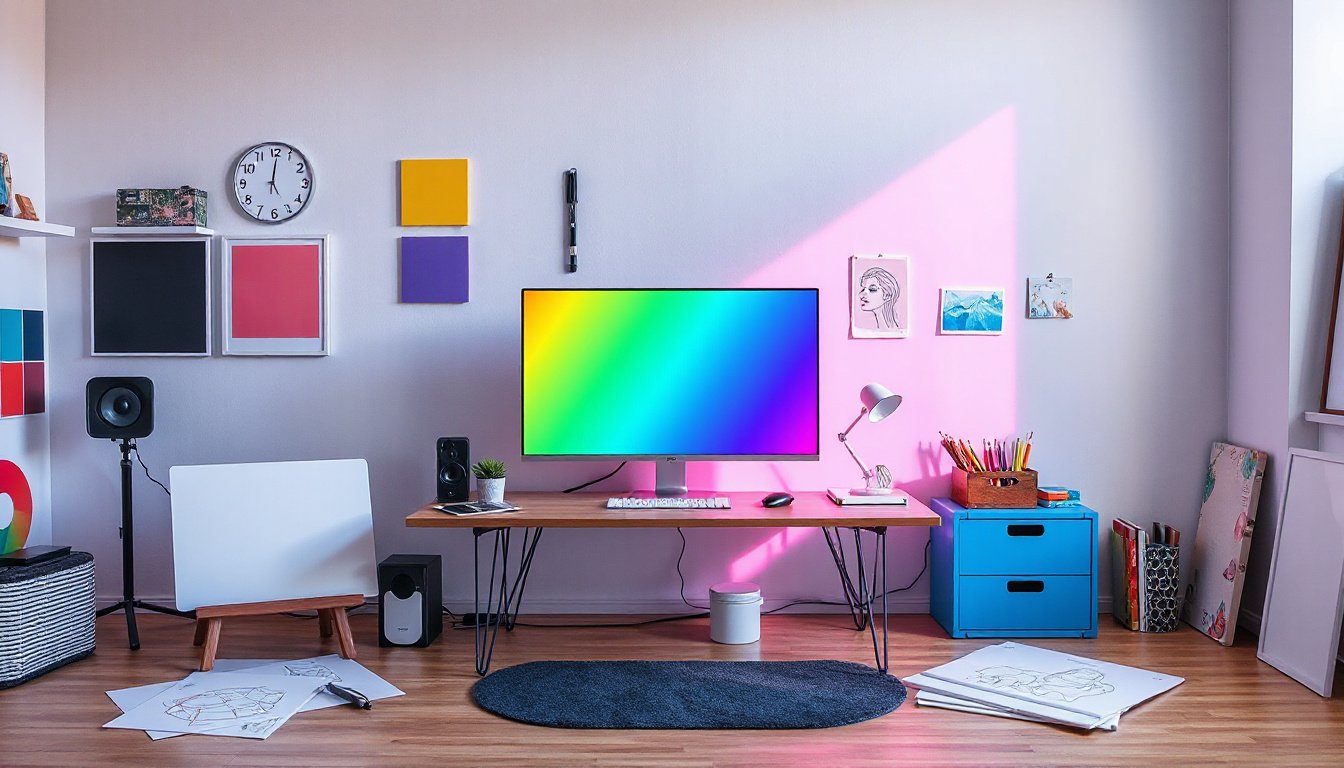
In the realm of digital design and printing, achieving consistent, vibrant, and true-to-life colors can be a challenge without proper color management. Customized color profiles have emerged as essential tools that bridge the gap between various devices—such as monitors, printers, scanners—and the colors we envision. This guide delves into what customized color profiles are, how they are created, and how they can elevate your design work to new heights.

What Are Customized Color Profiles?
Color profiles are data files that describe how colors should be represented on a specific device or medium. They act as translators, converting colors from a device-dependent space (such as a printer’s CMYK inks or a monitor’s RGB display) to a device-independent color space (like the CIE LAB or XYZ, which aim to model human vision).
Customized color profiles are tailored specifically to the unique characteristics of your hardware and media combination. Unlike generic or factory-default profiles, these customized profiles ensure colors are reproduced as accurately and consistently as possible, accounting for aging equipment, unique inks and papers, and environmental factors.
Why Use Customized Color Profiles?
Standardized profiles like sRGB or Adobe RGB provide a baseline for color reproduction, but they cannot account for peculiarities of individual devices or specific printing materials. Customization offers numerous benefits:
- Improved Color Accuracy: Match on-screen designs precisely with printed output.
- Better Consistency: Maintain consistent color across multiple devices and print runs.
- Optimize Color Gamut: Maximize the range of colors your device can produce on a given medium.
- Efficient Workflow: Reduce trial-and-error adjustments during production.
- Creative Control: Customize colors to meet artistic or brand-specific needs.
How Are Customized Color Profiles Made?
The process of creating a customized color profile typically involves a device characterization step using profiling tools and software that measure color responses:
-
Profiling Packages: Usually include a test target, a color measurement instrument (like a spectrophotometer or colorimeter), and software.
-
Generating Test Patches: For printers or displays, a series of known color patches are produced (printed or displayed). For cameras or scanners, a known color chart is captured.
-
Measurement: The instrument measures the color output of each patch to determine how the device reproduces colors versus their known values.
-
Profile Creation: Using the measurements, profiling software generates an ICC (International Color Consortium) profile that mathematically describes the color behavior and transformations required.
-
Validation and Adjustment: The profile can be tested and refined by printing/viewing additional charts and comparing to the original colors.
Note: ICC profiles are the industry standard for color management and contain the necessary instructions to translate colors between device-specific and device-independent spaces.
Tools and Resources for Creating Customized Profiles
- Measurement Devices: Affordable handheld spectrophotometers (e.g., X-Rite i1 or Datacolor Spyder) are widely used by professionals and enthusiasts alike.
- Profiling Software: Open-source and commercial applications such as ArgyllCMS, DisplayCAL, or manufacturer software (e.g., X-Rite i1Profiler) simplify the profiling workflow.
- Remote Profiling Services: If equipment investment is prohibitive, some companies offer remote profiling where you send test prints and receive profiles specialized for your printer or media.
- Developer Tools: For advanced users and developers, libraries like iccDEV provide utilities to create or manipulate ICC profiles programmatically.
DIY Custom Profiles: Feasibility and Considerations
Enthusiasts have pondered whether it’s possible to create profiles by capturing printed test charts using a regular camera and analyzing color deviations. While conceptually attractive for “good enough” results on a budget, this method faces technical limitations:
- Cameras introduce their own color biases.
- Ambient lighting and exposure inconsistencies affect measurement accuracy.
- Professional-grade sensors remain the gold standard for reliable profiling.
Nonetheless, software tools and mobile apps continue evolving, and for casual or experimental uses, this DIY approach might yield improved results over generic profiles.
Application: Using Customized Profiles in Digital Workflows
Once created, customized profiles can be integrated into your workflow:
- Assign display profiles to calibrate monitors for on-screen color accuracy.
- Embed printer profiles in RIP (Raster Image Processor) software to ensure prints match their digital proofs.
- Utilize profiles in graphic design and photo editing applications to manage color conversions seamlessly.
- Apply specialized profiles to different media types (e.g., glossy photo paper vs. matte vinyl) for tailored color rendering.
Where to Find or Order Customized Profiles
Many print media manufacturers, like Drytac, provide downloadable ICC profiles tailored for their materials and printers, ensuring users get optimized color output out of the box. For unique requirements, companies often offer bespoke profiling services.
Conclusion: Elevate Your Designs with Customized Color Profiles
Customized color profiles are vital for unlocking the full creative potential of your hardware and ensuring your visual work is represented faithfully across all devices and formats. Whether you are a photographer, graphic designer, printer, or enthusiast, understanding and leveraging customized profiles will save time, reduce frustration, and result in stunning designs with consistent, vibrant colors.
Further Resources
- ICC Official Website: Learn about ICC specifications and access profiling tools.
- Display Calibration Forums and Communities: Engage with color management experts.
- Open-source Profiling Tools: Explore ArgyllCMS and DisplayCAL for cost-effective solutions.
- Manufacturer Media Profiles: Access ready-made profiles from leading suppliers.
Unlock your creativity today by mastering the art and science of customized color profiles—a hidden key to producing truly captivating visual works.