





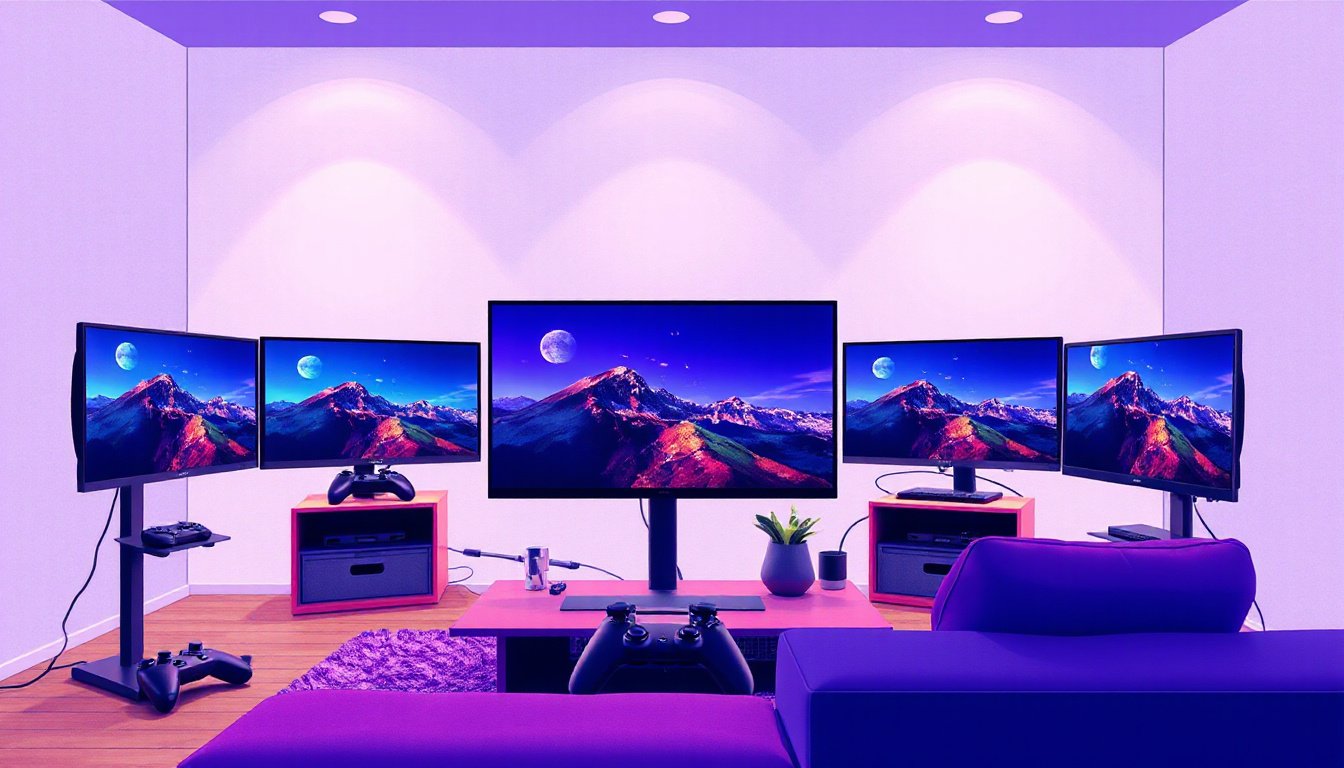
The Ultimate Guide to Screen Curvature Compatibility: Finding the Perfect Fit for Your Gaming and Viewing Experience
Curved monitors have gained significant popularity recently, especially among gamers, video editors, and multimedia enthusiasts. But with so many options and varying curvature ratings, understanding screen curvature compatibility is essential to maximize your viewing comfort and performance. This guide unpacks what screen curvature means, how to select the right curvature for your setup, and why it matters.
What Is Screen Curvature?
Screen curvature refers to the degree to which a monitor’s display surface bends inward from edge to edge. It’s typically expressed using a radius measurement with a unit in millimeters and followed by an “R” — for example, 1000R, 1500R, 1800R, 3000R, and so on.
- The number (e.g., 1800 in 1800R) represents the radius of the circle (in millimeters) that the curve would form if extended into a full circle.
- A smaller number means a tighter, more pronounced curve.
- A larger number indicates a gentler curve, nearing the flat screen experience.
Why Does This Matter?
The curvature affects two critical aspects:
- Immersion and Field of View: More aggressive curves (lower R numbers) better match the natural curvature of the human eye, leading to a more immersive and enveloping viewing experience.
- Optimal Viewing Distance: The radius number also suggests the ideal maximum viewing distance. For example, a 1800R curvature means the best viewing position is about 1.8 meters away for viewing comfort and reduced distortion.
Understanding the Human Eye’s Role
Our eyes naturally perceive the world in a curved field of view, often estimated to be similar to a 1000R radius. This unique feature is why curved screens can reduce eye strain and improve overall comfort by matching this natural curvature. Harvard Medical School research highlights that blurred vision is significantly more prevalent when using flat monitors compared to curved screens.
Common Curvature Ratings and Compatibility Considerations
Here’s a quick overview of popular curvature choices:
| Curvature Rating | Radius (meters) | Strength of Curve | Ideal Use Case | Compatibility Tips |
|---|---|---|---|---|
| 1000R | 1.0 | Very aggressive | Enthusiasts, ultra-immersive gaming | Best with single, relatively small ultrawide setups where you sit close |
| 1500R | 1.5 | Aggressive | High-end gaming and professional use | Requires appropriate desk depth; beware sitting too far |
| 1800R | 1.8 | Moderate curve | General gaming, work, entertainment | Most common and versatile; compatible with various desk sizes |
| 2300R | 2.3 | Gentle curve | Office work, extended monitors | Works well for bigger screens and multi-monitor setups |
| 3000R and above | 3.0+ | Subtle curve | Large monitors, casual users | Similar to flat monitors; less immersion but easier multi-monitor use |

Compatibility Tips:
- Desk Depth & Viewing Distance: The curvature radius informs how far your eyes should be from the screen for the best experience. For tighter curves, ensure your desk setup allows you to sit within this range.
- Multi-Monitor Setups: Matching curvature among multiple screens improves visual consistency and reduces awkward viewing angles. Flat and curved combos might cause eyestrain.
- Use Case: For gaming and entertainment, stronger curves increase immersion. For productivity and office work, gentler curves or even flat panels often suit better, depending on the nature of work and monitor size.
Benefits of Choosing the Right Screen Curvature
1. Enhanced Immersion
Curved monitors wrap around your peripheral vision, making games, movies, and even general tasks feel more engaging and natural.
2. Reduced Eye Strain
The curve aligns better with your natural field of view, minimizing the need to refocus constantly between screen edges and center. Studies show eye strain and fatigue are notably less on curved screens.
3. Larger Perceived Image Size
Curved screens create a sense of depth and larger image size without increasing the physical footprint, enhancing depth perception and reducing distortion.
4. Less Distortion and Glare
A curved display reduces distortion around the edges that are common with flat screens and can better manage reflections due to the angle of the screen.
5. Aesthetic Appeal
Curved monitors often sport futuristic, sleek designs that can transform your setup visually.
How to Determine Compatibility for Your Setup
Before selecting a curved monitor, consider:
- Your Seating Position: Measure how far you sit from your screen naturally. Match this with the monitor’s curvature radius to avoid discomfort.
- Desk Size & Layout: Tighter curves need you to sit closer, so ensure your desk depth and seating arrangement support this.
- Monitor Size and Resolution: Larger ultrawide screens usually benefit more from distinct curvature to ensure screen edges remain comfortably visible without turning your head.
- Multi-Monitor Setup: For multiple displays, try to pick the same curvature rating to maintain consistent viewing angles and immersion.
- Usage Scenario: If you game heavily, consider a 1000R to 1800R curvature for immersive gameplay. For general office use, 2300R or higher gives a comfortable curve without excessive wraparound.
Summary: Finding Your Perfect Fit
Screen curvature compatibility is about matching the monitor’s design with your natural viewing habits, seating arrangement, and use cases. The curvature rating not only defines the curve’s aggressiveness but also hints at the ideal viewing distance to avoid distortion and maximize comfort.
- If you want the closest experience to human vision curvature and deep immersion, consider 1000R to 1800R curved monitors.
- For mixed-use environments and larger display sizes, gentler curves like 2300R or 3000R bring comfort without overwhelming your eyes.
- Always measure your setup and consider monitor size before purchasing to ensure ergonomic and visual compatibility.
By understanding and incorporating these factors, you can elevate your gaming, entertainment, or work experience to new heights — making your screen curvature choice as important as resolution or refresh rate in your overall display setup.
References:
- ViewSonic Library: Monitor Curvature Ratings and Benefits
- Harvard Medical School Research on Eye Strain and Curved Displays
- User experiences and discussions from communities such as Reddit r/pcmasterrace
Equip yourself with this knowledge to confidently choose a curved monitor that fits your lifestyle and delivers exceptional viewing comfort and performance!