





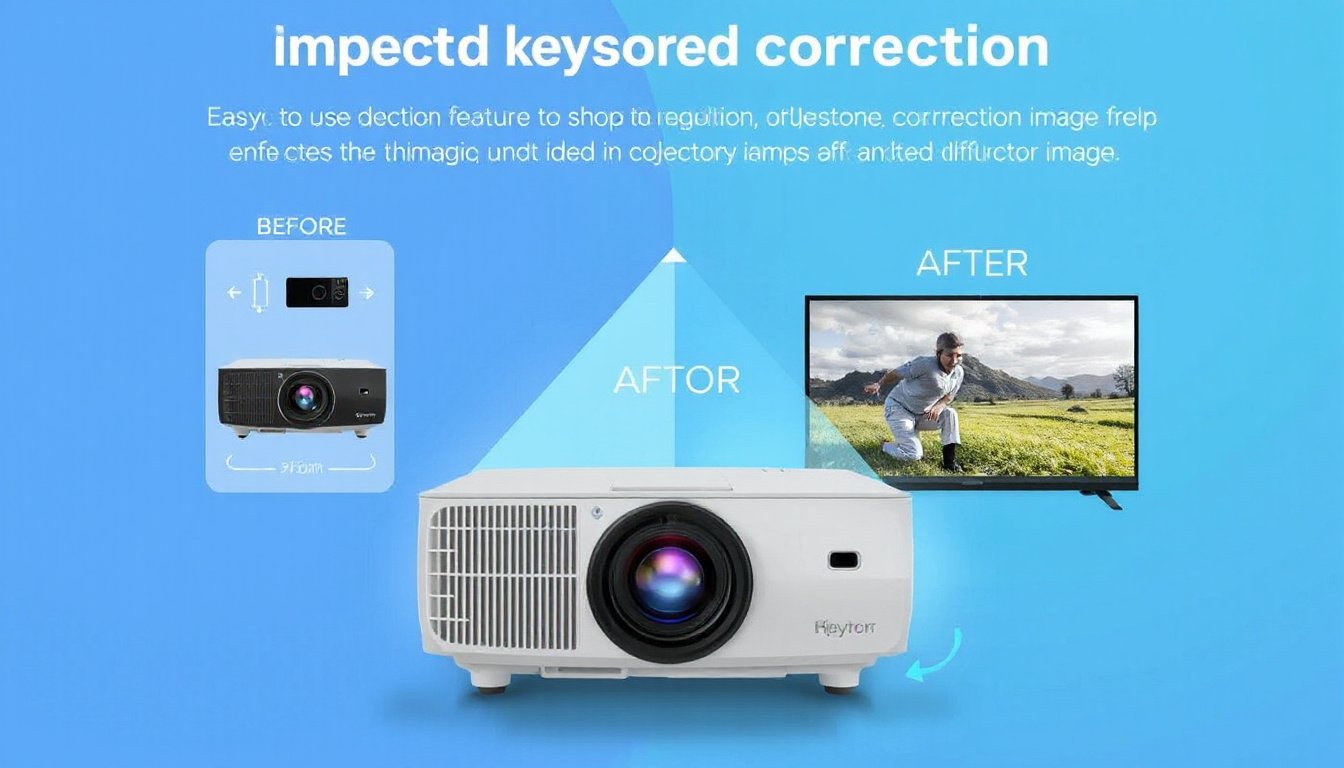
Projectors have transformed the way we enjoy movies, deliver presentations, and share visual content. Yet, getting the perfect image often hinges on the alignment of your device. When the projector isn’t perfectly perpendicular to the screen, the image can appear distorted, commonly in a trapezoidal shape. This issue, known as the keystone effect, can be tackled with keystone correction technology. More specifically, keystone correction presets—preconfigured adjustment settings—offer distinct advantages that enhance convenience and image quality. Here, we explore the key benefits of projector keystone correction presets and why they are invaluable for maximizing your projector’s performance.
What Is Keystone Correction?
Keystone correction is a feature present in most modern projectors designed to rectify image distortion caused when the projector is angled relative to the projection surface. If a projector is tilted upward, downward, or positioned off-center horizontally, the image takes on a trapezoidal shape rather than the perfect rectangle viewers expect. Keystone correction adjusts the image geometry so it looks rectangular and properly proportioned, either through digital manipulation or optical means.
Keystone correction presets are built-in settings within the projector that quickly apply specific correction parameters for common projection angles or setups. Instead of manually calibrating every time, users can select a preset matching their environment, simplifying the setup process.
Key Benefits of Keystone Correction Presets

1. Effortless Setup and Time-Saving
One of the biggest advantages of keystone correction presets is how they streamline the setup process. Without presets, correcting keystone distortion requires manual adjustments—often a tedious trial-and-error task to find the perfect balance. Presets allow users to select a ready-made configuration tailored to typical projector placements, saving precious time. This benefit is especially valuable for environments where the projector is frequently moved or used by different people, such as classrooms and office spaces.
2. Flexible Projector Placement
Keystone correction presets increase the flexibility you have in positioning your projector. Home theaters, conference rooms, or classrooms rarely offer the ideal placement allowing the projector to be perfectly centered and level. With presets, you can place your projector off to the side, at a height, or at an unconventional angle yet still deliver a well-aligned, rectangular image. This allows better use of available space and accommodates room layouts or furniture arrangements without sacrificing image quality.
3. Consistent Image Quality
Presets ensure consistent and repeatable keystone correction, reducing awkward trial adjustments that might degrade image quality if improperly configured. While any keystone correction—particularly digital—is known to cause some minor image degradation (such as loss of resolution or edge blurring due to pixel remapping), using accurate preset values minimizes excessive correction and the risks of distortion artifacts. This leads to a clearer, more professional-looking image every time.
4. Enhanced Viewing Experience Across Environments
Whether you are watching movies at home, delivering a business presentation, or conducting a classroom lecture, maintaining the correct image geometry significantly enhances the viewing experience. Keystone presets guarantee the projection is easy on the eyes, without distractions caused by skewed images. This elevates immersion and comprehension, keeping audiences focused on content rather than grappling with a misaligned display.
5. Support for Multiple Projection Scenarios
Some projectors offer multiple keystone correction presets to switch between vertical and horizontal corrections or even diagonal angles. This versatility supports diverse scenarios such as projecting from a table, ceiling mounting, or corner setups. It simplifies transitions in multi-use spaces or instant setup needs like outdoor movie nights where placement options are limited.
Understanding the Limitations to Optimize Use
While keystone correction presets bring numerous benefits, it is important to recognize that applying any form of keystone correction digitally stretches or compresses pixels, which can lead to:
- Reduction in Image Resolution: Pixel remapping during correction may combine or blur pixels, slightly decreasing clarity.
- Edge Blurring or Jaggedness: Especially noticeable at the edges where the image is most distorted.
- Uneven Brightness: Stretching or compressing pixels can cause subtle brightness inconsistencies.
To minimize these effects, aim to position your projector as close to perpendicular to the screen as possible and use the minimal necessary keystone correction. When extreme keystone adjustment is needed, presets can still optimize image quality better than manual configurations without guidance.
Conclusion
Projector keystone correction presets are powerful tools that unlock the full potential of your projector by providing quick, reliable, and convenient image adjustment options. They allow greater flexibility in projector placement, ensure a consistent viewing experience, and reduce setup complexity. While slight image quality compromises exist due to digital correction’s nature, the thoughtful use of presets helps strike an excellent balance between convenience and visual fidelity.
Next time you set up a projector, take advantage of keystone correction presets to enjoy hassle-free installation and a beautifully aligned image—regardless of your room’s configuration.