





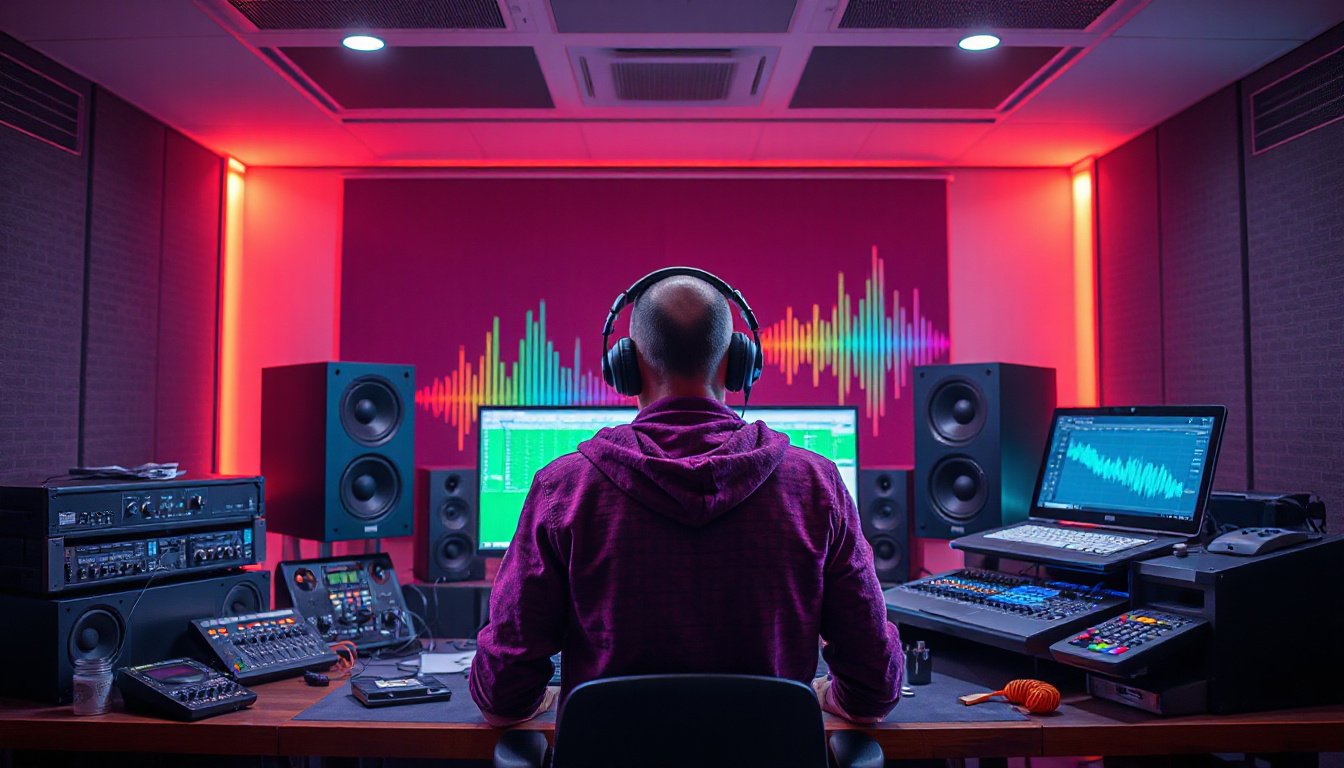
In today’s multimedia-rich environment, crystal-clear audio can elevate your entertainment, gaming, or professional streaming experience. Whether you’re enjoying music, communicating over video calls, or creating live content, understanding and optimizing your audio output is essential. This guide delves into the heart of audio output technology, how it works, and practical tips to help you select and configure your devices for the best sound quality possible.
What Is Audio Output?
Audio output refers to the audio signal transmitted from one device to another, allowing you to hear sounds through devices like speakers, headphones, or monitors. It is the counterpart of audio input, which captures sound through microphones or audio interfaces.
Simply put, audio output devices are your gateways to the world of sound—they convert digital or analog signals into audible waves. These devices vary widely: from basic built-in laptop speakers to high-end studio monitors or premium wireless headphones.
When managing audio for activities like live streaming, it’s crucial to route your audio sources properly through software to ensure clear and professional sound for your audience. Improper setups—for example, trying to capture audio from speakers with a microphone—can result in poor audio quality and echoes.
Choosing the Right Audio Output Device
Selecting the right audio output device depends on your needs, environment, and budget. Here are some common types of audio output devices:
- Speakers: Ideal for room-filling sound and group listening. Available in portable, desktop, or full home theater systems.
- Headphones: Offer private listening with varying levels of sound isolation. Great for focus and noise control.
- Monitors: Studio-grade speakers designed for precise sound reproduction—favored by audio professionals.
- Wireless Devices: Bluetooth or Wi-Fi enabled speakers and headphones provide flexibility and freedom from cables.

When picking a device, consider sound quality, durability, compatibility, and comfort (for headphones). For professional use, devices with flat frequency responses ensure accurate sound, while casual listening might benefit from enhanced bass or other sound signatures.
How to Select and Change Your Audio Output Device on Windows 10
Managing audio output through your operating system gives you control over which device plays your sound. On Windows 10, switching devices is straightforward:
- Locate the Sound Icon: Click the speaker icon on the taskbar at the bottom right of your screen.
- Access the Audio Device List: Click the arrow or name of the currently selected audio device, usually seen above the volume slider.
- Choose Your Preferred Device: From the dropdown menu, select the output device you wish to use—whether external speakers, headphones, or Bluetooth devices.
- Adjust Volume: Ensure the volume is set appropriately for the selected device.
If your newly connected device doesn’t appear, double-check the connection, update audio drivers, or troubleshoot your hardware settings.
Tips to Optimize Your Audio Output Experience
- Keep Your Drivers Updated: Regularly update your audio drivers to prevent compatibility issues and enhance performance.
- Use Quality Cables and Connections: Faulty or low-grade cables can degrade sound quality; use reliable, shielded cables for wired connections.
- Calibrate Your Equipment: For speakers and monitors, consider room acoustics and positioning. Use calibration tools or software for balanced output.
- Control Environmental Noise: Choose headphones with noise cancellation or invest in acoustic treatments for your listening space.
- Adjust Software Settings: Many devices come with sound profiles or equalizers; tweak them to match your preference or activity, such as gaming, music, or voice.
Conclusion
Optimizing your audio output devices is a key step toward unlocking superior sound. Whether you’re setting up a home theater, fine-tuning your streaming setup, or simply wanting better everyday audio, understanding what audio output entails and how to manage your devices empowers you to enjoy sound as it was meant to be heard. Experiment with device selection and configurations, keep your software updated, and pay attention to your environment to create an immersive and clear audio experience every time.