





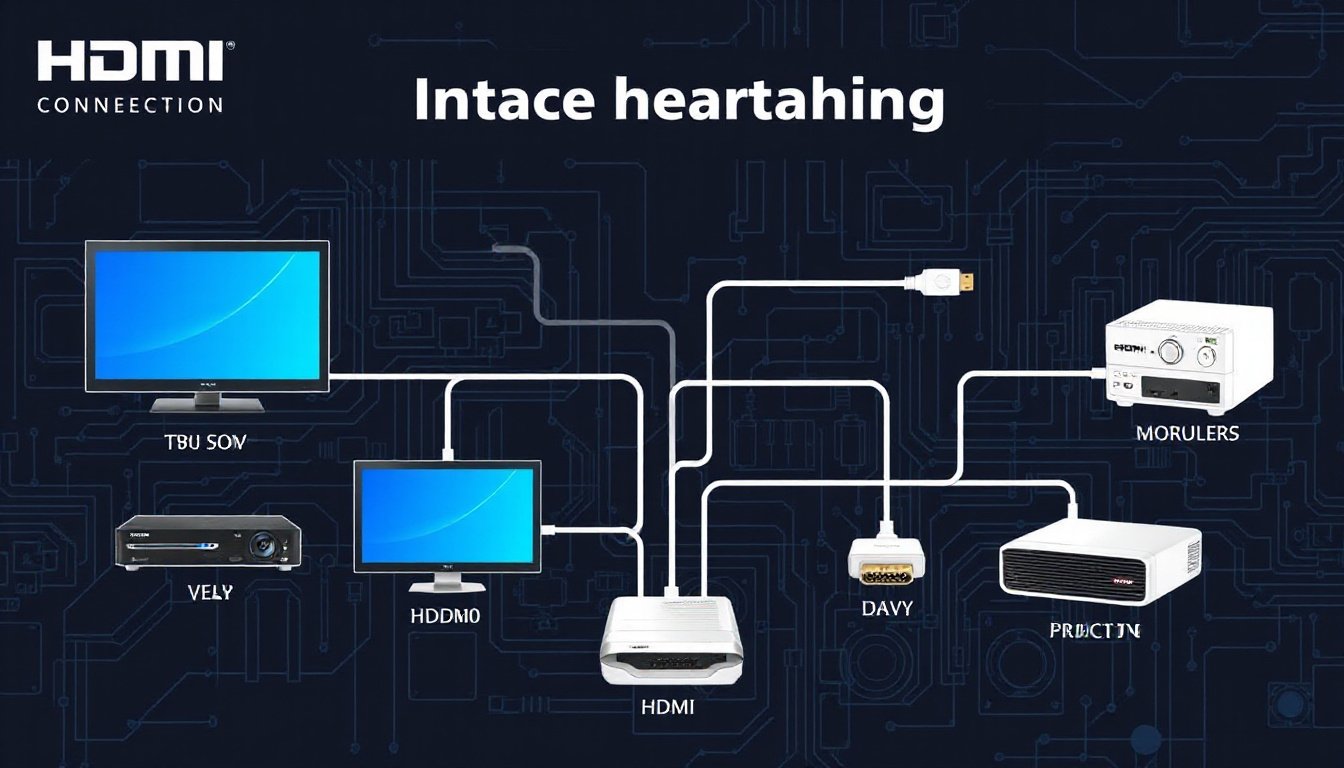
In today’s fast-evolving digital landscape, high-quality audiovisual transmission is a cornerstone of both home entertainment and professional setups. HDMI (High-Definition Multimedia Interface) stands at the forefront of connectivity options, enabling the seamless transfer of digital video, audio, and control signals via a single cable. This comprehensive guide will explore HDMI’s connectivity options, connector types, cable specifications, and how this technology empowers your devices to deliver superior multimedia experiences.
Understanding HDMI: The Digital Audiovisual Interface
Introduced in 2002 by a consortium of major electronics manufacturers, HDMI was designed to replace older analog interfaces like VGA, component video, and SCART while uniting video and audio transmission into one compact digital link. HDMI is now the industry standard for connecting devices such as televisions, monitors, projectors, gaming consoles, PCs, digital cameras, and streaming devices.
Key Features of HDMI:
- Single Cable Transmission: Supports uncompressed digital video and either compressed or uncompressed audio.
- Backward Compatibility: Electrically compatible with DVI, enabling adapters for broad interoperability.
- Advanced Features: Supports consumer electronics control (CEC) for linked device management, Ethernet connectivity, and audio return channels (ARC and eARC).
- Multiple Versions: Regularly updated to provide higher bandwidth and support for resolutions up to 8K, HDR video, and advanced audio formats.
HDMI Connector Types and Sizes
One of the essential aspects of HDMI connectivity is the variety of connector sizes suited for different devices and use cases. The HDMI Forum officially recognizes five connector types, each designed for specialized applications:
Type A (Standard HDMI)
- Pin Count: 19
- Size: 13.9 mm x 4.45 mm (male)
- Usage: Most common connector on TVs, monitors, gaming consoles, Blu-ray players, and desktop PCs.
- Functionality: Supports all HDMI features, including 4K and beyond.
Type B (Dual-Link HDMI)
- Pin Count: 29
- Status: Developed for very high resolutions but not widely adopted or used in mainstream products.
Type C (Mini HDMI)
- Pin Count: 19
- Size: 10.42 mm x 2.42 mm
- Usage: Portable devices like DSLR cameras, camcorders, tablets.
- Functionality: Shares full feature set of Type A but in a smaller size.
Type D (Micro HDMI)
- Pin Count: 19
- Size: Approximately half the width of Type C
- Usage: Small portable electronics such as smartphones and ultra-compact cameras.
- Functionality: Full HDMI capabilities in an ultra-compact design.
Type E (Automotive HDMI)
- Usage: Specialized connector for automotive and industrial applications with enhanced securing mechanisms to endure vibration and harsh environments.
HDMI Cable Categories and Capabilities
HDMI cables carry the signals between devices and come in different categories based on bandwidth and performance. Choosing the right cable is crucial to fully leverage your equipment’s capabilities.
| Cable Type | Max Resolution & Refresh Rate | Bandwidth | Notes |
|---|---|---|---|
| Standard (Category 1) | 1080i or 720p | Up to 4.95 Gbps | Suitable for older HD signals |
| Standard with Ethernet | 1080i or 720p + Ethernet channel | Up to 4.95 Gbps | Adds networking capability |
| High Speed (Category 2) | 1080p or 4K @ 30 Hz | Up to 10.2 Gbps | Good for most modern HD signals |
| High Speed with Ethernet | 1080p/4K @ 30 Hz plus Ethernet channel | Up to 10.2 Gbps | Higher bandwidth and networking |
| Premium High Speed (4K) | 4K @ 60 Hz | Up to 18 Gbps | Required for UHD 4K smooth playback |
| Ultra High Speed (8K) | 8K @ 60 Hz or 4K @ 120 Hz | Up to 48 Gbps | Latest standard supporting 8K and HDR10+ |

Special HDMI Cable Features:
- Audio Return Channel (ARC) & Enhanced ARC (eARC): Allow audio signals to travel back from a TV to sound systems without separate cables.
- HDMI Ethernet Channel (HEC): Enables network connectivity between HDMI-enabled devices.
- Display Stream Compression (DSC): Allows higher resolution and refresh rates without requiring proportionally higher bandwidth.
Practical Applications and Compatibility
- Home Entertainment: Connect your 4K or 8K TV to Blu-ray players, streaming devices, gaming consoles, and soundbars with a single cable for immersive video and high-fidelity audio.
- Computer and Professional Use: Link monitors, laptops, and projectors with support for HDR and wide color gamuts.
- Mobile and Portable Devices: Mini and micro HDMI connectors provide full HDMI functionality in smaller gadgets without bulk.
- Automotive: Type E connectors ensure durable connections for in-vehicle infotainment systems.
Adapters make it easy to connect HDMI with older or alternate standards like DVI, DisplayPort, or analog formats, expanding versatility and future-proofing your setup.
Enhanced HDMI Features for Improved Connectivity
- Consumer Electronics Control (CEC): Allows control of multiple devices with one remote, enhancing user convenience.
- Hot Plug Detect: Enables devices to recognize when an HDMI cable is connected or disconnected without reboot.
- Content Protection: HDCP (High-bandwidth Digital Content Protection) prevents unauthorized copying of digital media.
HDMI Connector Tips and Considerations
- Connector Shape and Gender: HDMI connectors consist of male plugs and female ports; proper matching ensures secure connections.
- Cable Length and Signal Quality: While HDMI supports lengths up to approximately 50 feet without signal loss, longer runs may require active cables or extenders.
- Installation: HDMI cables rated CL2 or CL3 are suitable for in-wall installation, featuring fire-resistant jackets.
- Secure Connections: Some HDMI connectors include spring grips or screw locks to prevent accidental disconnections in vibration-prone environments.
The Future of HDMI Connectivity
HDMI continues to evolve, introducing features like support for 8K resolution, dynamic HDR formats, higher audio channels, and advanced data transmission modes. USB-C Alternate Mode for HDMI further increases connectivity flexibility, allowing video and audio transmission over versatile USB-C ports.
Conclusion
HDMI has revolutionized audiovisual connectivity by combining high-definition video, multi-channel audio, and device control into one streamlined interface. With a range of connectors and cable options, HDMI offers scalable solutions that serve everything from portable devices to home theaters and professional displays. Understanding HDMI’s diverse connectivity options empowers users to optimize their entertainment systems and technology setups with confidence and ease.
Unlock the full potential of your digital devices by choosing the right HDMI connectivity options today—your gateway to stunning visuals and immersive sound.