








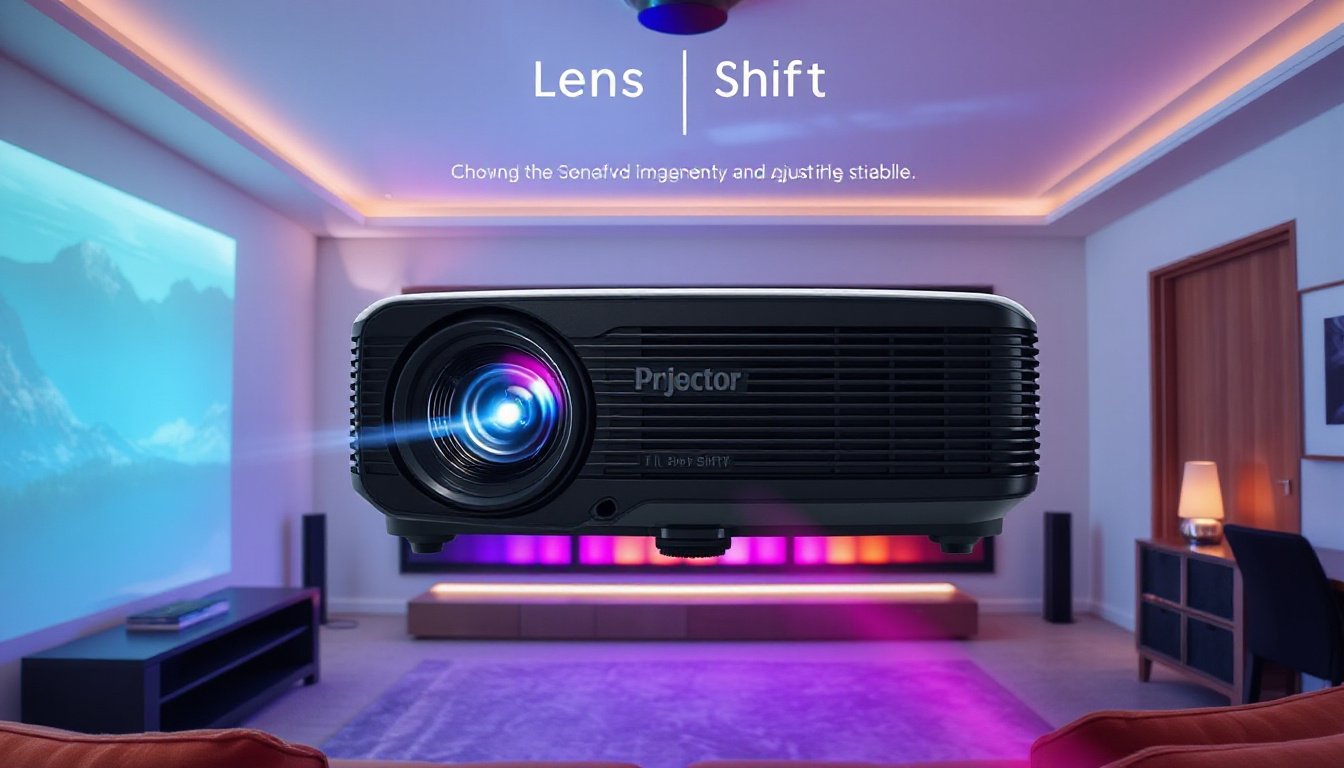
When it comes to achieving an impeccable projection experience, whether for home theater enthusiasts, business presentations, or specialized applications like golf simulators, the projector’s placement is as critical as the image quality itself. One feature that dramatically eases the challenge of projector placement, enabling optimal image alignment without sacrificing quality, is the lens shift. Understanding the importance of this feature unlocks greater flexibility and precision, bringing projections closer to visual perfection.
What is Lens Shift?
Lens shift is a projector capability that allows the projected image to be repositioned vertically, horizontally, or both without physically moving the projector. This is achieved by adjusting the position of the lens inside the projector to redirect the light path accordingly.
- Vertical Lens Shift: Moves the image up or down.
- Horizontal Lens Shift: Moves the image left or right.
With lens shift, the projector can remain stationary, while the projected image can be fine-tuned for perfect alignment on the screen.
Why Lens Shift Is Different from Zoom and Keystone Correction
It is essential to distinguish lens shift from other common projector adjustment methods:
- Zoom: Changes the size of the image but does not affect its position.
- Keystone Correction: Digitally or electronically alters the image shape to correct trapezoidal distortion when the projector is at an angle; however, this can degrade image quality by reducing sharpness and resolution.
Lens shift maintains the image size and aspect ratio without distortion, preserving the original clarity and pixel integrity. It accomplishes this by physically repositioning the lens elements rather than manipulating the image digitally.
The Importance of Lens Shift in Real-World Use
1. Flexibility in Placement
Most rooms and installation environments don’t offer the luxury of placing a projector dead center with respect to the screen. Furniture layouts, ceiling structures, or architectural constraints can force off-center placement. Lens shift enables you to position the projector wherever convenient and then shift the image accordingly to align perfectly with the screen.
For example:
- Home theaters: Place your projector off to the side or on a shelf without worrying if the image will be centered.
- Conference rooms: Ceiling-mounted projectors can be adjusted vertically without complex remounting.
- Specialized applications: Golf simulators benefit from this feature since projector installation may be limited by room size and projector throw requirements.

2. Improved Image Quality
Using lens shift avoids keystone correction’s drawbacks, which can introduce distortion and blur. Lens shift keeps the projected image crisp and sharp, maximizing the projector’s high-definition performance. It is especially crucial for 4K or laser projectors that promise pixel-perfect clarity.
3. Ease of Installation and Adjustment
Lens shift features, whether manual via physical dials or electronic through menu settings, simplify projector setup. Without it, installers must move the heavy unit repeatedly or resort to complicated mounting solutions.
Many projectors come with lens shift ranges expressed in percentages, such as "+/- 50% vertical shift" and "+/- 15% horizontal shift," indicating the extent the lens can move relative to the image frame. A greater shift range means more flexibility in projector placement and easier adjustment.
4. Versatility for Multi-Screen Environments
In venues with multiple projection surfaces or changing setups, lens shift lets users quickly realign the projected image without physically moving the projector. This is particularly useful in training rooms or event spaces that require rapid reconfiguration.
Are There Projectors Without Lens Shift?
Not all projectors feature lens shift. Many entry-level and budget models omit it to reduce cost. Instead, they rely on keystone correction for image alignment, which affects image quality. For professional installations or serious home theaters, choosing a projector with lens shift is strongly advisable for superior results.
How to Use Lens Shift Effectively
Manual Lens Shift
- Located as physical knobs or dials on the projector unit.
- Turn carefully to slide the image up/down or left/right until perfectly aligned.
Electronic Lens Shift
- Accessed via the projector’s settings menu.
- Use the remote control or on-device buttons to adjust lens position.
- Allows fine-tuning and sometimes preset memory for easy recall.
Tips for Best Results
- Utilize any alignment grid functions available on the projector to ensure precision.
- Test adjustments with different content types for consistent image quality across scenarios.
- Consult the user manual for specific guidance on your projector model.
Conclusion
Lens shift is a critical feature that transforms projector installation from a cumbersome task into a seamless experience. It provides unmatched flexibility, preserves image quality, and allows users to place projectors in optimal positions without compromise. Whether setting up a home cinema, a corporate presentation, a golf simulator, or an art installation, utilizing lens shift elevates the visual experience to new heights. Embracing this feature means unlocking the true potential of your projector and achieving visual perfection effortlessly.
Frequently Asked Questions
Does lens shift affect picture quality?
Lens shift generally preserves picture quality better than keystone correction by physically adjusting the lens position rather than distorting the image. Excessive lens shift can slightly reduce sharpness but typically has minimal impact.
How is horizontal lens shift calculated?
Multiply the image width by the horizontal shift percentage from the projector specifications. For example, with a 100-inch-wide image and 20% horizontal shift, the image can move 20 inches left or right.
Is lens shift the same as keystone correction?
No. Lens shift physically moves the lens to reposition the image without distortion. Keystone correction digitally compensates for angled projection but can degrade image quality. Lens shift is the preferable method for best image fidelity.
By understanding and leveraging the power of lens shift, you can ensure your projection setup meets the highest standards of quality and convenience.