





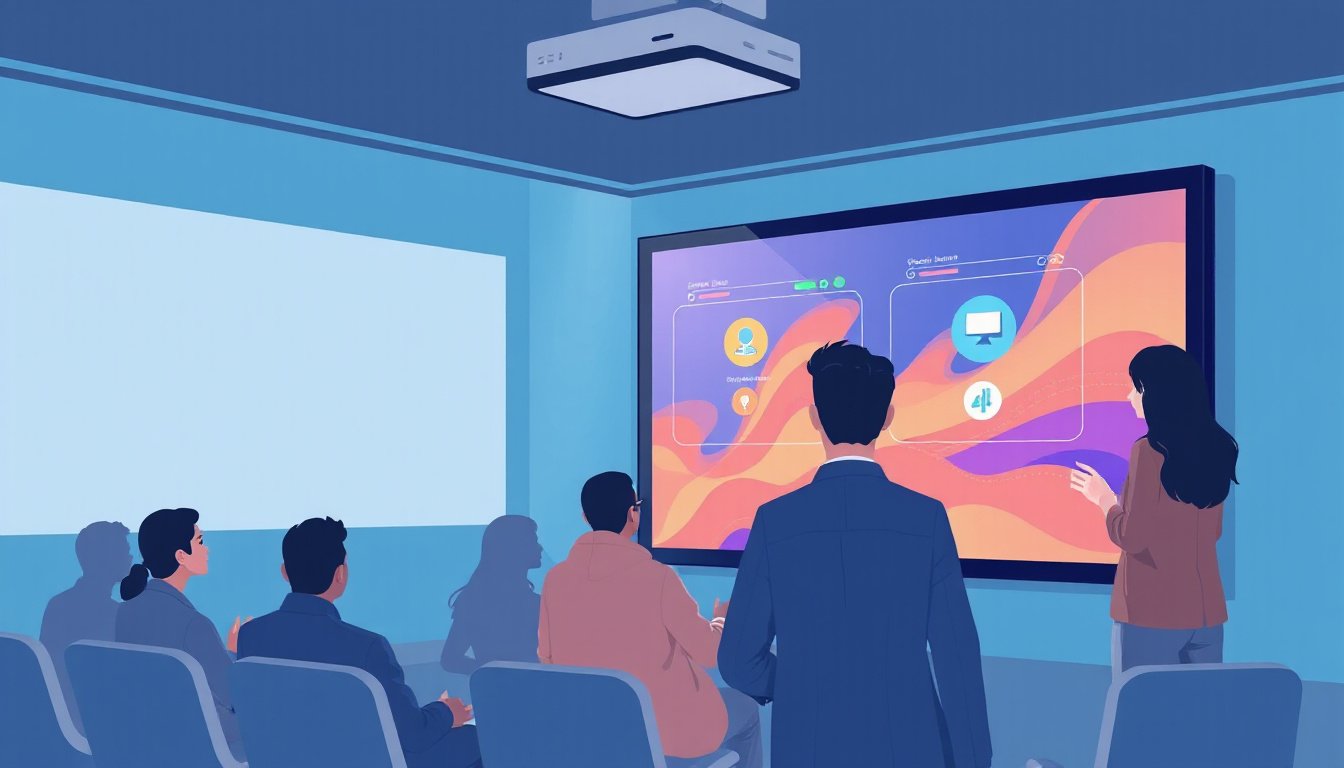
In an ever-evolving digital landscape, interactive projectors have emerged as groundbreaking tools, transforming how educators, professionals, and entertainers engage their audiences. More than just devices that display images, these projectors bring interactivity directly into presentations, classrooms, and public spaces, fostering collaboration and immersion. This guide explores the key features of interactive projectors, their unique advantages compared to traditional projectors, and the innovative trends shaping their future.
What Is an Interactive Projector?
An interactive projector is a sophisticated projection device that not only displays video content but also enables users to engage directly with the projected image through touch or stylus input. Unlike traditional projectors, which passively project images, interactive projectors convert any flat surface—be it walls, floors, or tables—into interactive touchscreens or virtual whiteboards. This capability redefines user experiences across education, corporate meetings, entertainment venues, and public installations.
Core Features of Interactive Projectors
Understanding the standout features of interactive projectors highlights why they are becoming indispensable tools in various environments:
1. Multi-Touch and Stylus Support
Interactive projectors often support multiple touchpoints, enabling simultaneous input from multiple users. In educational or collaborative settings, this allows students or team members to write, draw, or manipulate content together. Users can interact using fingers or specialized styluses, providing a natural and intuitive experience.
2. Ultra-Short Throw Projection
Many interactive models feature ultra-short throw lenses that project large images from a very short distance—sometimes just inches away from the surface. This minimizes shadows, glare, and distortion, critical for clear visibility during presentations or lessons.
3. High-Resolution and Brightness
Typically equipped with WXGA or Full HD (1080p) resolutions and brightness levels ranging from 3,400 to over 3,500 ANSI lumens, these projectors deliver sharp, vibrant images with high contrast ratios. The imagery is clear under room lighting conditions, supporting detailed visualization.
4. Integrated Software and Collaboration Tools
Modern interactive projectors come bundled with smartboard software or proprietary interactive platforms, enabling screen annotations, content sharing, note-taking, and saving of sessions. Some also allow wireless connectivity options, facilitating seamless integration with computers, mobile devices, and storage drives.
5. Real-Time Interaction and Feedback
Thanks to built-in sensors, motion tracking, or infrared technology, interactive projectors provide instant feedback to user inputs. Whether it’s writing, tapping, or gesture recognition, the responsiveness is minimal in delay, ensuring smooth user engagement.
6. Audio Integration
To complement visual content, many interactive projectors incorporate built-in high-performance speakers, usually rated around 10 watts, delivering clear audio that enhances presentations without requiring extra sound equipment.
7. Versatility in Application Surfaces
Interactive projectors can transform almost any flat surface, including walls, tables, and floors, into interactive zones. This flexibility allows for diverse use cases—from classrooms and conference rooms to museums and retail spaces.
8. Environment and User-Friendly Features
Advanced anti-glare designs reduce eye strain, while features like health-friendly diffuse reflection minimize direct light exposure. Additionally, capabilities such as auto-focus, keystone correction, and side projection support simplify setup and ensure image clarity regardless of projector placement.
Advantages Over Traditional Projectors
Interactive projectors integrate multiple functionalities that traditional projectors lack:
- Direct interactivity: Users can touch and manipulate content in real-time, facilitating more engaging presentations.
- Software Ecosystem: Bundled software expands utility, offering tools for collaboration, annotation, and content sharing.
- Multi-User Engagement: Multi-touch support encourages group participation, vital in educational and professional contexts.
- Surface Transformation: Any flat surface becomes an interactive platform, eliminating the need for dedicated interactive whiteboards.
- Enhanced Learning and Collaboration: These devices promote active learning and effective teamwork, making sessions more productive and memorable.
Applications Across Sectors

Education
Interactive projectors have revolutionized classrooms by enabling teachers and students to interact dynamically with digital lessons. They support diverse learning styles, facilitate group activities, and create inclusive environments for students with special needs. Features like simultaneous multi-user input and access to educational software enhance engagement and retention.
Corporate and Meetings
In meeting rooms, interactive projectors boost collaboration through real-time annotations, brainstorming sessions, and dynamic presentations. The ease of connecting multiple devices and wireless sharing simplifies content delivery.
Entertainment and Public Installations
Interactive floor and wall projections turn entertainment venues, museums, and shopping malls into immersive, engaging spaces. Projection-based games capitalize on motion tracking, offering interactive experiences that captivate visitors while guiding foot traffic or providing information.
Emerging Trends in Interactive Projection Technology
The interactive projector market is evolving rapidly, influenced by technological advancements:
- AI-Driven Interaction: Future systems may adapt to user behavior, customizing content and responses intelligently.
- Augmented Reality (AR) Integration: Combining AR with projection creates deeper immersion and innovative storytelling possibilities.
- Portability and Compact Designs: Smaller, portable interactive projectors expand applications to on-the-go presentations and mobile setups.
- Sustainability: Energy-efficient LEDs and eco-friendly materials are becoming standard to reduce environmental impact.
- Interactive Holographic Projections: Merging holography and projection promises futuristic interfaces blending physical and digital worlds seamlessly.
Choosing the Right Interactive Projector
Selecting an interactive projector depends on your specific needs:
- Touch Points and Input Methods: Determine if multi-touch and stylus options are essential.
- Resolution and Brightness: Match specifications to ambient lighting and room size.
- Connectivity: Ensure compatibility with computers, mobile devices, and wireless networks.
- Software and Support: Prioritize devices with intuitive, stable software and reliable after-sales services.
- Installation Flexibility: Features like ultra-short throw and keystone correction ease setup in varied environments.
Conclusion
Interactive projectors represent a powerful convergence of projection technology and interactive computing, designed to make presentations, education, and public installations more engaging and effective. Their rich feature sets—including multi-touch interactivity, high-resolution projection, integrated collaboration tools, and versatile application surfaces—unlock new possibilities for user engagement and communication. As technology progresses, interactive projectors will continue to innovate, offering even more dynamic and immersive experiences for audiences worldwide.
Whether you’re an educator elevating classroom interaction, a business professional enhancing teamwork, or a venue designer creating captivating spaces, interactive projectors provide the tools to transform your presentations and audience engagement like never before.