





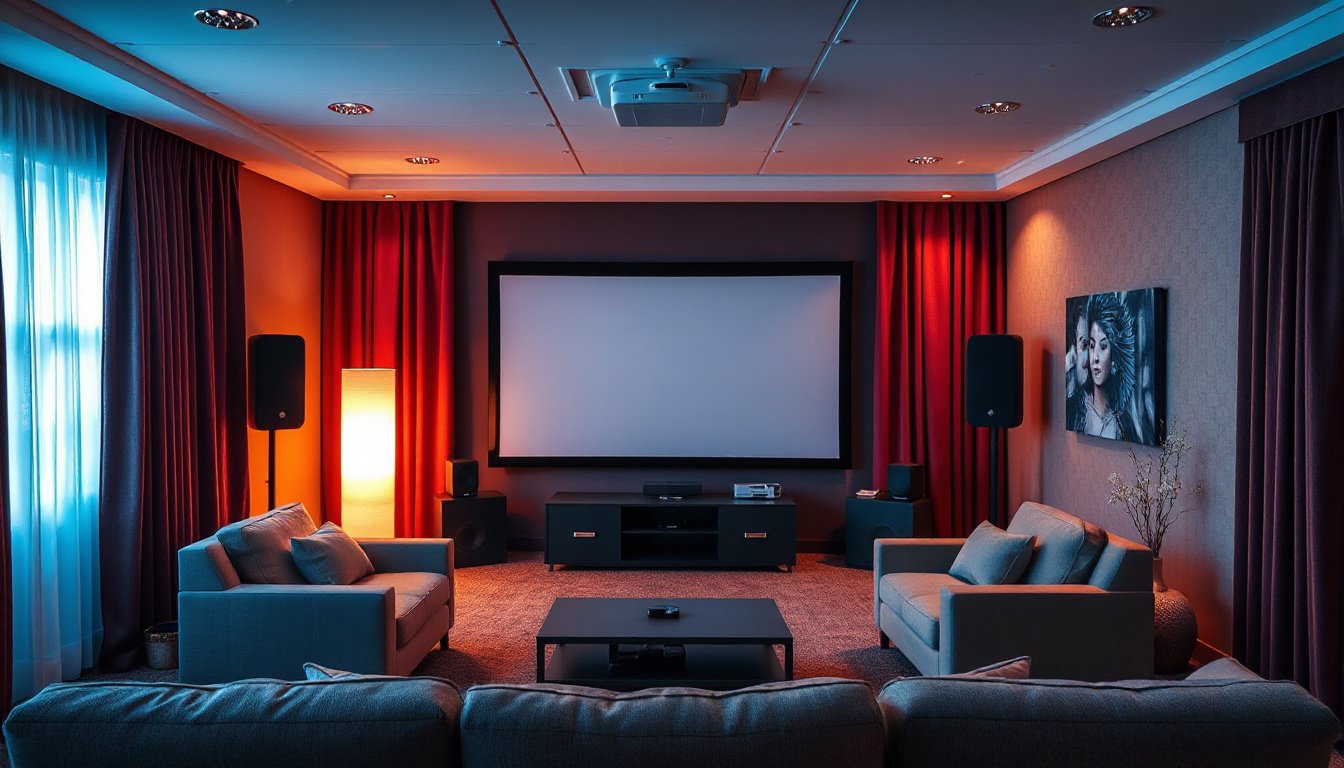
Projectors have become a cornerstone of immersive viewing experiences, whether for home cinemas, classrooms, or business presentations. Despite their impressive visuals, one common challenge that users often face is the distracting noise generated by projector fans and internal components. This background hum can detract from the clarity and enjoyment of your content. Fortunately, there are effective noise masking and reduction techniques that can help you create a quieter environment and elevate your viewing experience. This article explores practical approaches to managing projector noise based on the latest insights and expert recommendations.
Understanding the Sources of Projector Noise
Before diving into noise masking techniques, it’s essential to understand why projectors produce noise in the first place. Modern projectors utilize active cooling systems comprising fans to dissipate heat generated by their optical and electronic components like the DLP chip, lamp, and color wheels. These moving parts—motors, spinning RGB or color wheels, and cooling fans—inevitably generate mechanical noise ranging typically from 24 dBA to 32 dBA, depending on the model and usage mode. While technological advancements, such as dynamic fan control and improved motor designs, have significantly reduced these sounds, some degree of noise remains unavoidable.
Typically, projector noise is comparable to ambient sounds like a quiet library (around 30 dBA) and much lower than everyday conversation (60–70 dBA). Properly distancing the viewer from the projector also helps reduce perceived noise, with at least 2 meters recommended for comfortable, distraction-free viewing.
Step-by-Step Projector Noise Masking and Reduction Techniques

1. Assess Environmental and Projector Noise Sources
Begin by evaluating your environment to identify all sources of background noise, both from your projector and from other devices such as air conditioners, computers, or lighting fixtures. Use a decibel meter app or a professional sound level meter to log noise levels, helping you create a noise profile of your space. This enables targeted intervention to the most problematic noise contributors.
2. Optimize Projector Placement and Mounting
- Ideal Positioning: Place your projector in a well-ventilated space with at least 50 cm clearance around vents to avoid heat buildup and excessive fan speed.
- Height and Distance: Mount the projector on the ceiling or a stable bracket away from direct seating areas to reduce noise perception. Aim for a throw distance and height conducive to reducing distortion while keeping the projector away from noise-sensitive zones.
- Vibration Isolation: Use rubber mounts or vibration-damping pads to minimize mechanical noise transmitted through surfaces, particularly if the projector is placed on a hard table or shelf.
3. Employ Noise-Absorbing Materials and Acoustic Treatments
Strategically apply sound-absorbing materials near the projector and in the room to diminish noise reflections and transmission:
- Acoustic Foam Panels: Install these on walls adjacent to the projector to absorb mid and high frequencies.
- Mineral Wool Insulation: Place behind or near the projector mounting area for effective absorption of a broad frequency range.
- Ceiling Acoustic Tiles: Use overhead tiles to reduce reverberation in larger rooms.
- Soft Furnishings: Carpets, curtains, and cushioned furniture can further dampen ambient noise.
Select materials with noise reduction coefficients above 0.70 for optimal effectiveness without obstructing projector ventilation.
4. Adjust Projector Settings for Quieter Operation
Modern projectors often include configurable settings designed to reduce noise:
- Eco or Quiet Mode: Activates lower fan speeds by reducing lamp brightness and heat generation, significantly lowering noise output while maintaining good picture quality.
- Brightness Management: Dimming the lamp reduces thermal load, permitting quieter cooling.
- Firmware Updates: Keep projector software current to benefit from manufacturer noise optimization enhancements.
Note that lowering brightness too much may affect viewing quality, so find a balance that suits your environment.
5. Maintain and Monitor Your Projector Regularly
Dust and debris can clog vents and fans, causing increased noise from overworked cooling components. Routine cleaning of air filters and fan blades helps sustain quiet performance. Also, check for loose mounting components that might introduce vibration noise.
6. Use Noise Masking Audio Strategically
In some scenarios, deliberate ambient sound can mask projector noise:
- Background Music or White Noise: Playing low-level audio such as soft instrumental music can cover constant fan sounds without being distracting.
- Soundbar or External Audio Systems: High-quality external speakers can offer superior sound clarity, drawing attention away from operational noise.
Additional Tips for a Distraction-Free Viewing Environment
- Maintain a Sufficient Viewing Distance: Sitting at least 2 meters from the projector helps render noise less perceptible.
- Room Layout Optimization: Position seating and reflective surfaces to reduce sound bounce and concentration near the projector.
- Separate Projector Enclosures: Custom-built cabinets with soundproofing materials can house the projector, but make sure ventilation is adequate to prevent overheating.
Conclusion
While projector noise is an inherent aspect of current technology, careful application of noise masking and reduction techniques can significantly enhance your viewing experience. By assessing noise sources, optimizing placement, using acoustic treatments, tuning projector settings, and employing sound masking, you can create an immersive environment free from disruptive distractions. These strategies allow you to enjoy crisp visuals and crystal-clear sound without the annoyance of humming fans or mechanical whirs.
Implementing these methods not only improves your current setup but also prolongs projector lifespan through better thermal management and maintenance. Whether you use the projector for movies, gaming, education, or business, mastering noise masking is an essential step in achieving the perfect audiovisual environment.
References:
- BenQ India – How to Quiet Your Projector: Reduce Fan Noise Easily
- ProjectorDisplay.com – Noise Reduction Techniques for Projectors: Step-by-Step Success
- Occupational Safety and Health Administration (OSHA) – Noise Levels and Human Perception