





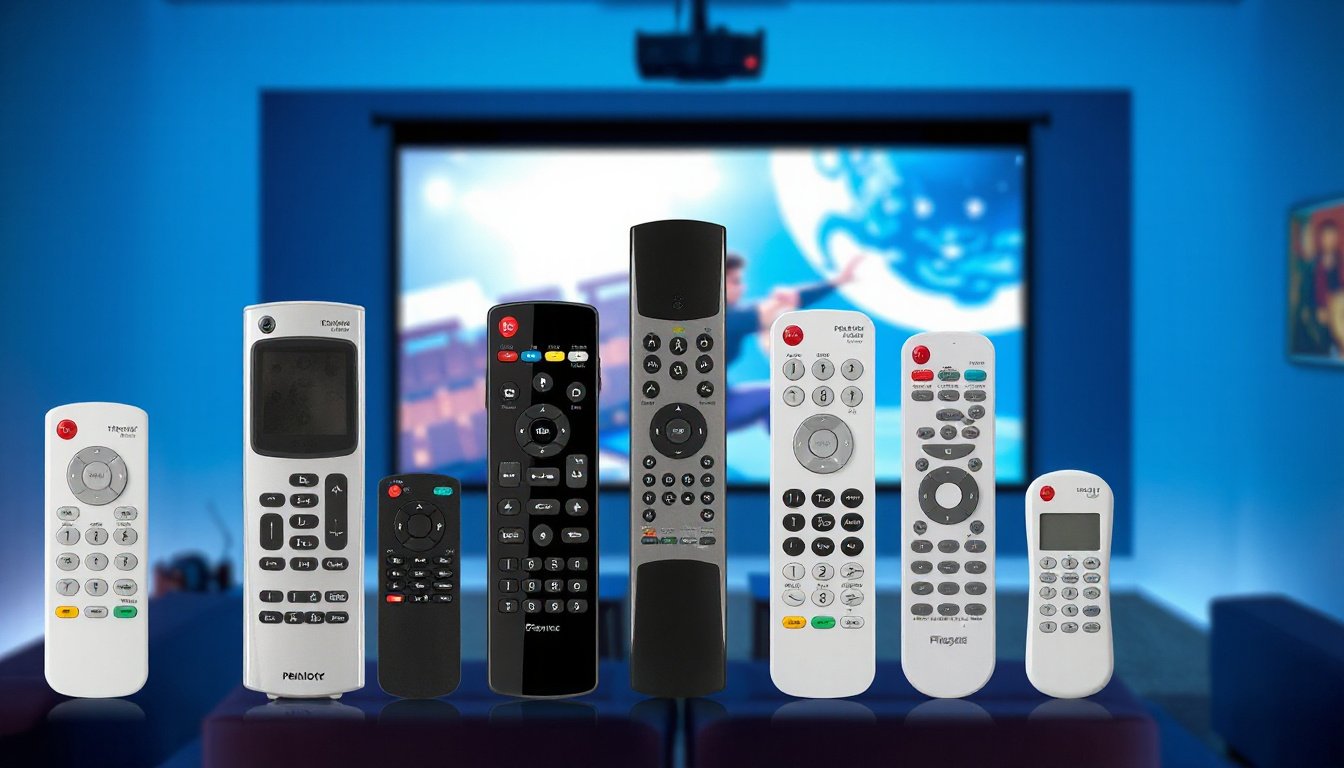
Projector remote controls are essential tools designed to maximize the ease and enjoyment of your viewing experience. Whether in a home theater, classroom, or corporate setting, using a projector remote provides seamless control over diverse functions without the need to physically interact with the projector. This article explores the standout features of projector remote controls based on current technologies, enhancing your understanding of their capabilities to help you make the most of your device.

1. Comprehensive Button Functions for Easy Control
Modern projector remotes come equipped with a wide range of buttons that streamline operations. Common features include:
- Power Control: Buttons to turn the projector on, off, or switch it to standby mode.
- Input Selection: Dedicated buttons allow switching easily between various inputs such as HDMI 1 and 2, DisplayPort, SDI, USB sources, and network inputs.
- Menu Navigation: Directional pads (up, down, left, right) and an Enter button facilitate smooth navigation through on-screen menus for settings adjustment.
- Volume Adjustment: For projectors with built-in speakers, remotes provide volume up/down and mute options.
- Lens and Image Adjustment: Specialized buttons like Focus, Zoom, and Lens Shift allow quick image reshaping and focusing without manual lens manipulation.
- On-Screen Display and Patterns: Some remotes include an “On Screen” button to hide or display menus, as well as options to project test patterns for calibration.
- Status and Defaults: A Status button displays projector information, while a Default button restores settings to factory presets, usually for the currently selected menu item.
- Shutter and Pause Functions: These temporarily suspend video projection and mute audio, perfect for quick breaks.
These functionalities make day-to-day projector operation intuitive, saving time and effort.
2. Remote Control Reception Range and ID Settings
Effective remote controls come with reliable receiver ranges for uninterrupted operation:
- Reception Angle: Typically around ±30 degrees to the projector’s receiver sensor.
- Operating Distance: Usually functional up to 8 meters (about 26 feet), allowing control from different parts of a room.
For environments with multiple projectors, many remotes support ID settings. Users can assign unique IDs to both projectors and remotes, enabling:
- Control of multiple projectors independently with a single remote.
- Group operation of several projectors simultaneously.
Setting and checking IDs is generally accessible via the projector’s system menu and remote control, adding flexibility for professional setups or large venues.
3. Wireless Mobile App Control Integration
In addition to traditional remote controls, some projector brands offer smartphone apps that allow remote management through wireless connections:
- Source Switching: Change input sources such as HDMI, USB, video, and network feeds directly from the mobile app.
- Projection Control: Temporarily stop or freeze the displayed image with tap commands.
- Volume and Captioning: Adjust volume levels and toggle closed captioning without a physical remote.
- Navigation and Settings: Use touch gestures like swiping to navigate menus and select options within the projector’s interface.
- Connectivity Enhancements: Apps often include features such as displaying QR codes to facilitate easy device pairing.
This integration boosts convenience, especially in classroom or corporate settings where controlling projectors via mobile devices complements the traditional remote.
4. Replacement and Backup Remotes
Considering how vital remotes are, procuring a replacement or spare remote is wise:
- Like-for-Like Design: Replacement remotes maintain the original layout, ensuring familiar operation.
- Essential Controls Covered: Power, navigation, volume, play/pause, and image flip functions are standard.
- Quick Setup: Usually ready to use immediately or with straightforward pairing steps.
- Backup for Outdoor or Large Venues: Having a spare ensures smooth operation during presentations or outdoor movie nights without interrupting the event.
A replacement remote safeguards continuous projector usability and offers peace of mind.
Conclusion
Understanding and utilizing the diverse features of projector remote controls significantly enriches your viewing and presentation experiences. From detailed button configurations and flexible ID settings to modern mobile app remote control capabilities and replacement options, these features support effortless projector management tailored to various environments and needs. By unlocking the best remote control features, you ensure convenience, precision, and enhanced enjoyment with your projector system.
Key Takeaways:
- Projector remotes come with extensive functions including power, input, volume, image adjustments, and menu navigation.
- Reception ranges generally extend to 8 meters with a ±30-degree angle.
- ID settings enable managing multiple projectors with a single remote.
- Mobile app control adds wireless convenience and additional features like screen freezing and QR code connection.
- Having a replacement remote is recommended for uninterrupted projector control.
Enhance your projector setup today by exploring these remote control features and selecting options perfect for your usage scenario.