





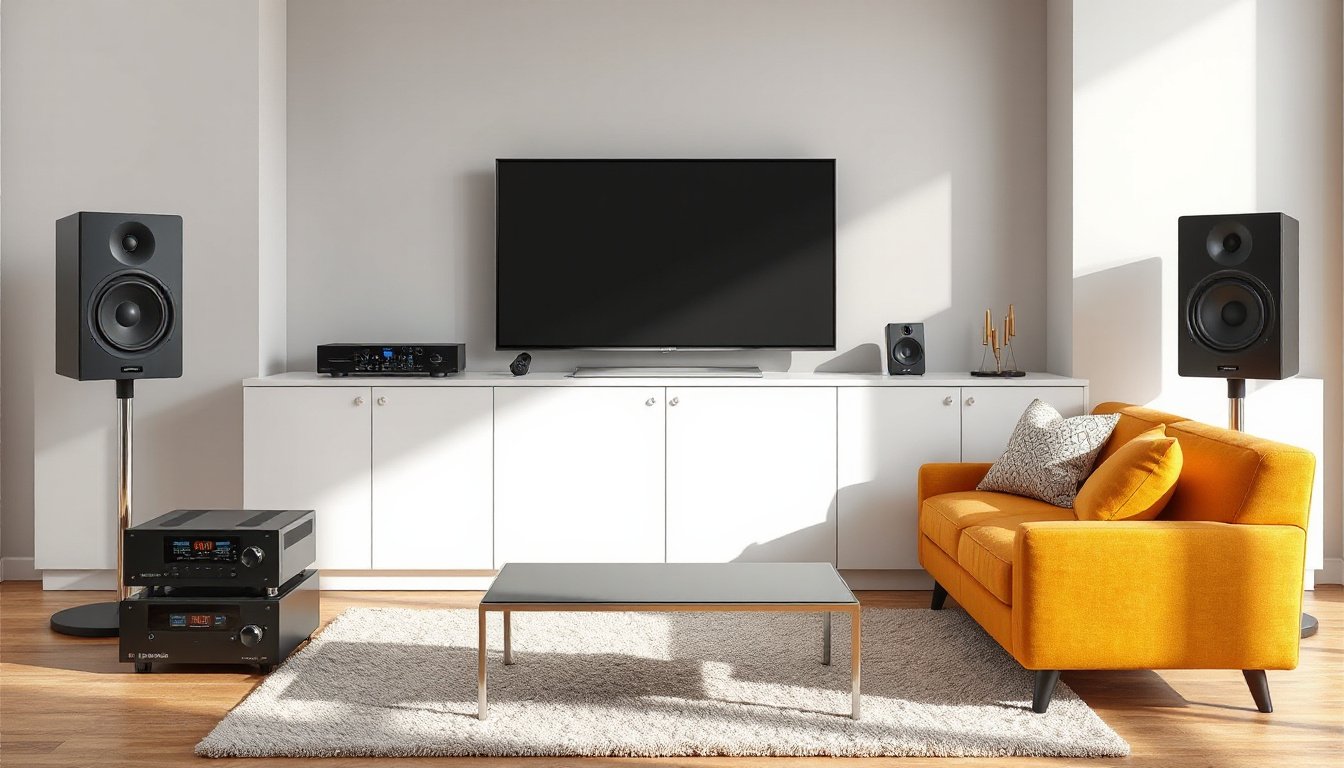
In today’s multimedia-driven world, enhancing your audio experience with external sound systems can transform how you enjoy music, movies, and games. Whether you’re using computer speakers, setting up a home theater, or creating an outdoor audio setup, understanding support for external sound systems is essential for optimal performance and seamless integration. This guide covers troubleshooting, mounting options, and planning tips to help you get the most from your external sound solutions.
Troubleshooting External Speakers on Your Computer
One of the most common scenarios for using external sound systems is connecting speakers to your computer. However, sometimes your external speakers might not work as expected. Here are key troubleshooting tips to ensure your setup is functioning properly:
-
Check Connections and Power: Verify that your external speakers are properly connected to your computer and that they are powered on. Confirm that cables are plugged in firmly and are in good condition.
-
Set the Default Playback Device: In Windows, navigate to Settings > System > Sound and select your external speakers as the default output device to ensure audio is directed correctly.
-
Run the Audio Troubleshooter: Use Windows’ built-in audio troubleshooter to automatically detect and fix sound playback issues.
-
Update Audio Drivers: Installing the latest drivers for your audio hardware is critical for compatibility and performance. Visit your device manufacturer’s website for driver updates.
-
Test Hardware Functionality: If problems persist, test the speakers with another device, or run hardware diagnostics on your computer’s sound card and USB ports (if applicable). This can help pinpoint whether the issue lies with the speakers or the computer.
-
Consider Reinstalling Operating System: As a last resort, reinstalling Windows can help resolve stubborn software conflicts affecting audio, though be sure to back up your data.
If after these steps the issue remains unresolved, consulting technical support or the speaker manufacturer is advisable.

Mounting and Positioning Your Speakers
Proper mounting and placement are crucial for achieving high-quality sound from your external speakers:
-
Speaker Stands and Mounts: Using speaker stands or wall mounts elevates your speakers to ear level and can reduce vibrations that impair sound quality. Choose stands or mounts compatible with your speaker size and weight for safety and optimal acoustics.
-
Speaker Placement: For stereo setups, positioning the left and right speakers roughly 10 feet apart allows a balanced soundstage. Avoid placing speakers too far apart, which can distort the stereo effect.
-
Outdoor Mounting Solutions: Weather-resistant or weather-proof speaker mounts help protect your equipment from environmental elements. Under eaves or covered areas, mounts protect speakers from direct rain while maintaining sound quality.
-
Adjustability Features: Some mounts offer tilt and swivel options for precise sound direction, enhancing your listening experience in different room layouts.
Manufacturers like SANUS provide a variety of audiophile-grade stands and mounts designed for different speaker models and environments, ensuring robust support and sound clarity.
Planning Outdoor Speaker Systems
Outdoor audio setups demand special planning considerations due to open spaces and environmental factors:
-
Assess Your Space: Small decks or patios require fewer speakers, strategically placed approximately 10 feet apart. Larger yards may need multiple zones with separate volume controls for balanced sound coverage.
-
Consider Speaker Type: Stereo-input outdoor speakers or mono speakers driven by specialized amplifiers can deliver crisp audio across your outdoor area.
-
Power Requirements: Outdoors, sound disperses quickly, so you generally need double the wattage compared to indoor setups to achieve similar perceived volume levels.
-
Wiring and Protection: Use in-wall or direct burial speaker cables with adequate gauge thickness (14-16 AWG) for longer runs. Protect cables using PVC conduits to prevent damage from gardening tools or rodents.
-
Amplifiers and Controls: Multi-channel amplifiers allow you to fine-tune volume for different zones. Weatherproof volume controls installed outdoors provide manual adjustment capabilities when wireless controls via smartphones are not convenient.
-
Portable and Event Setups: For gatherings or portable audio needs, consider battery-operated Bluetooth speakers with built-in microphones or portable PA systems that accommodate multiple audio inputs.
Professional consulting services and custom design assistance can be invaluable in planning complex outdoor sound systems to fit your budget and use cases.
Final Thoughts
Supporting external sound systems effectively involves a combination of proper hardware troubleshooting, strategic placement, and thoughtful planning tailored to your audio environment. Whether it’s enhancing your computer audio, mounting speakers in your living room, or designing an extensive outdoor system, understanding these essentials leads to richer, more immersive sound experiences.
By following recommended practices and utilizing appropriate accessories – from mounting hardware to amplifiers and cabling – you can overcome common issues and optimize your external sound system for years of enjoyment. Should challenges arise beyond basic troubleshooting, professional support from manufacturers and audio consultants is readily available to guide you toward the ideal setup.
By approaching your external sound system support with a comprehensive strategy, you ensure every note, beat, and lyric reaches your ears with clarity and power. Elevate your audio experience today!