





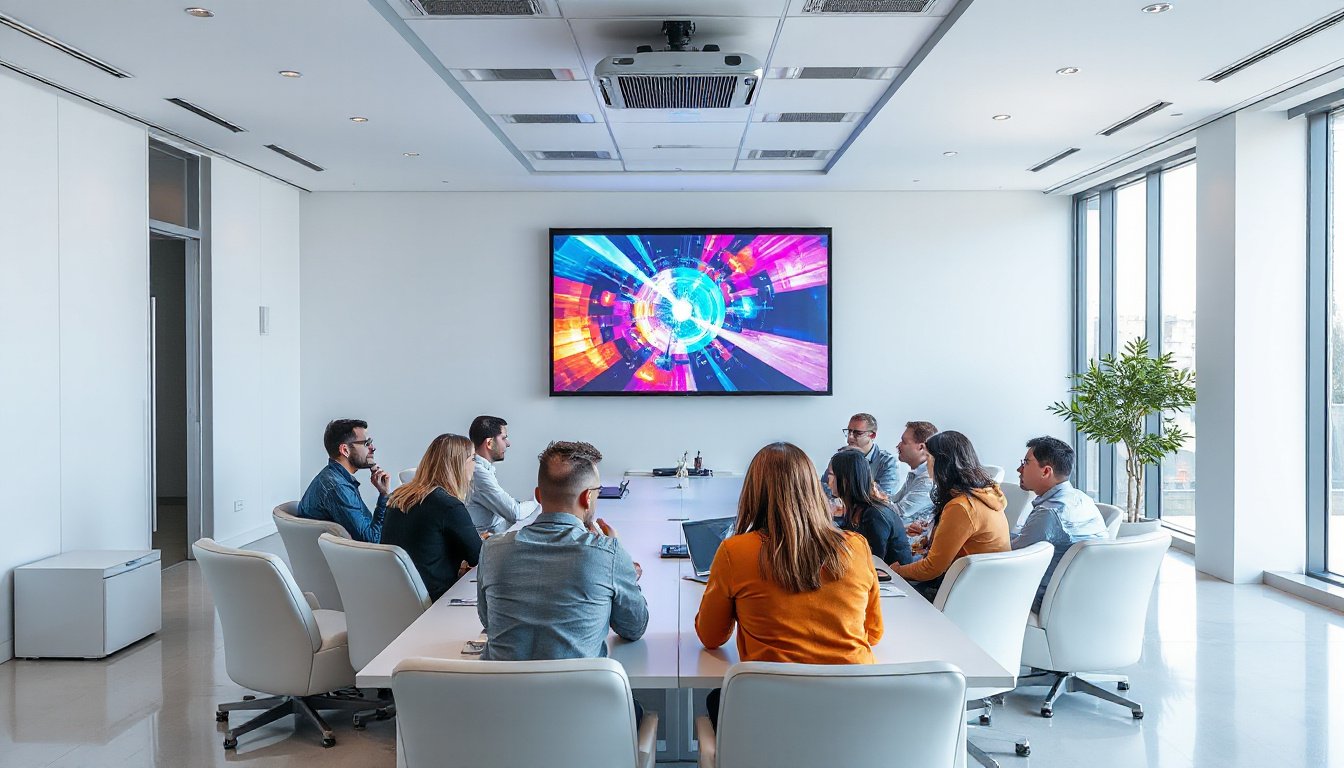
In the modern workspace, seamless communication and collaboration are paramount. Using projectors in conference rooms has become an essential strategy to elevate presentations, foster interactive collaboration, and deliver impactful meetings. This ultimate guide explores the advantages, setup tips, and best practices to help you maximize the potential of projectors in your conference environment.
Why Use Projectors in Conference Rooms?
Projectors transform the way information is shared during meetings. Here are some compelling reasons to consider integrating projector technology in your conference spaces:
1. Enhance Information Retention
Visual aids improve comprehension and memory retention. Presenting information as charts, illustrations, and videos helps attendees grasp concepts faster than just spoken words or textual documents. According to research, visuals like photos, icons, and concept maps make ideas more memorable.
2. Deliver Crisp and Engaging Content
Sharp, high-quality projection ensures your audience sees every detail, from fine text to vibrant color graphics. This clarity reduces misunderstandings and keeps the audience focused, making your presentations more persuasive.
3. Foster Better Team Communication
Projectors facilitate real-time sharing of information, ensuring all participants receive the same message simultaneously. This is crucial for collaborative problem-solving and decision-making, eliminating the inconsistencies of emails or fragmented chats.
4. Enjoy Flexibility and Portability
Many modern projectors are compact and portable, allowing you to shift them between rooms or even offsite. Whether you need a projector for a small huddle room or a large auditorium, there is a model adaptable to your requirements.

Choosing the Right Projector for Your Conference Room
Selecting a projector suited to your room size, content type, and interactive needs is the first step toward successful deployment.
Consider Room Size and Lighting Conditions
- Small rooms: Opt for short-throw or ultra-short-throw projectors that can display large images from a close distance without shadows or glare.
- Medium rooms: Standard-throw projectors with brightness around 3,500 lumens are appropriate.
- Large rooms or auditoriums: High brightness models (4,000 lumens or higher) ensure visibility even in well-lit environments.
Match Resolution to Content Type
- For text-heavy presentations, a Full HD (1080p) projector provides clear readability.
- For visual-heavy or design-focused content, consider 4K Ultra HD projectors to showcase detailed images and videos vividly.
Evaluate Interactive Features
Projectors that support finger touch or stylus interaction on a projection surface transform traditional presentations into collaborative sessions. Sharing annotations and notes instantly can improve engagement and productivity.
Installation and Setup Best Practices
Proper installation is critical for optimal projector performance and user experience.
Placement and Mounting
Ceiling mounting is ideal for a clean setup, avoiding obstruction in the meeting space. Ensure the throw distance fits your room and screen size requirements. Portable projectors allow flexibility but may require more setup time.
Screen Considerations
Use dedicated projection screens or choose smooth, white walls for clear, bright images. Adjust the screen height for comfortable viewing aligned with participants’ eye level.
Connectivity Options
Ensure seamless integration with your devices and conferencing systems. Modern projectors offer multiple connectivity choices such as HDMI, USB-C, and wireless casting. Compatibility with video conferencing tools can enhance virtual discussions.
Optimizing Usage During Meetings
Fine-tuning projector settings and incorporating complementary technologies can greatly boost meeting effectiveness.
Adjust Image Settings
Calibrate brightness and contrast to match room lighting—higher brightness in well-lit rooms and moderate settings in darker spaces. Use keystone correction to maintain a rectangular image if the projector angle is off.
Integrate Audio Solutions
Pair projectors with high-quality conference microphones and speakers to deliver clear audio, making virtual and in-person collaboration more immersive.
Leverage Wireless Content Sharing
Devices like wireless presentation pods eliminate cable clutter and speed up content switching, allowing multiple presenters to contribute effortlessly.
Combine with Interactive Boards
Using projectors in tandem with digital whiteboards enables annotations and brainstorming directly on projected content, enriching collaborative workflows.
Maintenance and Troubleshooting Tips
To ensure longevity and consistent performance, regular maintenance and troubleshooting are essential.
- Clean the lens and filters periodically to avoid dust accumulation that dims image quality.
- Update firmware to keep the projector compatible with new devices and features.
- Check cables and wireless connections if you experience signal loss or flickering.
- Ensure adequate ventilation to prevent the projector from overheating during extended use.
Final Thoughts
Integrating projectors into conference rooms is a forward-thinking investment that enhances engagement, communication, and collaboration. By choosing the right projector, preparing your meeting space properly, and maintaining the equipment, you empower your teams to present with confidence and inspire meaningful interactions.
Elevate your meetings—explore projector technology tailored to your conference room’s unique needs and experience productive sessions like never before.