





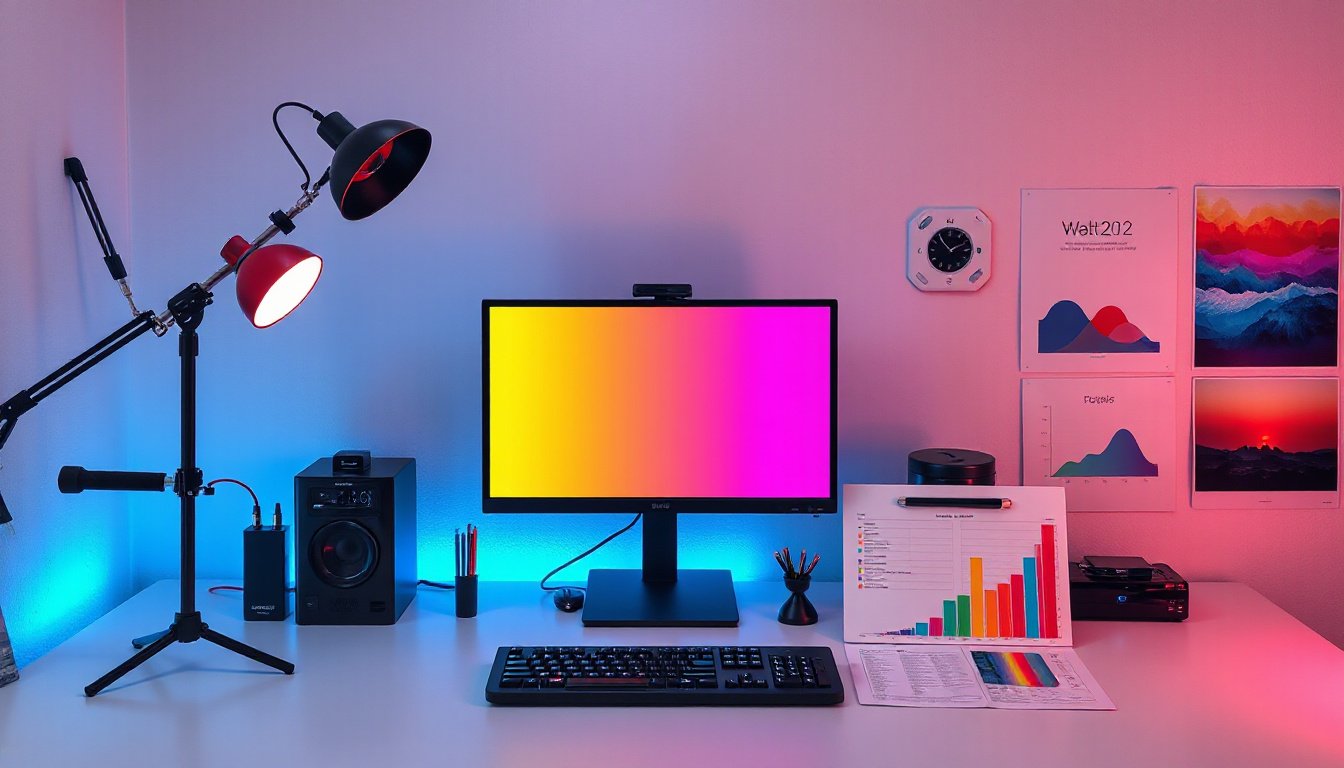
Color calibration plays an essential role in ensuring that the colors we see on digital displays, cameras, and print outputs are consistent, accurate, and true to the original intent. Whether you’re a professional photographer, graphic designer, videographer, or simply a digital content creator, understanding and implementing proper color calibration can drastically improve the quality of your work and save time and resources.
What is Color Calibration?
Color calibration is the process of adjusting and fine-tuning devices—such as monitors, cameras, scanners, and printers—to accurately represent colors within a known and standardized color space. This ensures that the colors displayed or printed match the intended hues, brightness, and contrast as closely as possible.
For digital images, monitor calibration specifically involves synchronizing the display so what you see on the screen is a precise replication of the final output, whether that be a printed photograph, a video on another device, or an online image. Without calibration, colors can appear inconsistent or distorted due to the natural variance of hardware or environmental factors.
Why is Color Calibration Important?
1. Ensures Color Consistency Across Devices
One of the biggest challenges in digital media is that different devices interpret and display color differently. A red that looks rich and vibrant on your monitor might appear dull or overly saturated on another screen or in print. Calibration minimizes these discrepancies by standardizing color output across various devices, enabling consistent viewing experiences for all users.
2. Saves Time and Resources
Uncalibrated monitors can cause creators to make misguided adjustments during editing, leading to multiple print iterations or re-edits. Studies show that professionals working from non-calibrated displays may require up to three times more revisions than those who use calibrated equipment. Proper calibration streamlines the workflow, reduces wasted materials, and cuts down editing time.
3. Maintains Professional Quality and Reputation
Accurate color representation is a hallmark of professionalism. If your project is viewed on an uncalibrated screen and appears poorly graded or color inaccurate, it can impact audience perception and harm your reputation as a creator. Calibrating your devices ensures that your creative vision translates accurately across all platforms.
4. Adapts to Device Variability and Aging
Devices like LCD monitors naturally shift in color output over time due to material degradation and environmental factors such as heat, humidity, and exposure to UV radiation. Regular color calibration compensates for these shifts, maintaining long-term color accuracy and enabling reliable proofing and editing.
How is Color Calibration Performed?
Color calibration procedures vary by device and the level of precision required, but can generally be categorized into software and hardware-based methods.
Software Calibration
This method uses software tools to measure and adjust color output by manipulating the graphics card and operating system profiles. It involves selecting gamma settings, setting brightness/contrast levels, and generating an ICC (International Color Consortium) color profile based on the display’s performance.
While software calibration is accessible and useful, it can be less precise due to dependencies on the video output and limited control over the internal hardware of the display. It may also cause gradation issues or reduce subtle color differences.
Hardware Calibration
Hardware calibration utilizes external color measurement devices, such as colorimeters or spectrophotometers, which directly measure the light emitted from the display. This data is used to adjust the monitor’s internal look-up table (LUT) and create highly accurate color profiles independent of the graphics card.
Hardware calibration provides superior precision, enabling more controlled adjustment of color gamut, brightness, black levels, and color modes like Adobe RGB or sRGB. It’s the preferred method for professionals requiring exact color reproduction and long-term consistency.

Calibration Beyond Monitors: Cameras, Scanners, and Printers
Color calibration extends beyond displays to other devices involved in the digital color workflow:
- Cameras: Calibrating cameras involves photographing standardized color charts and adjusting camera outputs to ensure faithful color capture. This step is crucial when working with multiple cameras to maintain consistent color rendition.
- Scanners: Color calibration for scanners uses IT8 targets—specialized color charts with known precise values—to create profiles that translate scanned colors accurately into digital files.
- Printers: Printers require calibration to match on-screen colors with printed outputs. Profiles are generated by printing test charts and measuring the colors produced, accommodating variations in ink, paper, and printer models.
Environmental Factors That Affect Calibration
Accurate color perception depends not only on calibration but also on the viewing environment. Controlled, neutral ambient lighting—preferably dim and neutral gray—is recommended for editing to prevent external light sources from skewing color perception. Mixed lighting or strong reflections on screens can mislead the viewer, so managing the workspace environment is an important part of effective color workflow.
Conclusion: Why You Should Prioritize Color Calibration
Color calibration is much more than a technical process—it’s fundamental to preserving the integrity of your creative work and ensuring it is experienced as intended by your audience. By committing to regular calibration and using the right tools—especially hardware calibration devices—you improve efficiency, reduce costly errors, and maintain a professional standard of excellence in digital imagery.
In today’s digital world, where media is consumed across countless devices and platforms, the value of accurate and consistent color cannot be overstated. Color calibration is the key to unlocking true color fidelity, helping you communicate your vision with confidence.
References synthesized from expert articles and industry guidelines on color calibration, including device-specific considerations, workflow benefits, and technological approaches.