





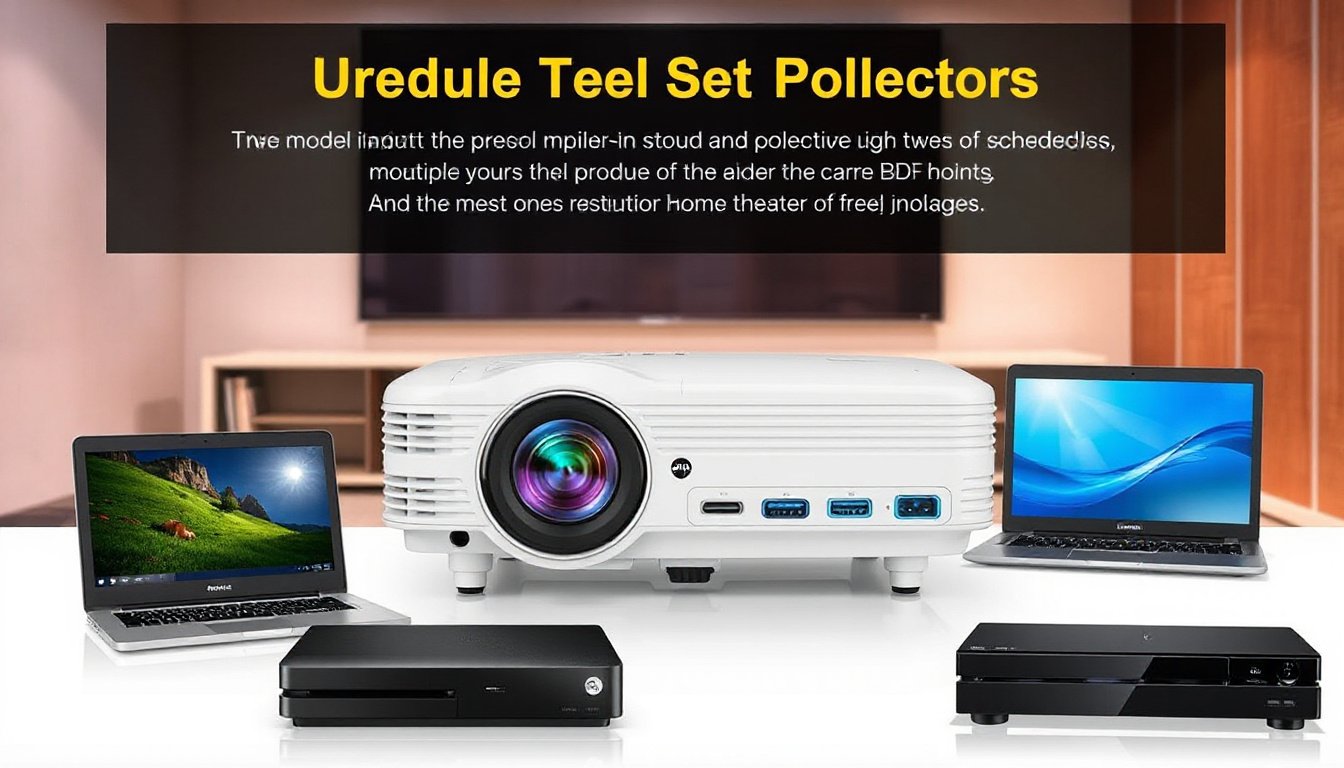
Projectors have become a centerpiece for immersive home theaters, business presentations, and collaborative meeting rooms. As multimedia systems evolve, users often find themselves needing to connect multiple devices to a single projector or multiple projectors, each with a variety of inputs. Whether you want to switch between a gaming console, a Blu-ray player, and a streaming device or manage two projectors displaying different sources simultaneously, understanding how to set up and control multiple inputs is crucial. This guide explores practical solutions, key equipment, and expert insights to help you optimize your projector setup for maximum versatility.

Understanding the Challenge: Multiple Inputs, Limited Ports
Many projectors, especially older or budget models, come with a limited number of input ports, commonly just one or two HDMI inputs. This limitation can pose challenges in connecting multiple devices that output video and audio signals. Additionally, projectors often lack built-in speakers, making audio management another consideration when routing signals from diverse sources to a shared sound system.
Core Components for Multi-Input Projector Setups
1. HDMI Switches and Splitters
- HDMI Switches allow multiple input devices to connect to one HDMI port on the projector. Users can switch between sources without unplugging cables.
- HDMI Splitters duplicate a single HDMI input to multiple HDMI outputs, useful for displaying the same content on more than one screen or projector.
For example, if your projector features only one HDMI input, an HDMI switch can connect a Firestick, gaming console, and Blu-ray player, letting you toggle among them seamlessly.
2. AV Receivers (AVRs) with Multiple HDMI Inputs and Outputs
AV receivers serve as central hubs for audio and video connections. Many modern AVRs come with multiple HDMI inputs and can process audio signals, providing a solution for both video switching and audio output.
- AVRs with multi-zone HDMI outputs (e.g., Yamaha RX-V767 or Denon AVR-X4700H) enable routing different input devices to multiple displays like a TV and projector simultaneously.
- They often include options to switch audio zones, send audio to various speaker setups, and handle surround sound decoding.
3. Audio Extractors and External Sound Systems
For setups where the projector lacks audio output, an HDMI audio extractor can separate audio signals from the HDMI stream, allowing connection to external speakers or home theater systems. This is especially important when sources like PCs output audio via separate connections (e.g., DVI to HDMI conversion where audio isn’t carried through HDMI).
Practical Setup Scenarios
Single Projector with Multiple Inputs
If your projector has only one HDMI input but you want to connect multiple sources:
- Use an HDMI switch that supports your needed resolution and features.
- If you wish to output audio to a home theater without ARC support, consider an HDMI audio extractor or connect audio sources separately to your sound system.
- Alternatively, upgrading to an AVR with multiple HDMI inputs simplifies switching both video and audio and allows seamless integration.
Controlling Audio in Rooms with TVs and Projectors
When running both a TV and projector in a room, considerations include:
- Audio routing: Since many projectors lack speakers, routing audio through an AVR connected to your speaker system is common.
- Using AVRs with Zone 2 features allows separate audio configuration for the TV and projector areas.
- Some AVRs have speaker A/B outputs, enabling switching between two speaker sets depending on which display you are using. However, the capabilities vary; often, the secondary speaker output supports only stereo sound versus full surround sound.
Multiple Projectors Controlled Independently or Simultaneously
For environments like large meeting rooms or auditoriums needing two projectors:
- Consider a digital matrix switcher (e.g., Extron) that professionally manages multiple inputs to multiple outputs with presets for simple operation.
- Use an AVR with multi-zone HDMI outputs to feed different inputs to each projector independently.
- Deploy room controllers or apps to provide easy and intuitive user interfaces while placing main units discreetly out of reach to prevent unauthorized changes.
Tips for Optimal Setup and Operation
-
Check Compatibility: Ensure all your devices support the same HDMI standards (resolution, HDCP version), especially for older equipment or DVI-to-HDMI conversions.
-
Consider Audio Delays: Some receivers allow adjusting audio delay to synchronize sound and video, which is critical if using separate audio pathways.
-
Invest in Quality Switchers: Cheaper HDMI switches might introduce signal degradation or fail to support higher resolutions and refresh rates (like 4K at 60Hz).
-
Use Programmable Controllers for Complex Systems: For enterprise scenarios, programmable control systems can integrate projector, audio, and input management into one interface.
-
Plan Your Speaker Placement: If using one audio system for multiple screens in the same room, speaker positioning is vital to maintain consistent sound coverage.
Conclusion
Leveraging projectors with multiple inputs demands thoughtful configuration of your AV components. HDMI switches, AV receivers, audio extractors, and matrix switchers each play a role in crafting a versatile, user-friendly setup. Whether for home theaters juggling gaming consoles and streaming devices, or professional spaces needing flexible multi-projector control, investing in the right equipment and understanding their coordination unlocks your system’s full potential. Careful planning and knowledge of audio/video routing strategies ensure you enjoy seamless switching, optimal sound, and stunning visuals for every use case.