





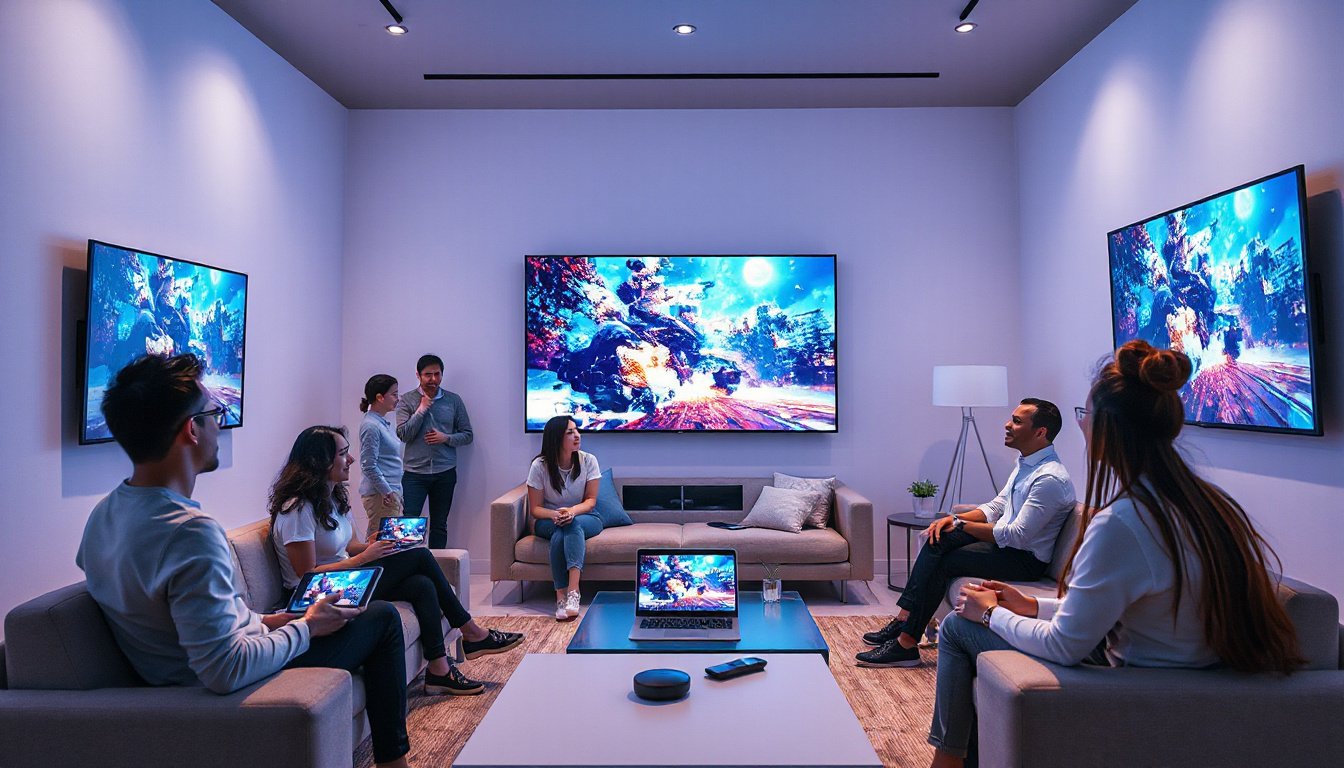
In today’s digital age, wireless connectivity has transformed how we consume and share content. Among the various technologies pushing this evolution forward is Miracast—a prominent wireless display standard that enables high-definition streaming without the tangle of cables. This guide dives deep into Miracast, exploring its technical foundation, device support, operating system integration, and challenges, providing a clear understanding of how it shapes the future of streaming.
What is Miracast?
Miracast is a peer-to-peer wireless screencasting standard developed by the Wi-Fi Alliance. Launched in 2012, it facilitates the transmission of video and audio from devices like smartphones, laptops, or tablets to display receivers such as TVs, monitors, and projectors using Wi-Fi Direct technology. Often described as "HDMI over Wi-Fi," Miracast replaces traditional HDMI cables with a secure, encrypted wireless connection.
Unlike conventional streaming protocols that rely on Wi-Fi networks, Miracast establishes an ad hoc Wi-Fi Direct connection between the sending and receiving devices. This setup allows it to operate independently of local networks, making it a versatile and widely compatible solution for screen mirroring and wireless display casting.
Technical Overview and Capabilities
Underlying Technology
Miracast employs Wi-Fi Direct, allowing devices to communicate directly without involving a router or network infrastructure. It creates an encrypted connection using WPA2 security through Wi-Fi Protected Setup (WPS), ensuring data transferred between devices is protected.
The standard streams video using the H.264 codec at resolutions up to 1080p by default, with optional support for 4K Ultra HD at 60 frames per second. Audio streaming mandates Linear Pulse-Code Modulation (LPCM) 16-bit 48 kHz stereo but also optionally supports advanced codecs like Dolby AC3, Dolby TrueHD, DTS-HD, and MPEG-H 3D Audio for richer sound.
Compatibility and Video Formats
Miracast supports a wide range of display formats:
- Consumer Electronics Association (CEA) formats ranging from 640 × 480 to 4096 × 2160 pixels at 24 to 60 fps.
- Video Electronics Standards Association (VESA) formats from 800 × 600 to 2560 × 1600 pixels at 30 to 60 fps.
- Handheld device resolutions starting from 640 × 360 up to 960 × 540 pixels.
These options enable Miracast to accommodate diverse device types and usage scenarios, from handheld devices to high-definition televisions.
Latency and Performance
While Miracast aims to deliver smooth wireless streaming, latency—i.e., the delay between source display and mirrored image—can vary based on device processing power and connection quality. Official certification does not enforce maximum latency limits, so some devices may experience noticeable delays. Tuning bitrate and latency parameters is a common approach in some systems to balance quality and responsiveness.

Device and Operating System Support
Windows
Microsoft introduced Miracast support in Windows 8.1, with extensive native integration from Windows 10 onward via the operating system’s built-in Miracast stack. This stack utilizes Wi-Fi Direct managed by Windows Display Driver Model (WDDM) 2.0 and newer, ensuring broad compatibility across graphics hardware without the need for vendor-specific implementations.
Windows 10 and 11 support both transmitting content to and receiving Miracast streams. The latter allows machines to act as wireless monitors ("Projecting to this PC" feature), enabled via an optional Wireless Display add-in. Windows also supports user input back channel (UIBC), letting devices transmit touch, keyboard, and mouse inputs wirelessly during casting.
Android
Miracast has been part of stock Android since version 4.2 (Jelly Bean). Many Android devices, such as Nexus 4, Sony Xperia Z series, HTC One, Motorola Droid, and Samsung Galaxy phones, have incorporated Miracast or manufacturer-specific derivatives (AllShare Cast, Smart View). Although broadly supported, Miracast adoption has diminished on some platforms like Google’s Pixel lineup, favoring Chromecast technologies.
Linux and KDE/GNOME Ecosystems
Native Miracast support in Linux desktop environments remains emerging and incomplete. Popular KDE Plasma currently lacks integrated Miracast support, relying instead on community projects such as MiracleCast, which require manual configuration and are limited in usability.
GNOME has made strides with the GNOME Network Displays application offering experimental Miracast streaming capabilities with ongoing development aimed at seamless integration. However, latency and usability issues remain a challenge on Linux systems, making Miracast more suited for presentations and video rather than low-latency interactive use like gaming.
Practical Usage Scenarios
Miracast is widely used for:
- Screen mirroring: Duplicating a smartphone, tablet, or laptop screen wirelessly on larger displays for presentations, gaming, or media consumption.
- Extended displays: Some systems allow extending the desktop workspace wirelessly akin to connecting an external monitor.
- Media streaming: High-definition video playback, including DRM-protected premium content, is supported due to Miracast’s content protection mechanisms analogous to HDMI’s HDCP.
Adapters are available to enable Miracast on older or non-certified displays through HDMI or USB ports, enhancing compatibility.
Challenges and Limitations
While Miracast offers many conveniences, users should be aware of some limitations:
- Interoperability limitations: Both the sending and receiving devices must be Miracast-certified for smooth operation. Non-certified devices may require adapters.
- Latency: Wireless streaming latency, often around one second or more, can hinder mouse control and interactive use.
- Support fragmentation: Some major platforms, notably Apple devices and Google’s newer phones, do not support Miracast, favoring proprietary or alternative solutions.
- Linux support: Native, user-friendly Miracast integration within Linux desktops (KDE, GNOME) is still developing and currently less reliable than Windows or Android.
Looking Ahead: The Future of Miracast and Wireless Display
Miracast remains a pivotal wireless display standard, especially in Windows and many Android ecosystems. Although competing technologies like Google Cast and Apple AirPlay have carved out their niches, Miracast’s open standard approach continues to drive wireless display adoption, particularly in corporate, educational, and mixed-device environments.
Ongoing developments in Linux desktop support signal potential broader accessibility, while improvements in codec efficiency, latency management, and ease of use will continue to unlock the full potential of wireless displays.
Conclusion
Miracast has unlocked new possibilities for cable-free streaming by combining Wi-Fi Direct’s peer-to-peer connectivity with robust video and audio codecs. Its cross-device compatibility, support for HD and 4K content, and native integration in key operating systems position it as a crucial wireless display standard that complements our increasingly wireless-centric digital lifestyles.
While challenges remain, especially concerning latency and platform support, Miracast’s role in simplifying and enhancing wireless media sharing is unmistakable—making it a technology worth understanding and anticipating as the future of streaming continues to unfold.
References:
- Miracast – Wikipedia
- Microsoft Learn: Supporting Miracast Wireless Displays
- KDE Discuss: Built-in Miracast Support in Linux Desktops